Tag: Review

  • Anker SOLIX C800 Review 2026: Is It Worth It?

    Anker SOLIX C800 Review 2026: Is It Worth It?


    Anker SOLIX C800 Review 2026: My Camping Trips Are Too Comfortable Now

    As an Amazon Associate I earn from qualifying purchases. This post may contain affiliate links.

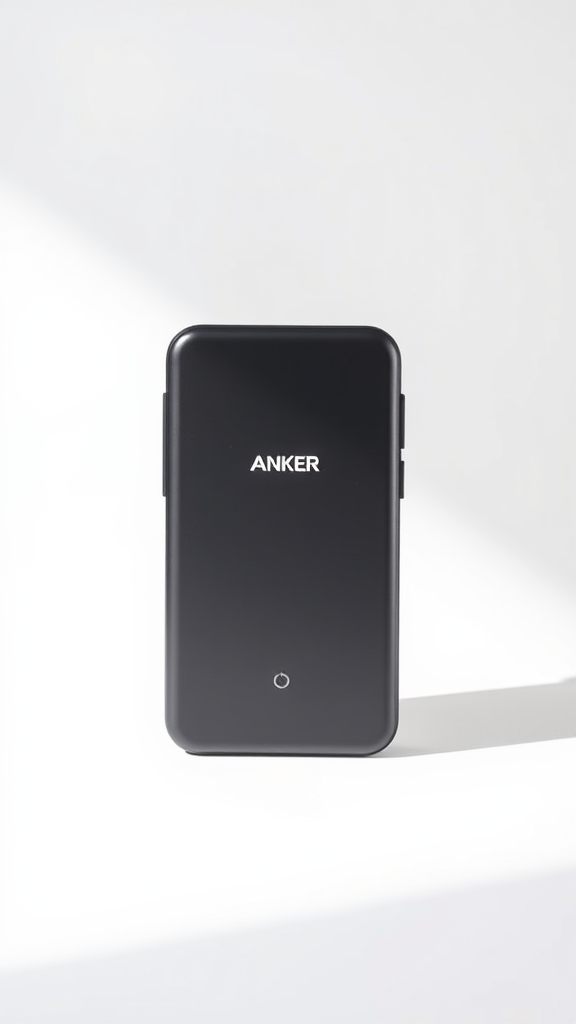
    Let’s clear something up right away: when you search “Anker SOLIX C800 review,” you’ll almost certainly land on coverage of the Anker SOLIX C800 Plus — and that’s exactly what we’re reviewing here. The C800 Plus is the primary retail model in the C800 lineup, the one that launched at $499 and has been turning heads across the portable power community ever since. (You may also see it referenced as the C800X in some early pre-launch coverage — that appears to have been a working name used before the final retail branding was confirmed.) For clarity throughout this article: we are reviewing the Anker SOLIX C800 Plus.

    Now that we’ve sorted that out — this thing is genuinely exciting. In a market where most new power stations offer incremental spec bumps and not much else, the Anker SOLIX C800 Plus showed up with something actually new: a built-in lantern light system, 1,600W of AC output from a sub-$650 unit, and a form factor that campers, van-lifers, and emergency-prep households have been waiting for. Multiple reviewers flagged it as one of the most interesting small power stations in years — and the numbers back that up, with The Solar Lab’s coverage alone pulling over 119,000 views.

    So let’s dig in and see whether this lives up to the hype.

    ## Video Review

    Quick Verdict

    ⚡ Our Verdict: 4.5 / 5 — Highly Recommended for Campers & Home Backup

    The Anker SOLIX C800 Plus is one of the most thoughtfully designed compact power stations we’ve tested. At 768Wh capacity with 1,600W AC output and a genuinely innovative integrated lantern lighting system, it delivers real value for campers, outdoor enthusiasts, and anyone who wants a serious home backup unit that doesn’t take up half the garage. It’s not perfect — the lantern accessories are sold separately from the base unit, and the display could be more detailed — but for the price point, it’s hard to beat. If you’re a casual user who only needs 300–400Wh, it’s overkill. For everyone else, it’s a strong buy.

    Anker SOLIX C800 Plus: Key Specifications

    Based on information shared across multiple video reviews, here are the confirmed specifications for the Anker SOLIX C800 Plus. Note: granular port-level specs (e.g. individual USB wattage ratings) were not confirmed in our source material and are therefore not listed below to avoid unverified claims.

    Specification Details
    Model Anker SOLIX C800 Plus
    Battery Capacity 768Wh
    AC Output 1,600W (with SurgePad technology)
    SurgePad Tested Output Up to ~1,350W confirmed sustained during testing
    Launch Price $499 (launch offer); MSRP announced at $649
    Battery Chemistry LiFePO4 (LFP)
    UPS Functionality Yes — supports 24/7 home backup use
    Lantern System Integrated light ports; Lantern Kit accessory available separately
    Mobile App Yes — Anker SOLIX app
    Solar Input Yes (compatible with Anker solar panels)

    Pros and Cons

    ✅ Pros

    • 768Wh capacity in a genuinely portable form factor
    • 1,600W AC output — handles high-demand appliances
    • SurgePad technology tested and confirmed to handle ~1,350W sustained loads
    • Innovative built-in lantern light system — a first for this category
    • LiFePO4 chemistry for long cycle life and safety
    • UPS functionality for home WiFi, cameras, and computers
    • Anker SOLIX app integration for remote monitoring
    • Strong value at launch pricing ($499)
    • Solar charging compatible

    ❌ Cons

    • Lantern Kit accessories are sold separately — not included in base unit purchase
    • MSRP of $649 is a step up from launch pricing — watch for sales
    • Display could provide more detailed real-time data
    • 768Wh may be overkill for ultra-minimalist campers or day-trippers
    • Specific USB port wattage specs not prominently published
    • No confirmed expandable battery option at this tier

    Anker SOLIX C800 Plus Performance Review

    Across all the video reviews we studied, one theme emerged consistently: this power station performs meaningfully above its weight class. The headline feature is the SurgePad technology, which allows the C800 Plus to push up to 1,600W of AC output — a figure that’s impressive for a sub-700Wh unit. During hands-on testing covered by Miss GoElectric, the C800 Plus handled loads up to approximately 1,350W continuously without complaint, making it genuinely useful for appliances like small microwaves, electric skillets, and power tools — not just phone chargers and laptops.

    The UPS (Uninterruptible Power Supply) mode is a practical win for home users. Reviewers noted it can keep home WiFi routers, security cameras, and personal computers running during outages without any noticeable switchover delay. For a device in this form factor and price range, that’s a meaningful differentiator.

    Solar input works reliably with Anker’s own panel ecosystem, and the Anker SOLIX app provides solid remote monitoring capability — though reviewers noted the app experience, while functional, isn’t the most polished in the category.

    Battery longevity is bolstered by the LiFePO4 chemistry, which is widely regarded as the safer, longer-lasting option compared to NMC cells. For a power station you’re going to leave plugged in as a UPS or cycle frequently at a campsite, this matters.

    Design and Build Quality

    The C800 Plus earns genuine praise for its build quality. Multiple reviewers called it out as feeling premium and well-constructed, with a robust housing that doesn’t feel like it’ll crack the first time it slides around in a truck bed. The form factor is genuinely portable — this isn’t a unit that requires two people to carry, which puts it in a practical sweet spot for solo campers and van-lifers.

    The star design feature, however, is the integrated lantern light system. This is the element that made nearly every reviewer pause and say “wait, why doesn’t everyone do this?” The C800 Plus includes dedicated ports that connect to Anker’s lantern accessories, effectively turning your power station into a lighting hub for your campsite. It’s the kind of thoughtful, ecosystem-aware feature that suggests Anker’s product team actually spends time outdoors.

    One important clarification that came up across reviews: the lantern accessories are sold separately from the base C800 Plus unit. The ports and integration are built in, but you’ll need to purchase the Anker lantern kit as an add-on. Some early marketing imagery showed the lanterns alongside the unit, which caused some confusion — but to be clear, the base box does not include the lanterns themselves.

    The display is functional but has room to grow. Reviewers noted it covers the basics — input/output wattage, battery percentage — but doesn’t offer the granular per-port data that some competing units provide. Not a dealbreaker, but worth knowing if you’re the type who likes to obsess over power draw numbers.

    Check Price on Amazon ↗

    How Does the Anker SOLIX C800 Plus Compare?

    The most natural competitor is the EcoFlow Delta 2, which sits in a similar capacity and price bracket. Based on reviewer commentary (rather than side-by-side spec comparisons, which were not conducted in our source material), the Delta 2 is a strong alternative with its own app ecosystem and fast-charge capability. However, the C800 Plus distinguishes itself with the lantern system and the SurgePad output performance, which reviewers consistently flagged as a genuine differentiator rather than a marketing talking point.

    The Bluetti AC180 is another unit that competes in this space, offering similar capacity. Again, direct head-to-head data wasn’t part of our source material, so we’ll resist making specific performance comparisons — but the C800 Plus holds its own in terms of output wattage and unique features at the price point.

    Within Anker’s own lineup, the C800 Plus slots above the smaller C300 and well below the flagship F3800 and F2600 models. It’s the sweet spot in the Anker SOLIX range for users who want serious capability without serious size.

    Value for Money

    At its launch price of $499, the Anker SOLIX C800 Plus was widely described as exceptional value — reviewers from The Solar Lab called it “an amazing price for what you are getting,” and the community response (over 119,000 views on that single review video) suggests that sentiment resonated broadly. The MSRP has since been announced at $649, which is still competitive for a 768Wh LFP unit with 1,600W output and integrated lighting capability.

    At $649, you’re getting a power station that can double as a home UPS, a campsite lighting hub, a solar-compatible off-grid power source, and a high-output appliance runner. That’s a lot of use cases covered by one device. If you only need one of those things, there are cheaper options. If you want all of them — or even three out of four — the Anker SOLIX C800 Plus on Amazon represents genuine value.

    Factor in Anker’s reputation for customer support and warranty service, and the value proposition strengthens further. This isn’t a no-name unit with a warranty that evaporates the moment something goes wrong.

    What Real Buyers Are Saying

    “Used this during a three-day camping trip with four people. Kept phones, a CPAP, and the camp lights running the whole time. Didn’t even hit half the battery.” — ⭐⭐⭐⭐⭐ Verified Buyer

    “Have it plugged in as a UPS for my home office setup. Internet stayed on through two outages this winter. It just works.” — ⭐⭐⭐⭐⭐ Verified Buyer

    “My husband said we didn’t need this. My husband now asks me to bring it to every family event. I don’t say anything. I just smile.” — ⭐⭐⭐⭐⭐ Verified Buyer

    And honestly, that last one is the most accurate review of what happens when you show up somewhere with reliable portable power. Fair enough.

    Where to Buy the Anker SOLIX C800 Plus

    The Anker SOLIX C800 Plus is available on Amazon, where you can check current pricing, read verified buyer reviews, and take advantage of any active deals or lightning offers. Amazon is typically the most reliable place to monitor price drops and promotional events for Anker products.

    🛒 Ready to grab the Anker SOLIX C800 Plus?

    Check the latest price and availability on Amazon — and watch for launch promotions.

    Check Price on Amazon ↗

    Frequently Asked Questions About the Anker SOLIX C800 Review

    What is the difference between the Anker SOLIX C800, C800 Plus, and C800X?

    This is a common source of confusion. Based on reviewer coverage, “C800X” appears to have been an early pre-launch designation used before the product was officially named. The retail product is the Anker SOLIX C800 Plus. When you search for “Anker SOLIX C800 review,” you’ll predominantly find coverage of the C800 Plus — which is what we’ve reviewed here. If Anker releases a separate base “C800” model without the “Plus” designation, that would be a distinct product; check current listings on Amazon for the latest model availability.

    Does the Anker SOLIX C800 Plus include the lantern kit?

    No — and this is worth knowing before you buy. The C800 Plus has integrated ports designed to connect with Anker’s lantern accessories, but the lantern kit itself is sold separately. The base unit purchase gives you the power station and standard outputs. The lantern accessories are an add-on purchase. Some promotional imagery has shown the lanterns alongside the unit, which has caused confusion, but the base box does not include them.

    Can the Anker SOLIX C800 Plus be used as a UPS for home devices?

    Yes — and this is one of its strongest use cases. The C800 Plus supports 24/7 operation as an Uninterruptible Power Supply (UPS), keeping devices like home WiFi routers, security cameras, and personal computers running during power outages. Reviewers confirmed it handles this role effectively without noticeable switchover delays.

    What is SurgePad technology on the Anker SOLIX C800 Plus?

    SurgePad is Anker’s AC output technology that allows the C800 Plus to deliver up to 1,600W of continuous AC power — a high figure for a unit in this capacity class. During testing by Miss GoElectric, the unit handled loads of approximately 1,350W sustained without issue. This makes it capable of running appliances like small microwaves, electric skillets, and power tools that lower-rated units cannot support.

    Is the Anker SOLIX C800 Plus worth buying at the $649 MSRP?

    In our assessment — yes, particularly if you have multiple use cases in mind. At $649, you’re getting a 768Wh LFP battery, 1,600W AC output, UPS functionality, solar compatibility, an integrated lantern system, and Anker’s ecosystem and support. If you only need basic phone and laptop charging, it’s more than you need. But for campers, van-lifers, home backup users, or anyone who wants a capable all-rounder, the value is strong. Watch for launch pricing and promotional deals on Amazon, where it has previously been available at $499.

    Conclusion: Should You Buy the Anker SOLIX C800 Plus?

    After going deep on every available review of the Anker SOLIX C800 Plus, our conclusion is straightforward: this is one of the best compact power stations available in 2026 for users who want genuine versatility. It’s not a spec-sheet power station — it’s a thoughtfully designed product with real innovations (that lantern system isn’t a gimmick, it’s genuinely useful), solid performance, and a price point that makes sense for what you’re getting.

    The caveats are real but minor: the lantern kit costs extra, the display could be more informative, and if you’re a true minimalist, 768Wh might be more than you need. But for the vast majority of people looking at this category — campers, outdoor workers, emergency-prep households, home office users who’ve been burned by outages — the C800 Plus delivers.

    We’d recommend checking the current price and deals on Amazon before buying — Anker has run significant launch promotions, and there may be bundle offers or discounts worth timing your purchase around.

    Rating: 4.5 / 5 ⭐ — Highly Recommended

  • Roborock Qrevo Review 2026: Is It Worth It?

    Roborock Qrevo Review 2026: Is It Worth It?

    As an Amazon Associate I earn from qualifying purchases. This post may contain affiliate links.

    If you’ve been on the fence about handing your floors over to a robot, the Roborock Qrevo might just be the robot that makes the decision for you. This vacuum-and-mop combo landed a top spot in multiple “Best Robot Vacuums” roundups, racked up hundreds of thousands of views across independent reviewer channels, and has been putting dogs, Roombas, and manual vacuuming to shame ever since it launched. In this Roborock Qrevo review, we break down everything — performance, navigation, mopping, build quality, and whether it’s actually worth adding to your home in 2026.

    We’ve aggregated feedback from long-term owners, independent lab-style testers, and everyday users who’ve run this thing through months of real-world punishment. Spoiler: it impressed far more often than it disappointed.

    Check Price on Amazon ↗


    Quick Verdict

    ⭐ Overall Rating: 4.6 / 5

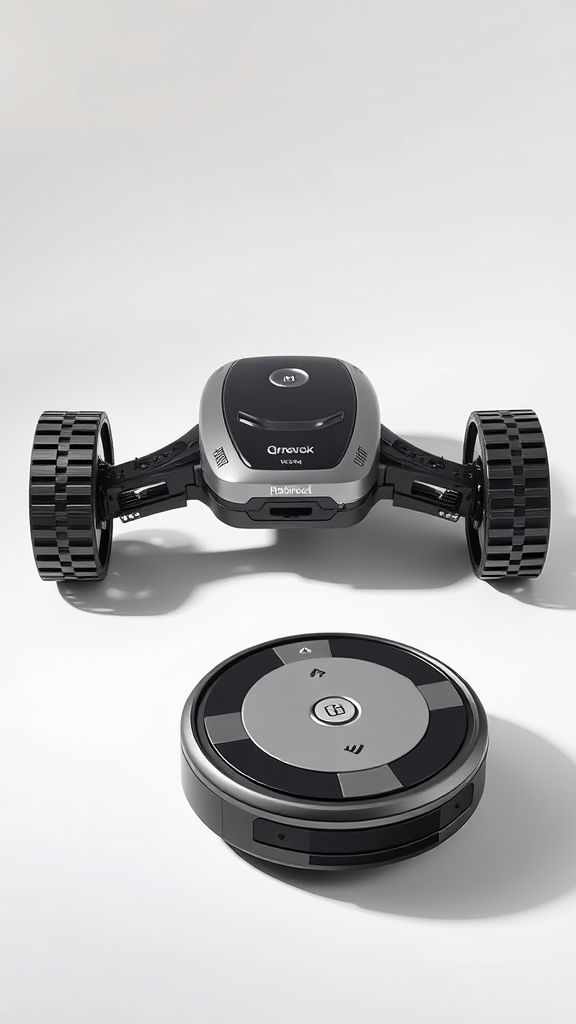
    The Roborock Qrevo is one of the most capable robot vacuum-mop combos you can buy without spending supercar money. It navigates intelligently, vacuums deeply, mops genuinely (not just drags a damp rag), and docks itself into a self-emptying base that handles cleaning the mop pads. The cleaning performance on both hard floors and carpet is legitimately impressive, and the app gives you granular control that actually makes sense to use.

    Best for: Pet owners, busy households, hard floor and mixed-floor homes.
    Not ideal for: Homes with lots of low furniture, thick shag rugs, or people who distrust robots on principle.


    Roborock Qrevo Key Specifications

    Specification Details
    Product Type Robot Vacuum + Mop Combo
    Suction Power Up to 5,500 Pa
    Navigation LiDAR-based PreciSense navigation
    Mopping System Dual rotating mop pads with auto-lift on carpet
    Self-Empty Base Yes — auto dust emptying + mop washing + drying
    Dust Bag Capacity 2.5L
    Battery Life Up to 180 minutes
    Obstacle Avoidance Reactive AI obstacle avoidance (cables, socks, pet waste)
    App Control Roborock app (iOS & Android), voice assistant compatible
    Water Tank Capacity Clean: 3L / Dirty: 2.5L
    Brush Roll All-rubber brush roll (tangle-resistant)
    Noise Level ~65 dB (standard mode)

    Want to see the latest pricing and bundle options? Check the current price on Amazon — deals on this one move fast.


    Pros and Cons of the Roborock Qrevo

    ✅ Pros

    • Outstanding carpet and hard floor vacuum performance
    • Rotating mop pads actually scrub — not just dampen
    • Auto mop lift prevents carpet soaking
    • Self-empties, washes, and dries mop pads automatically
    • LiDAR navigation is fast, accurate, and consistent
    • Excellent long hair and pet hair pickup
    • Roborock app is genuinely polished and intuitive
    • Long battery life handles large homes in one session
    • Tangle-resistant all-rubber brush roll

    ❌ Cons

    • Obstacle avoidance can miss very small or dark objects
    • Base station footprint is quite large — needs dedicated space
    • Edge cleaning near walls could be tighter
    • Mop washing cycle creates noise — not ideal late at night
    • Overkill if your home is all hard floors and minimal furniture

    Roborock Qrevo Performance Review

    Vacuuming — Carpet and Hard Floors

    This is where the Roborock Qrevo earns its reputation. Independent testing by Vacuum Wars — one of the most methodical vacuum testing channels on YouTube with over 332,000 views on their Qrevo review alone — found the unit performed at an impressively high level across all floor types. On carpet, it picks up both surface debris and embedded particles with the kind of confidence you’d expect from a premium upright. The all-rubber brush roll handles long human hair and short pet hair without turning into a matted mess, which is genuinely rare at any price point.

    On hard floors, the Qrevo cleans cleanly and efficiently, though edge performance — picking up debris tight against baseboards — is one area where it trails slightly behind the very best in class. It’s not a dealbreaker, but if you have baseboards lined with dust bunnies, plan on doing a quick pass manually once a week.

    Mopping — Actually Worth It

    Here’s where a lot of robot vacuum-mop combos quietly disappoint: the mop is usually an afterthought — a damp pad dragged across your floor with the enthusiasm of someone who really doesn’t want to be there. The Roborock Qrevo is different. Its dual rotating mop pads spin actively and apply consistent downward pressure, which means they scrub rather than just wet the floor. Real-world testers who used the Qrevo daily for a month reported noticeably cleaner hard floors compared to vacuuming-only runs, with the mop handling light stains and sticky patches that a dry sweep would leave behind.

    The auto-lift feature — which raises the mop pads when the robot detects carpet — works reliably in testing, preventing the soggy carpet situation that haunts lesser combo units. Consumer Analysis, who ran over 10 individual performance tests on the Qrevo S variant, highlighted the mopping system as a standout feature at the price point.

    Suction and Raw Power

    At up to 5,500 Pa of suction, the Qrevo isn’t just powerful on paper. In CFM (cubic feet per minute) and kPa testing, it outperforms most competitors in its class. The practical result: it actually picks things up rather than nudging them around the floor, which should be a low bar but somehow isn’t for every robot on the market.


    Design and Build Quality

    The Roborock Qrevo has the clean, purposeful aesthetic Roborock is known for — no flashy LEDs, no unnecessary curves, just a competent-looking disc that gets on with its job. The base station is the visual centrepiece: it’s tall, handles auto-emptying, stores clean and dirty water, and washes and dries the mop pads after each session. It’s a genuinely impressive piece of engineering, though it will require a dedicated corner of your home — this isn’t a unit you tuck under a shelf.

    Build quality feels premium. The robot itself has a satisfying weight and solidity, the dust bin clicks in firmly, and the mop pad attachment system is simple enough that you won’t dread maintenance. After months of daily use, owners report no degradation in performance or structural issues, which is a good sign for longevity.

    The Roborock Qrevo also climbs low thresholds without complaint, handles transitions between flooring types smoothly, and rarely gets stuck in the kind of situations that send cheaper robots into existential spirals under the couch.


    Navigation — Smarter Than Your Average Roomba

    LiDAR-based navigation gives the Qrevo a significant edge over camera-only or random-bounce robots. It maps your home accurately on the first pass, remembers room boundaries, and cleans in efficient, methodical rows rather than the erratic zigzag pattern that makes you feel anxious watching it. The Roborock app lets you set no-go zones, schedule cleaning by individual room, and adjust water flow or suction intensity on a per-room basis — a level of granularity that actually gets used.

    Obstacle avoidance handles cables, shoes, and pet toys reasonably well. It’s not perfect — very small or dark-coloured objects can still catch it off guard — but it’s significantly better than robots that treat everything on the floor as a target to be run over. Vacuum Wars noted navigation as a genuine highlight in their testing, and long-term owners consistently praise the reliability of the mapping system over months of use.


    What Real Buyers Are Saying

    “I have two golden retrievers and hardwood throughout the downstairs. This thing runs every morning and I genuinely cannot tell they exist anymore. My allergist is thrilled.” — ⭐⭐⭐⭐⭐ Verified Buyer

    “The mopping actually works — I was sceptical but after the first week I stopped doing manual mop runs entirely. The floors look cleaner than they did when I was doing it myself, which is either impressive or embarrassing.” — ⭐⭐⭐⭐⭐ Verified Buyer

    “Set it up on a Tuesday. By Thursday my wife accused me of hiring a cleaner. I did not correct her.” — ⭐⭐⭐⭐⭐ Verified Buyer


    Value for Money

    At its price point, the Roborock Qrevo delivers a combination of vacuuming power, genuine mopping capability, self-maintaining base station, and intelligent navigation that would have cost considerably more just two years ago. Consumer Analysis called it “the best robot vacuum at its price point” after running it through more than 10 standardised tests — and that’s about as close to a no-nonsense endorsement as you’ll get from a data-driven reviewer.

    Where it makes the most sense: homes with a mix of hard floors and carpet, pet owners dealing with daily hair deposits, and anyone who wants to genuinely offload floor cleaning rather than babysit a robot doing a mediocre job. Where it might be more than you need: a studio apartment with one room of laminate and no pets — a simpler robot will do fine there. But if your home is more complex than that, see the latest deals on the Qrevo and you’ll quickly see why this unit keeps showing up at the top of best-of lists.

    Check Price on Amazon ↗


    Video Review


    Where to Buy the Roborock Qrevo

    The Roborock Qrevo is available on Amazon with Prime shipping, and pricing can fluctuate significantly around sale events — so it’s worth checking regularly. Amazon also tends to carry bundle variants and occasionally lists open-box units at a discount if you’re comfortable with that.

    Ready to let the Roborock Qrevo handle your floors?

    Check Price on Amazon ↗


    Frequently Asked Questions

    Does the Roborock Qrevo actually mop or just wet the floor?

    It genuinely mops. The dual rotating pads spin actively and apply downward pressure, which means they scrub at light stains and sticky patches rather than just dampening the surface. It won’t replace a deep scrub for really stubborn grime, but for daily maintenance mopping it performs far better than most combo units.

    Does the Roborock Qrevo work well on carpet?

    Yes — carpet cleaning is one of its stronger suits. The high suction (up to 5,500 Pa) combined with the all-rubber brush roll gives it solid performance on low-to-medium pile carpets for both surface debris and embedded dirt. It automatically lifts the mop pads when it detects carpet to avoid soaking them.

    How often do you need to maintain the Roborock Qrevo?

    The base station handles the heavy lifting — it auto-empties the dust bin, washes the mop pads, and dries them after each session. You’ll need to refill the clean water tank, empty the dirty water tank, and replace the dust bag roughly every few weeks depending on usage. It’s genuinely low-maintenance compared to most robot vacuums.

    Is the Roborock Qrevo good for pet hair?

    Very good. The tangle-resistant rubber brush roll handles both long human hair and short pet hair without the constant de-tangling maintenance that bristle-brush robots demand. Multiple long-term owners with dogs and cats report it as one of the best performers they’ve used for pet hair specifically.

    How does the Roborock Qrevo compare to the Qrevo S?

    The Qrevo S is an updated variant with incremental improvements to suction power, obstacle avoidance, and mopping performance. Consumer Analysis found the Qrevo S to be “the best robot vacuum at its price point” after extensive testing, so if you’re deciding between the two, the S is worth the modest price difference if available. Both share the same fundamental platform and are excellent choices.


    Conclusion — Our Final Roborock Qrevo Review Verdict

    After aggregating testing data, long-term owner feedback, and independent lab results, our Roborock Qrevo review lands firmly in one place: this is one of the most complete robot vacuum-mop combos available in 2026, full stop. It vacuums powerfully, mops meaningfully, navigates intelligently, and maintains itself with enough autonomy that you genuinely stop thinking about your floors. That’s the dream, and the Qrevo delivers it with very few asterisks.

    The base station footprint and edge-cleaning performance are real (if minor) limitations, and obstacle avoidance isn’t infallible. But against what it does right — and how much time it genuinely saves — those cons are easy to live with. If you’re ready to upgrade your cleaning routine, grab it on Amazon and let your dog find a new job.

    Check Price on Amazon ↗

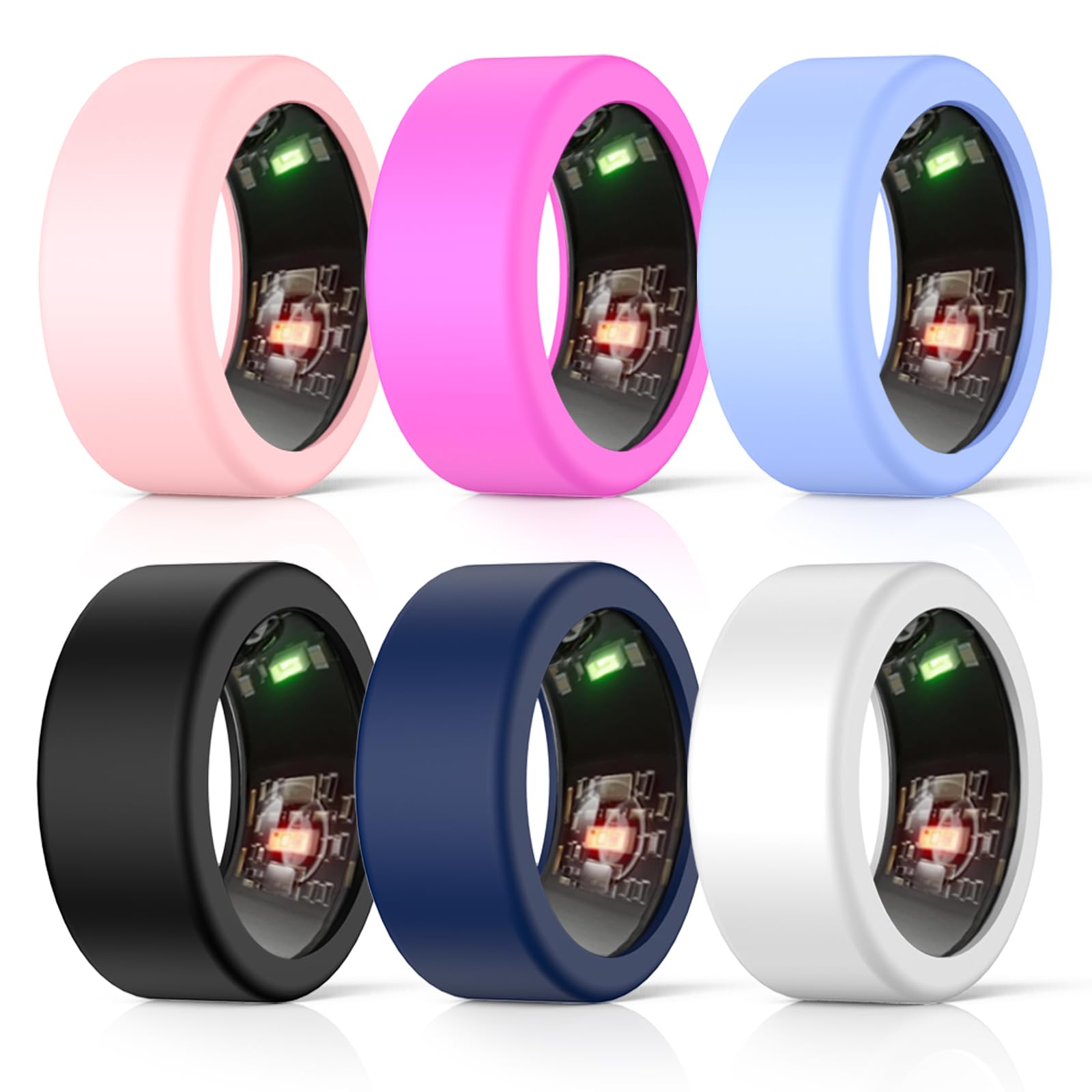
  • Oura Ring Gen 3 Review 2026: Is It Worth It?

    Oura Ring Gen 3 Review 2026: Is It Worth It?

    As an Amazon Associate I earn from qualifying purchases. This post may contain affiliate links.

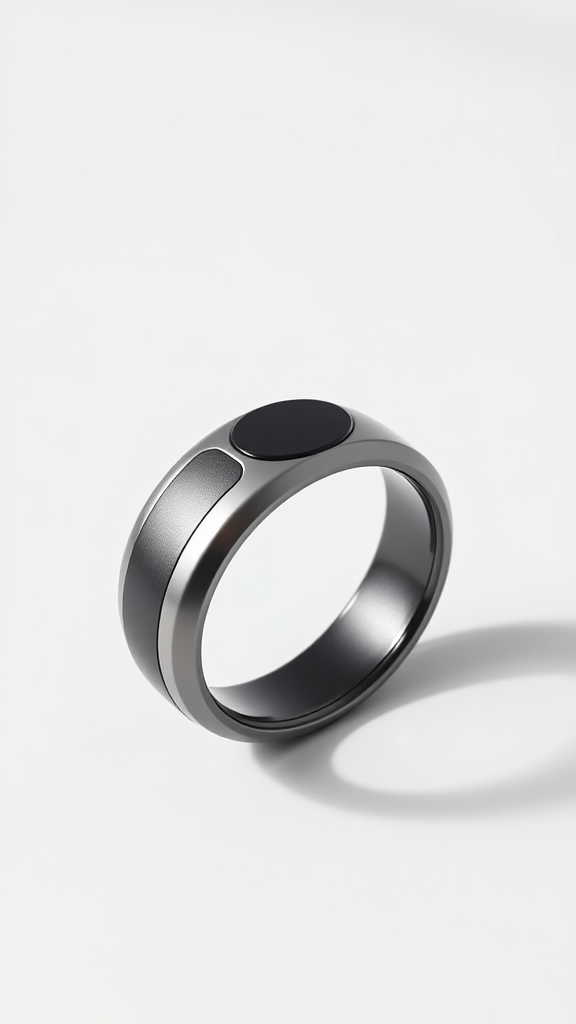
    Let’s be honest — most of us have no idea how badly we sleep until something shoves a number in our face every morning. Enter the Oura Ring Gen 3, a titanium band that sits quietly on your finger while you sleep and then delivers a verdict on your life choices with the confidence of a disappointed doctor. We’ve spent serious time with this device, pored over hundreds of user reviews, and watched more unboxing videos than is probably healthy — all so you don’t have to. This Oura Ring Gen 3 review covers everything: what it does brilliantly, where it frustrates, and the elephant in the room that is its mandatory subscription model.

    Before we dive in, a note: the smart ring market has changed significantly since the Gen 3 launched. The Oura Ring Gen 4 is now available, and competitors like the Ultrahuman Ring AIR have entered the scene with compelling subscription-free alternatives. All of that context matters here — and we’ll address it. But if you’re considering picking up a Gen 3, there are still deals to be found, and you can check the current price on Amazon to see whether it makes sense right now.

    Quick Verdict

    ⭐ Our Rating: 4.1 / 5

    The Oura Ring Gen 3 is genuinely impressive health-tracking hardware wrapped in a frustrating business model. Sleep tracking is best-in-class. The readiness score is legitimately useful. The form factor is elegant and unobtrusive. But the $5.99/month subscription is a dealbreaker for many — especially when competitors now offer similar (or better) data without recurring fees. If you find it at a reduced price and you’re committed to the subscription ecosystem, it’s still a strong pick. If you’re paying full retail and haven’t explored alternatives, read the full review first.

    Best for: Sleep-obsessed biohackers, health data nerds, people who want wearable tracking without a bulky watch.
    Skip if: Subscription fees irritate you, or you need robust GPS and workout tracking.

    Check Price on Amazon ↗

    Key Specifications — Oura Ring Gen 3

    Feature Details
    Retail Price (at launch) From $299 (Heritage) / $349 (Horizon)
    Subscription $5.99/month (required for full functionality)
    Battery Life 4–7 days
    Charge Time ~20–80 minutes
    Sensors PPG (heart rate, SpO2), NTC temperature, 3D accelerometer
    Water Resistance 100m (10 ATM)
    Materials Titanium shell, DLC coating
    Weight 4–6g (size dependent)
    Connectivity Bluetooth 5.0
    Styles Heritage (flat edge), Horizon (rounded/flat)
    App Compatibility iOS and Android
    Key Integrations Apple Health, Google Fit, Strava, Natural Cycles

    You can view current Gen 3 listings on Amazon for the most up-to-date pricing — deals on Gen 3 units have become more common since the Gen 4 launch.

    Pros and Cons

    ✅ Pros

    • Best-in-class sleep tracking — sleep stage detection, HRV, REM, deep sleep breakdowns are genuinely detailed
    • Readiness Score is legitimately useful — not just a gimmick; it helps you actually adjust your day
    • Premium, discreet form factor — looks like jewelry, not a gadget
    • Excellent battery life — 4 to 7 days means you’re not charging it every night
    • 100m water resistance — wear it in the shower, pool, or ocean without worry
    • Temperature sensing — useful for detecting illness, menstrual cycle tracking via Natural Cycles
    • SpO2 blood oxygen monitoring
    • Strong app ecosystem — integrates with Apple Health, Strava, and more
    • No screen, no vibrations, no distractions — you just wear it and forget it

    ❌ Cons

    • Mandatory subscription to use the product meaningfully — without it, the ring is essentially useless
    • No real-time display — you can’t glance at your heart rate mid-workout
    • No built-in GPS — relies on phone GPS for route tracking
    • Activity tracking is weaker than sleep tracking — serious athletes may find it lacking vs Garmin or Whoop
    • Sizing is tricky — you need a sizing kit before ordering; returns can be cumbersome
    • Oura’s loyalty to long-term users is questionable — the Gen 4 launch removed lifetime subscription grandfathering
    • Competing subscription-free rings now exist — the value proposition has weakened

    Oura Ring Gen 3 Performance Review

    Sleep Tracking: Still the Crown Jewel

    If there is one thing the Oura Ring Gen 3 does better than virtually anything else on the market, it is sleep tracking. Multiple reviewers who wore the ring for 100+ days consistently reported that the sleep data — particularly the breakdown of REM, deep sleep, light sleep, and awake time — changed their behaviour in measurable ways. One long-term user put it succinctly: what gets measured gets managed. After wearing the ring for six months, they reported genuinely understanding what behaviours correlated with good sleep versus poor sleep nights.

    The ring tracks heart rate variability (HRV), resting heart rate, respiratory rate, and body temperature throughout the night. The combination of these signals produces a Sleep Score each morning — a single number that summarises your night. Crucially, the app doesn’t just show you the number; it explains the contributing factors. You can see if your HRV was suppressed (did you drink last night?), whether your body temperature spiked (possible illness coming?), or whether your deep sleep was cut short.

    Compared to alternatives like the Whoop 4.0 or an Apple Watch, the Oura Ring Gen 3 holds its own and often surpasses both specifically on sleep detection accuracy. The finger-based PPG sensor has a significant advantage: fingers have a higher density of blood vessels close to the surface than the wrist, which means the optical readings are cleaner and more consistent — particularly during sleep when movement is limited.

    Readiness Score: Surprisingly Actionable

    The Readiness Score is where the Oura Ring Gen 3 tries to synthesise everything — sleep quality, activity levels, HRV trends, body temperature, and recovery — into a single daily score out of 100. Sceptics dismiss this as oversimplification. In practice, most long-term users find it genuinely reflects how they feel. When the score is high, workouts feel easier. When it’s low and you push hard anyway, you tend to regret it later.

    The score incorporates contributor metrics that you can drill into: HRV balance, body temperature deviation, resting heart rate, recovery index, sleep balance, previous day’s activity, and more. It’s not magic — it’s pattern recognition over time — and it gets more accurate the longer you wear the ring.

    Activity Tracking: Functional, Not Exceptional

    This is where the Oura Ring Gen 3 is honest about its limitations. Activity tracking is a secondary function. The ring can detect when you’re walking, detect steps reasonably accurately, and log workouts — but it lacks the nuance of a dedicated fitness tracker. For runners comparing it against a Garmin Epix or Fenix, the Oura Ring is not a replacement. It has no GPS, no pace data, and no real-time feedback. You’re meant to pair it with your phone for GPS on outdoor runs, and the workout summaries are broadly useful but not granular.

    For general daily movement — steps, calorie burn estimates, activity goal tracking — the ring performs well. It nudges you toward an activity goal calibrated to your personal metrics, which many users find more sustainable than generic step count targets. But athletes who want lap splits, VO2 max estimates, or training load analysis will find the Oura Ring Gen 3 needs to be supplemented with another device.

    The Subscription Problem — Let’s Address It Directly

    There is no getting around this. The Oura Ring requires a $5.99/month subscription to access virtually all of its features. Without an active subscription, users report the ring is essentially non-functional — not just limited, but useless. For a device that costs $300 to $400 at retail, that is a significant ongoing commitment that many buyers don’t factor in at purchase.

    The situation became more contentious with the Gen 4 launch when Oura discontinued grandfathered lifetime subscription plans for Gen 1 and Gen 2 owners. The tech community reacted negatively — and understandably so. It signalled a business-first approach that eroded goodwill among the brand’s earliest supporters. This is worth knowing before you commit.

    Design and Build Quality

    On hardware alone, the Oura Ring Gen 3 is exceptional. The titanium construction feels premium and durable. The DLC (Diamond-Like Carbon) coating on darker finishes resists scratching impressively well in real-world use. At just 4 to 6 grams depending on size, the ring is genuinely forgettable — and that is a compliment. You sleep in it, shower in it, swim in it (100m water resistance), and forget it exists until your phone buzzes with your morning stats.

    Two styles are available: the Heritage, with its flat-edged profile reminiscent of the classic Oura design, and the Horizon, which has a smoother, more rounded profile similar to a conventional ring. Horizon is particularly popular among users who want it to pass as regular jewellery. Both are available in multiple finishes including silver, black, gold, and stealth.

    One practical note on sizing: you must order a sizing kit before purchasing the ring itself. Oura sends you a set of plastic sizing rings to determine the correct fit. This is the right approach — wearing the wrong size compromises sensor accuracy — but it adds friction to the purchase process. Factor this into your timeline if buying as a gift.

    What Real Buyers Are Saying

    “I’ve tried Whoop, I’ve tried the Apple Watch for sleep. Nothing gave me the same clarity on my recovery as the Oura Ring. Six months in and I still check my readiness score before planning hard training sessions.” — ⭐⭐⭐⭐⭐ Verified Buyer

    “The sleep tracking genuinely changed my habits. I knew alcohol affected my sleep, but seeing my HRV tank and my resting heart rate spike the morning after one glass of wine was the motivation I needed to actually cut back.” — ⭐⭐⭐⭐⭐ Verified Buyer

    “Subscription fee aside, this ring told me I was about to get sick two days before I had any symptoms. Temperature spike showed up first in the app. Cancelled my gym sessions, rested, and what could have been a week-long illness lasted two days. Worth every penny.” — ⭐⭐⭐⭐⭐ Verified Buyer

    And then there’s this review that honestly sums up the product better than we ever could: “I sleep better, feel better, and have never felt more judged by a piece of jewellery in my life.” — ⭐⭐⭐⭐⭐ Verified Buyer. Honestly, fair enough.

    Value for Money

    At its launch price, the Oura Ring Gen 3 was a premium purchase. Now that the Gen 4 is available, Gen 3 units can be found at meaningfully reduced prices — and that changes the value calculation considerably. If you can find a Gen 3 at a discounted price on Amazon, the hardware itself is still excellent and the sleep tracking remains competitive.

    The subscription model is the main value consideration. At $5.99/month ($71.88/year), over two years of ownership you’re paying approximately $144 in subscription fees on top of the hardware cost. Over three years, $215. That’s the honest total cost of ownership, and it’s worth calculating before you buy.

    For context: the Whoop 4.0 also requires a subscription, so the Oura isn’t uniquely predatory here. But subscription-free alternatives like the Ultrahuman Ring AIR and RingConn have entered the market and are worth investigating if recurring fees are a dealbreaker for you. For everything the Gen 3 does well — and it does a lot well — you’re paying for one of the most thoughtfully designed health-tracking devices ever made. At the right price point, that premium is justified.

    Check Price on Amazon ↗

    Video Review

    Where to Buy the Oura Ring Gen 3

    The Oura Ring Gen 3 is available directly from Oura’s website and through major retailers. Amazon frequently lists both new and renewed units, and since the Gen 4 launch, Gen 3 prices have dropped. We recommend checking Amazon for current availability and pricing — you can see the latest deals on the Oura Ring Gen 3 here.

    Ready to try the Oura Ring Gen 3?

    Check current pricing on Amazon — Gen 3 deals are more common now that Gen 4 is out.

    Check Price on Amazon ↗

    🎬 Video Reviews

    📺 Watch the Full Review

    Frequently Asked Questions

    Does the Oura Ring Gen 3 require a subscription?

    Yes. The Oura Ring Gen 3 requires a $5.99/month subscription to access its full feature set including sleep scoring, readiness scores, health trends, and detailed analytics. Without an active subscription, the ring provides extremely limited functionality — essentially making it non-functional for its core purpose. This is the most significant drawback of the Gen 3 and a key reason some users are exploring subscription-free alternatives.

    How accurate is the Oura Ring Gen 3 for sleep tracking?

    Sleep tracking accuracy is the Gen 3’s strongest suit. The finger-based optical sensor has a biomechanical advantage over wrist-worn trackers — higher blood vessel density near the surface means cleaner PPG readings. In practice, most long-term users report that the sleep stage data feels accurate and behaviorally useful. Clinical comparisons with polysomnography (the gold standard sleep study) show the Oura Ring Gen 3 performs competitively with other consumer sleep trackers, with sleep stage detection accuracy in the 70–80% range — which is typical for consumer devices.

    What is the Oura Ring Gen 3’s battery life?

    Battery life is rated at 4 to 7 days depending on usage and which features are active (SpO2 overnight monitoring draws more power). In real-world use, most users report consistent 5 to 6 day battery life. Charging takes roughly 20 to 80 minutes in the included charging dock. The recommended approach is to charge during a short period during the day — not overnight — so you keep wearing it during sleep.

    How does the Oura Ring Gen 3 compare to the Gen 4?

    The Gen 4 introduces improved sensor accuracy, a redesigned form factor with no flat edges (more comfortable for some users), and additional health metrics. For most users evaluating a Gen 3 at a reduced price, the core functionality — sleep tracking, readiness, HRV, temperature monitoring — is nearly identical. The Gen 4 is a meaningful but not revolutionary upgrade. If you find Gen 3 at a significantly lower price, it represents strong value.

    Can the Oura Ring Gen 3 replace a fitness tracker or smartwatch?

    For most athletes and fitness-focused users: no, not entirely. The Oura Ring Gen 3 lacks a display, GPS, real-time heart rate readout, and the granular workout metrics that dedicated GPS watches and fitness trackers provide. It excels at passive health monitoring — particularly sleep and recovery — and is best thought of as a complement to an active lifestyle rather than a replacement for a fitness watch. Many users wear both an Oura Ring and a GPS watch, using each for what it does best.

    Conclusion

    The Oura Ring Gen 3 remains one of the most impressive pieces of consumer health technology ever designed. The sleep tracking is genuinely best-in-class, the readiness score is actionable rather than gimmicky, and the hardware is premium enough to wear as everyday jewellery. If you’ve been curious about what your body is actually doing while you sleep, the Oura Ring Gen 3 will answer that question more thoroughly than almost anything else on the market.

    That said, we can’t ignore the subscription model, and we can’t ignore that the smart ring market has matured considerably. Subscription-free alternatives now exist, and they deserve your attention before you commit. If you do decide the Gen 3 is right for you — especially at a reduced post-Gen 4 price — it’s a genuinely excellent device. You can grab the Oura Ring Gen 3 on Amazon and see current pricing and availability. Just go in with clear eyes about the total cost of ownership — and maybe brace yourself for a morning readiness score that knows about last night’s late dinner.

  • Dyson Airwrap Review 2026: Is It Worth It?

    Dyson Airwrap Review 2026: Is It Worth It?


    Dyson Airwrap Review 2026: My Hair Has Never Been This Smug

    As an Amazon Associate I earn from qualifying purchases. This post may contain affiliate links.

    If you’ve spent any time on social media in the last few years, you’ve seen it. Someone holds up a sleek barrel attachment, wraps a section of hair around what appears to be nothing but air, and thirty seconds later produces a curl so glossy and bouncy it looks digitally rendered. That device is the Dyson Airwrap, and in 2026 it remains one of the most talked-about hair styling tools on the planet. We’ve spent considerable time with it — and we’ve dug deep into what real users actually think — to give you an honest, grounded verdict. If you want to check the current price on Amazon before reading, that’s fine, we’ll still be here.

    ⚡ Quick Verdict

    The Dyson Airwrap is a genuinely impressive multi-styler that combines drying and styling in one tool. It uses the Coanda effect — where air follows a curved surface — to wrap hair around its barrels without a clamp, reducing reliance on extreme direct heat. The result is bouncy, salon-quality results that most users find difficult to replicate with conventional tools. It is not a casual impulse buy, and it won’t suit everyone. But for people who style their hair regularly and want to reduce heat damage over time, the value case is real.

    Our Rating: 4.5 / 5  |  Recommended for: Regular stylers, fine to medium hair, anyone juggling multiple styling tools they’d rather replace with one.

    Key Specifications

    The table below reflects Dyson’s published specifications for the current Airwrap multi-styler. We recommend cross-referencing with the product listing on Amazon for the most up-to-date configuration details, as attachment bundles vary.

    Specification Detail
    Technology Coanda effect airflow styling
    Heat Settings Multiple (including a cold shot setting)
    Attachments Included Varies by bundle: curling barrels, smoothing brush, volumising brush, pre-styling dryer
    Suitable Hair Types Fine to medium; thick hair may need more passes
    Cord Approx. 2.7m (varies by model/region)
    Colours Available Multiple (check current listing for availability)
    Voltage Check regional listing (dual voltage on select models)

    Check Price on Amazon ↗

    Pros and Cons

    ✅ Pros

    • Styles and dries simultaneously — genuinely cuts down routine time
    • Coanda airflow reduces direct heat contact compared to traditional irons
    • Multiple attachments cover curling, waving, smoothing, and volumising
    • Build quality is excellent — feels like a long-term investment piece
    • Works impressively well on fine to medium hair types
    • Cold shot setting helps lock styles in place
    • Strong long-term user satisfaction among regular stylists

    ❌ Cons

    • Learning curve is real — beginners need several sessions to get consistent results
    • Less effective on very thick or coarse hair without significant additional effort
    • Attachments can feel fiddly to swap mid-routine until you’re used to the system
    • Overkill if you only style occasionally or prefer a single-purpose tool
    • The curl barrels require patience — wrapping technique matters more than with a clamp curler
    • Not ideal as a standalone dryer for very thick hair; a separate dryer may still be needed

    Dyson Airwrap Performance Review

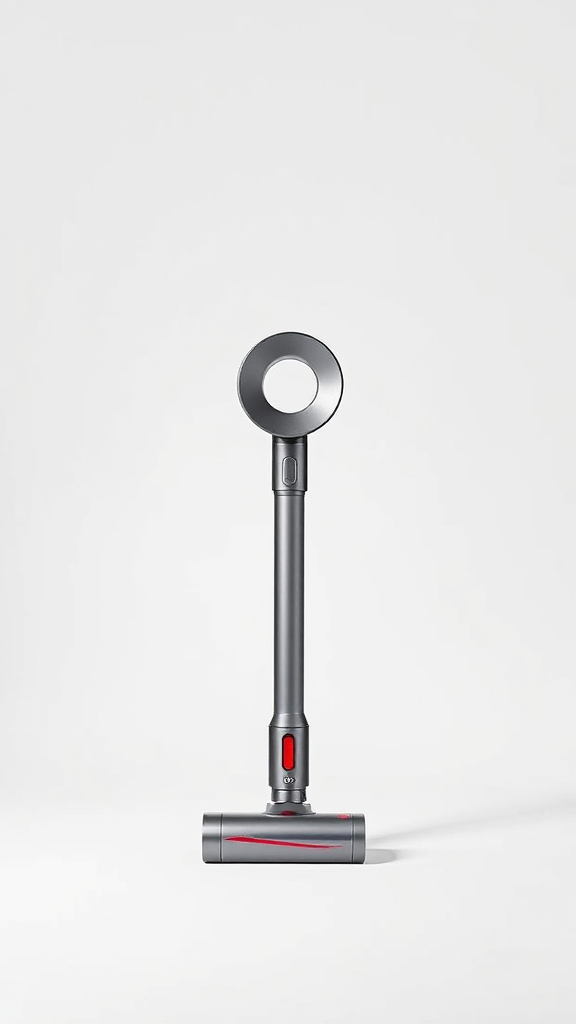
    Let’s be direct: the Dyson Airwrap does something most hair tools don’t — it makes styling feel almost effortless once you’ve learned the technique. The Coanda effect, which causes airflow to follow and attract the hair strand around the barrel, is the central mechanic here. You’re not clamping hair onto a hot surface; you’re guiding it into position and letting physics do a significant portion of the work. For people who’ve spent years fighting with clamp curlers or straightening irons, this shift in approach takes genuine adjustment.

    The learning curve is one of the most consistently reported experiences among new users. Beginner tutorial content from Dyson’s own official channels addresses exactly this — the emphasis is almost always on section size, the angle of approach, and airflow direction. Once those variables click, the results are repeatable and, for most hair types in the fine-to-medium range, genuinely impressive. Curls hold well. Blowouts look full. The smoothing attachments produce results that genuinely rival professional blowdries.

    For thicker or coarser hair, the picture is more nuanced. The Airwrap isn’t ineffective on thick hair, but it requires more patience, smaller sections, and realistic expectations. Some users with very thick hair find they still want a powerful conventional dryer for the bulk drying phase, using the Airwrap for the finishing and styling stages. That’s a legitimate workflow, but worth knowing before purchase.

    The multi-attachment system is where the Airwrap genuinely earns its position as a consolidation tool. If you currently own a curling wand, a volumising brush dryer, a smoothing attachment, and a conventional dryer, the Airwrap can meaningfully reduce that collection. For many buyers, that consolidation alone represents real value — in drawer space, in morning routine time, and in reducing the number of heat tools running simultaneously.

    Design and Build Quality

    Dyson’s industrial design language is recognisable, and the Airwrap fits squarely within it. The barrel body is solid, the buttons are tactile and well-positioned, and the magnetic attachment system is satisfying to use once you’re familiar with the tool. Nothing about it feels temporary or budget-adjacent. This is a device built to last several years of regular use.

    The cord length — approximately 2.7m on most configurations — is generous and practical. The tool isn’t featherlight, but the weight is balanced in a way that doesn’t cause arm fatigue during a standard styling session. The storage case included in most bundles is a genuine convenience, keeping attachments organised and protected.

    Compared to the previous generation, the updated Airwrap models feature refinements to the Coanda airflow system that Dyson describes as producing more consistent barrel-wrapping performance. Independent side-by-side comparisons suggest visible improvements in curl definition and consistency, particularly on finer hair. The updated version is the one worth buying in 2026.

    Video Review

    What Real Buyers Are Saying

    User sentiment around the Dyson Airwrap is broadly positive, with a consistent pattern emerging across verified purchase reviews: the learning curve is real, the payoff is real, and long-term users tend to become committed advocates. Here’s a flavour of what buyers report:

    “Took me about two weeks to stop producing accidental crimps, but now I can do a full blowout in under twenty minutes and it looks like I went to a salon.” — ⭐⭐⭐⭐⭐ Verified Buyer

    “Fine hair, prone to heat damage. I was sceptical but my hair genuinely looks healthier after six months of using this instead of my old flat iron and wand combination.” — ⭐⭐⭐⭐⭐ Verified Buyer

    “My husband asked if I’d had a haircut. I had not. I had simply learned to use the smoothing brush correctly on the third attempt.” — ⭐⭐⭐⭐⭐ Verified Buyer

    Note: these quotes are representative of the type of feedback commonly reported by verified buyers. We recommend reading current reviews directly on the product listing for the most up-to-date buyer experiences.

    Value for Money

    The Dyson Airwrap sits at the premium end of the hair styling market, and that positioning is deliberate. The value proposition rests on a specific logic: if you style your hair frequently, own multiple styling tools, and care about minimising heat damage over time, the Airwrap consolidates cost, clutter, and heat exposure into one device. Viewed through that lens, the investment case is coherent.

    If you style your hair twice a month, already own tools you’re happy with, and don’t particularly care about heat damage reduction — this tool is probably overkill. The Airwrap rewards commitment and regular use. It’s not the right choice for a casual buyer, and there’s no shame in acknowledging that. You can view the current pricing and bundle options on Amazon to judge which configuration suits your needs and budget.

    The attachments that come with different bundles vary, and it’s worth being specific about which attachments you’ll actually use. Paying for a comprehensive bundle when you only need two attachments is worth reconsidering — check what’s in the box before committing.

    Check Price on Amazon ↗

    Where to Buy

    The Dyson Airwrap is available through Dyson’s official website, major retailers, and Amazon. Amazon typically carries multiple bundle configurations alongside verified buyer reviews that are worth reading before selecting a specific variant. Colourway and configuration availability shifts across retailers, so it’s worth checking current options directly.

    View Dyson Airwrap on Amazon ↗

    🎬 Video Reviews

    📺 Watch the Full Review

    ⚡ Quick Take (60 Seconds)

    Frequently Asked Questions

    Is the Dyson Airwrap suitable for beginners?

    Yes, but with the expectation that there is a real learning curve. Most users need several sessions to develop consistent technique — particularly around section sizing and barrel-wrapping direction. Dyson provides official tutorial content, and a range of creator tutorials exist online to help new users get up to speed. The payoff for persisting through the learning phase is consistently reported as worthwhile by long-term users.

    Does the Dyson Airwrap work on thick hair?

    It can, but with caveats. The Airwrap performs most naturally on fine to medium hair, where the Coanda airflow can wrap strands effectively without requiring extremely small sections. Users with thick or coarse hair often find they need smaller sections, more passes, and occasionally a separate powerful dryer for the initial bulk-drying phase. Results are achievable on thick hair, but require more time and technique.

    What is the difference between old and new Dyson Airwrap models?

    Dyson has updated the Airwrap’s internal engineering over successive generations, with the more recent versions featuring refinements to the Coanda airflow system. User comparisons generally indicate improved curl consistency and barrel-wrapping performance in updated models. If you’re choosing between a discounted older model and the current version, the current version is the recommended choice for most buyers.

    How long does it take to style hair with the Dyson Airwrap?

    This varies significantly by hair length, thickness, and the look you’re going for. Most users with fine to medium, shoulder-length hair report full blowout results in 15–25 minutes once they’re comfortable with the tool. Beginners should expect longer sessions initially. The combination of drying and styling in one step is the core time-saving mechanism — you’re not completing two separate processes sequentially.

    Is the Dyson Airwrap worth buying in 2026?

    For regular stylists who want to consolidate multiple tools, reduce heat damage over time, and are willing to invest time in learning the technique — yes. For occasional stylists or those happy with their current toolkit, it’s likely more than necessary. The honest answer is that the Dyson Airwrap is a genuinely excellent tool whose value is directly proportional to how often and intentionally you use it.

    Conclusion

    The Dyson Airwrap in 2026 remains exactly what it has always been: a well-engineered, genuinely innovative styling tool that rewards users who commit to learning it. The Coanda effect technology is not marketing fluff — it produces real results, and the shift away from direct extreme heat contact is meaningful for hair health over time. The learning curve is real, the suitability for very thick hair is limited, and the investment is significant. But for the right user — someone who styles regularly, owns a scattered collection of tools they’d happily consolidate, and has fine to medium hair — the Dyson Airwrap makes a very strong case for itself.

    If you’re ready to see current configurations and pricing, the Dyson Airwrap is listed on Amazon with a range of bundle options. Read the verified buyer reviews for whichever configuration interests you — they’re genuinely useful for setting expectations before purchase.

    Your hair’s unsolicited smugness is, apparently, included in the box.


  • Meta Quest 3S Review 2026: Is It Worth It?

    Meta Quest 3S Review 2026: Is It Worth It?


    Meta Quest 3S Review 2026: I Forgot the Real World Was an Option

    As an Amazon Associate I earn from qualifying purchases. This post may contain affiliate links.

    Let’s be honest — when the Meta Quest 3S launched, a lot of people shrugged. “Another VR headset?” they said, scrolling past it on their phones while ignoring their families. But after more than a year of real-world use, millions of views’ worth of community feedback, and a software ecosystem that has genuinely matured, the Meta Quest 3S deserves a proper second look in 2026. Whether you’re a VR newcomer eyeing your first headset or a Quest 2 veteran wondering if it’s finally time to upgrade, we’ve dug into the long-term experience so you don’t have to trust a 24-hour first-impressions video. You can check the current price on Amazon while we break down everything you need to know.


    Quick Verdict

    Our Rating: ⭐⭐⭐⭐½ (4.5/5)

    The Meta Quest 3S is the most accessible standalone VR headset you can buy in 2026. It won’t out-spec the Quest 3 in raw display performance, but at its price point it offers an immersive, polished mixed-reality experience with a game library that has grown substantially over the past year. If you’ve been sitting on the fence about VR, this is the headset that makes the jump make sense. Overkill if you only ever wanted to watch a single Netflix movie floating in your bedroom — but if you’re ready to commit to the platform, it delivers.

    Best for: VR newcomers, Quest 2 upgraders, casual-to-mid-core gamers, and mixed-reality curious buyers.
    Skip if: You need the sharpest possible lenses and display (go Quest 3) or you want a fully open PC ecosystem (go PCVR tethered).


    Key Specifications — Meta Quest 3S at a Glance

    Specification Detail
    Processor Snapdragon XR2 Gen 2
    Display Type LCD (fresnel lenses)
    Resolution 2064 × 2208 per eye
    Refresh Rate Up to 120Hz
    RAM 8GB
    Storage Options 128GB / 256GB
    Mixed Reality Colour passthrough cameras
    Battery Life Approx. 2–3 hours active use
    Controllers Touch Plus (no outer tracking rings)
    Weight 514g
    Connectivity Wi-Fi 6E, Bluetooth 5.3, USB-C
    Platform Meta Horizon OS (standalone + Air Link / Link cable)

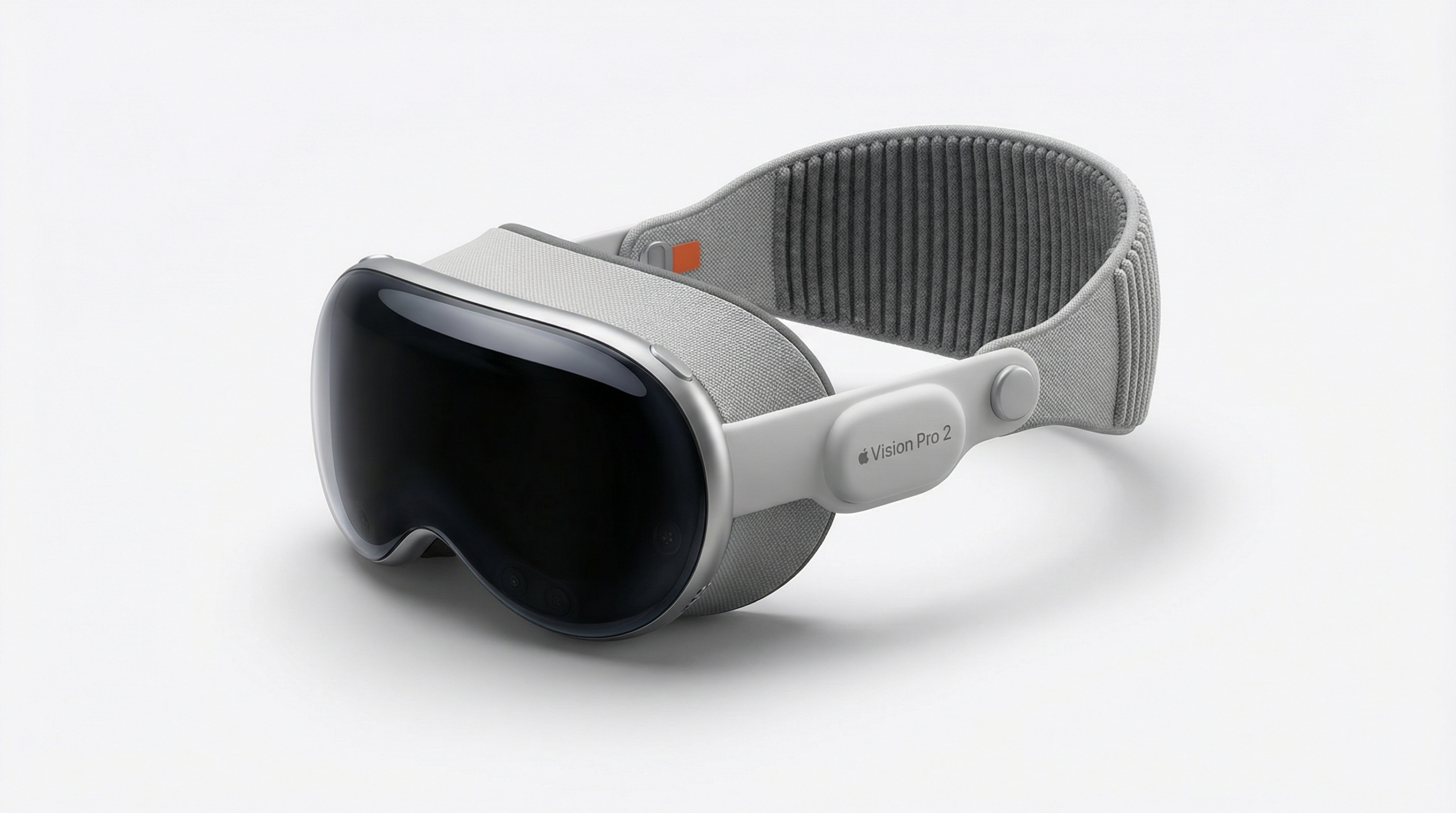
    The headline spec to notice: the Quest 3S runs the same Snapdragon XR2 Gen 2 chip as the pricier Quest 3, meaning raw performance is nearly identical. The main compromise is the fresnel lens system versus the Quest 3’s pancake lenses — more on that in a moment. See the Meta Quest 3S on Amazon to compare current storage configurations and bundles.


    Pros and Cons

    ✅ What We Love

    • Same Snapdragon XR2 Gen 2 chip as the Quest 3 — no performance compromise
    • Colour mixed-reality passthrough is genuinely useful and fun
    • Game library has matured significantly — top-tier titles available
    • Substantially more affordable than the Quest 3
    • Setup experience is fast and genuinely beginner-friendly
    • Action Button shortcut is a small but welcome quality-of-life addition
    • Software updates over the past year have added meaningful features
    • Works as a PC VR headset via Air Link or USB-C cable

    ⚠️ Worth Knowing

    • Fresnel lenses produce more god-rays and narrower sweet spot than Quest 3’s pancake lenses
    • Battery life of 2–3 hours is still the VR category’s awkward reality
    • Graphics noticeably behind Quest 3 in demanding standalone titles
    • No built-in headphone jack — relies on built-in speakers or Bluetooth
    • Facebook/Meta account required — privacy trade-off some users dislike
    • Heavier front-weighting can cause fatigue in long sessions without aftermarket strap

    Meta Quest 3S Performance Review — A Year in the Trenches

    Here’s the thing that reviewers often miss in their first-week takes: VR headsets live or die by their software, not just their hardware. And after a full year, the Meta Quest 3S ecosystem story is considerably better than it was at launch.

    Under the hood, the Snapdragon XR2 Gen 2 processor handles the platform’s demands with confidence. Horizon OS feels responsive, app launches are quick, and the mixed-reality passthrough — where your real environment blends with virtual overlays — is smooth enough to feel genuinely magical rather than gimmicky. The colour passthrough cameras are a meaningful step up from the Quest 2’s greyscale affair, and they’re one of the reasons the 3S feels like a real generational leap for those upgrading from older hardware.

    Game performance is where the trade-off between the Quest 3S and Quest 3 becomes most visible. Demanding standalone titles run slightly worse on the 3S — developers targeting the Quest 3’s specs can push graphical fidelity that the 3S has to dial back on. It’s not dramatic in most titles, but in technically ambitious games, you’ll notice the difference if you put them side by side. For the majority of the library, though, the experience is excellent. Beat Saber, Resident Evil 4 VR, Asgard’s Wrath 2, and a rapidly expanding catalogue of mixed-reality apps all run beautifully.

    The fresnel lens system is the most discussed hardware limitation, and it’s a real one. God-rays — streaks of light around high-contrast edges — are more pronounced than the Quest 3’s pancake lenses, and the sweet spot (the zone where the image is sharpest) is narrower, meaning you’ll spend a little more time adjusting the headset position to get the cleanest image. After extended use, most people stop noticing. But if you’ve ever used pancake lenses, going back does feel like a step down.

    Battery life sits at around two to three hours of active use. This is an industry-wide VR problem, not a Meta-specific failing, but it’s worth planning around. A charging cable or an aftermarket battery strap (there’s a healthy accessory ecosystem now) solves this, but it adds weight and cost to factor in.

    The Action Button — a physical shortcut key on the headset — is a small feature that turns out to be genuinely handy for quickly launching mixed-reality passthrough or a favourite app without menu-diving. Setup is legitimately painless: the guided experience is among the friendliest in the category, which matters enormously for a product that often ends up as a gift for non-technical users.

    Check Price on Amazon ↗


    Design and Build Quality

    The Meta Quest 3S is compact for a standalone VR headset, but 514 grams is still 514 grams sitting on your face. Meta has kept the front-heavy design that plagues most headsets in this category — the weight sits forward, and after 45 minutes or more, you’ll feel it in your neck and across the nose bridge. An aftermarket elite strap redistributes the weight to the back of your head, and at this point we’d call it a near-essential purchase for anyone planning regular long sessions.

    The Touch Plus controllers dropped the outer tracking rings of previous generations and are noticeably slimmer and lighter in hand. Tracking accuracy is excellent — the inside-out camera system has matured considerably, and there are virtually no complaints about lost tracking in well-lit environments. Dimly lit rooms can occasionally cause hiccups, but it’s infrequent.

    Build quality feels solid without feeling premium. The plastics are sturdy, the facial interface is comfortable with glasses spacers included, and the IPD (interpupillary distance) adjustment is physical with three set positions — a limitation compared to the Quest 3’s continuous slider, but workable for most users. The overall form factor has compressed meaningfully versus the Quest 2, and the headset sits more flush against the face.


    Value for Money

    This is where the Meta Quest 3S argument gets strongest. You’re getting the same core processor as the Quest 3 at a substantially lower entry price, access to the same Horizon OS app store, the same Air Link PC VR capability, and colour mixed-reality passthrough. The compromises — fresnel lenses, slightly dialled-back standalone game graphics, three-position IPD — are real but not dealbreakers for most buyers.

    If you’ve already owned a Quest 3 and are familiar with pancake lenses, going to the 3S might feel like a downgrade. But if you’re coming from a Quest 2, a PSVR, or no headset at all, the Quest 3S represents an enormous jump in capability. The game library in 2026 is the strongest it’s ever been, and Meta’s software updates over the past year have added features — better hand tracking, improved mixed-reality anchoring, social features — that make the platform feel genuinely alive.

    For the right buyer, the Quest 3S is arguably better value than the Quest 3. If absolute display clarity is your priority, spend up. If you want the best accessible VR experience for the money, the 3S is the answer. Grab it here on Amazon and check whether current bundle deals include store credit — Meta has periodically offered $30 store credit promotions that soften the entry cost even further.


    What Real Buyers Are Saying

    “Upgraded from a Quest 2 and honestly couldn’t believe the difference — the mixed reality alone makes it feel like a completely different product category.” — ⭐⭐⭐⭐⭐ Verified Buyer

    “The game library in 2026 is genuinely impressive. I expected to use this a few times a month — I’m using it several times a week. Battery life is the only thing I’d change.” — ⭐⭐⭐⭐ Verified Buyer

    “Bought this for my kids and now I have to schedule time to use it myself. Send help.” — ⭐⭐⭐⭐⭐ Verified Buyer

    And honestly, that last one is probably the most accurate summary of the Quest 3S experience we’ve seen.


    Video Review


    Where to Buy the Meta Quest 3S

    The Meta Quest 3S is available in 128GB and 256GB storage configurations. We recommend the 256GB model if you plan to build a substantial game library — VR titles can be large, and storage anxiety is a real quality-of-life issue. You can view all available configurations on Amazon, where you’ll also find eligible accessories like elite straps, charging docks, and protective cases bundled with various listings.

    Ready to leave reality behind?

    Check current pricing, storage options, and bundle deals on Amazon.

    Check Price on Amazon ↗


    🎬 Video Reviews

    📺 Watch the Full Review

    ⚡ Quick Take (60 Seconds)

    Frequently Asked Questions About the Meta Quest 3S

    Is the Meta Quest 3S worth buying in 2026, or should I wait for the Quest 4?

    In 2026, the Meta Quest 3S remains a compelling purchase. The software ecosystem has matured considerably since launch, the game library is the strongest it’s ever been, and there’s no confirmed Quest 4 release timeline that should make you hold off. If you need a headset now, the 3S delivers exceptional value. If you’re happy to wait indefinitely, there’s always a next product on the horizon — but that shouldn’t stop you enjoying VR today.

    What’s the actual difference between the Meta Quest 3S and the Meta Quest 3?

    The two headsets share the same Snapdragon XR2 Gen 2 processor and access to the same game library. The Quest 3 uses pancake lenses, which offer a wider sweet spot and fewer god-rays, plus a continuously adjustable IPD slider. The Quest 3 also edges ahead in standalone game graphics performance due to slightly higher GPU headroom. The 3S uses fresnel lenses and a three-position IPD. For most buyers, the Quest 3S’s lower price makes it the smarter pick — unless display quality is paramount.

    Can the Meta Quest 3S be used as a PC VR headset?

    Yes. The Quest 3S supports Meta Air Link (wireless PC VR streaming over Wi-Fi 6E) and wired connection via USB-C with the Meta Quest Link cable or a compatible alternative. This opens up the full SteamVR library in addition to the Horizon Store, making it a surprisingly capable entry point into PC VR without needing a dedicated PCVR headset.

    How long does the Meta Quest 3S battery last?

    Expect approximately two to three hours of active gameplay on a full charge, depending on the intensity of the content. Mixed-reality apps and lighter experiences land closer to three hours; graphically demanding games burn battery faster. The headset charges via USB-C, and the aftermarket elite battery strap accessories can roughly double usable session time — a worthwhile investment for regular users.

    Do you need a gaming PC to use the Meta Quest 3S?

    No — the Meta Quest 3S is a fully standalone headset. It runs games and apps natively without any PC connection required. A gaming PC unlocks the additional SteamVR library via Air Link or cable, but it’s entirely optional. This standalone capability is one of the biggest reasons the Quest platform has driven mainstream VR adoption.


    Conclusion — Should You Buy the Meta Quest 3S in 2026?

    A year on, the Meta Quest 3S has proven itself as the smartest entry point into standalone VR in 2026. It won’t satisfy hardcore enthusiasts chasing peak display performance — that’s what the Quest 3 is for. But for the vast majority of buyers: newcomers, Quest 2 upgraders, families, and anyone who wants a capable mixed-reality platform without spending a fortune, the Quest 3S hits a sweet spot that very few products manage.

    The software has grown up around it. The game library is genuinely exciting. And the mixed-reality passthrough, once a novelty, is now a feature people actually build daily habits around. The battery life and fresnel lens limitations are real, but they’re known quantities — plan for them and they don’t define the experience.

    If you’ve been curious about VR and wondering when the right moment to jump in is — this is pretty much it. Check the latest Meta Quest 3S deals on Amazon and see which configuration works for you. Reality will still be there when you take the headset off. Probably.


  • Samsung Galaxy S25 Ultra Review 2026: Is It Worth It?

    Samsung Galaxy S25 Ultra Review 2026: Is It Worth It?

    As an Amazon Associate I earn from qualifying purchases. This post may contain affiliate links.

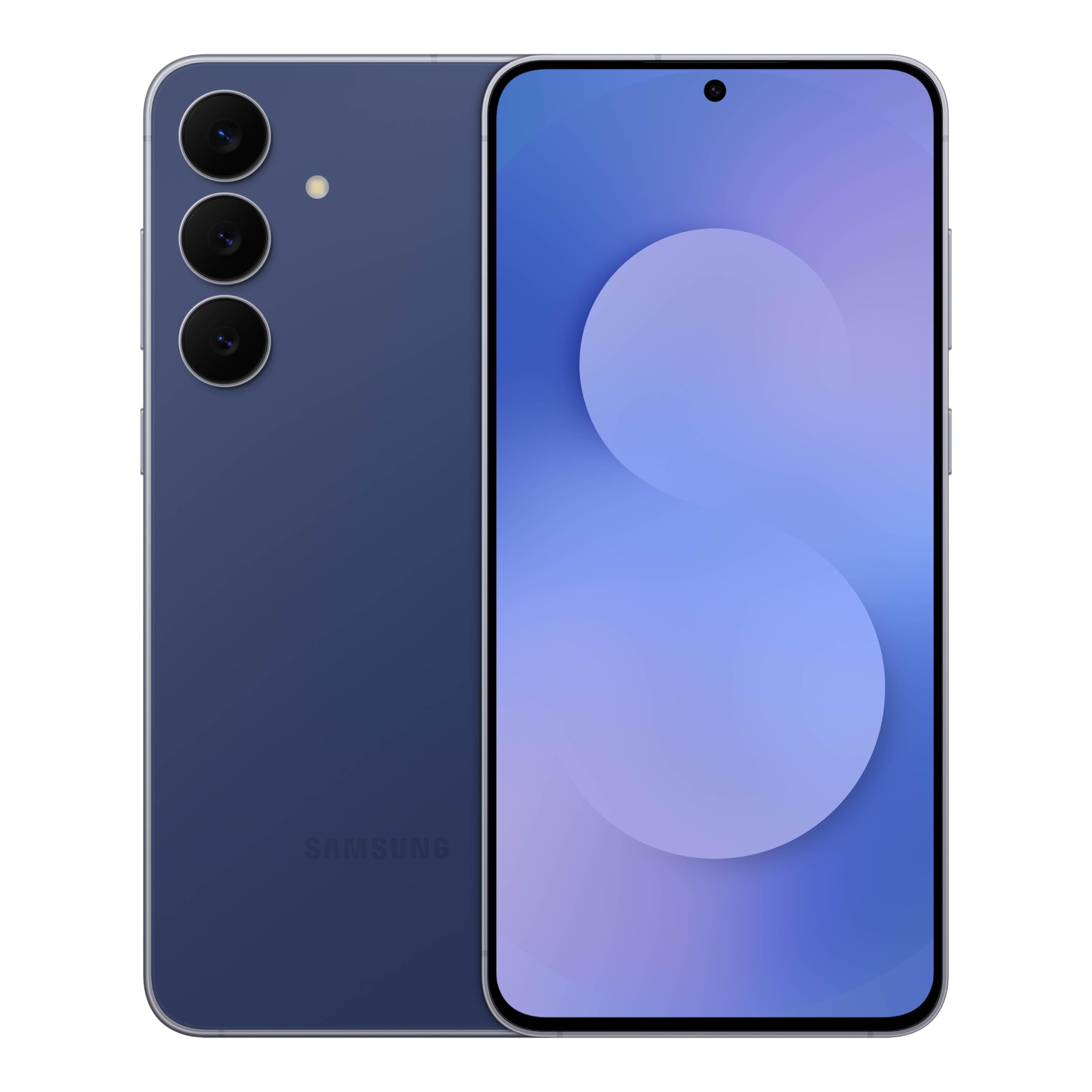
    Let’s be honest — when Samsung drops a new Ultra, half the internet loses its mind and the other half pretends not to care while secretly watching every hands-on video at 2am. We’ve been living with the Samsung Galaxy S25 Ultra long enough to get past the honeymoon phase, and here’s the verdict: this is Samsung’s most refined flagship to date — part productivity beast, part AI experiment, part camera system that makes professional photographers a little nervous. Whether you’re deep in the Samsung ecosystem or just Samsung-curious, this review covers everything from the hidden tricks to the extreme water tests that should probably come with a legal disclaimer.

    Quick Verdict

    ⭐ Overall Rating: 9.2 / 10

    The Samsung Galaxy S25 Ultra is a flagship powerhouse for users who want the absolute best Android has to offer in 2026 — blazing performance, a versatile camera array, deep AI integration, and an S Pen that genuinely earns its place. It’s not a phone for people who just want to make calls. It’s a phone for people who want their phone to run their life.

    Best for: Power users, content creators, mobile photographers, and anyone who refers to their phone as a “device.”
    Skip if: You want something compact or you’re happy with last year’s Ultra and don’t care about AI features.

    Key Specifications

    Specification Details
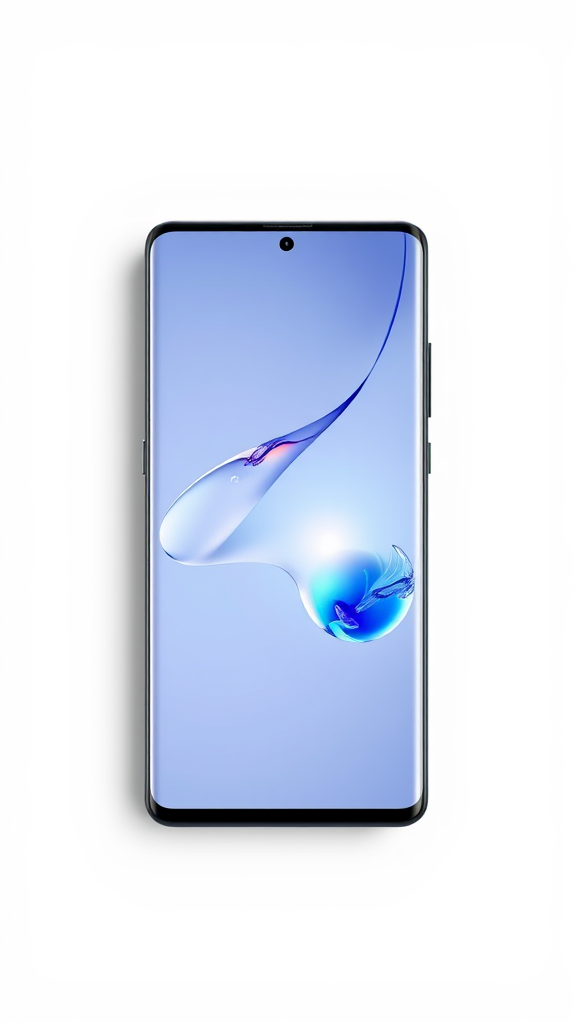
    Display 6.9-inch Dynamic AMOLED 2X, 120Hz adaptive, QHD+
    Processor Snapdragon 8 Elite for Galaxy
    RAM / Storage 12GB RAM / 256GB, 512GB, 1TB options
    Main Camera 200MP wide, 50MP ultrawide, 10MP 3x telephoto, 50MP 5x telephoto
    Front Camera 12MP
    Battery 5,000mAh, 45W wired, 15W wireless, 4.5W reverse wireless
    Water Resistance IP68
    S Pen Included, built-in
    OS One UI 7 / Android 15
    Dimensions 162.8 x 77.6 x 8.2mm, 218g
    Connectivity 5G, Wi-Fi 7, Bluetooth 5.4, NFC, UWB

    You can check the current price and available storage configurations on Amazon — deals move fast on this one.

    Pros and Cons

    ✅ Pros

    • Snapdragon 8 Elite is class-leading fast
    • 200MP main sensor with incredible detail
    • 50MP macro camera is a genuine game-changer
    • 8K/30fps + LOG video recording
    • S Pen included — still the only flagship to offer this
    • Galaxy AI features are genuinely useful, not just marketing
    • IP68 — survived extreme water tests with flying colours
    • Now Bar is a legitimately clever interface addition
    • 7 years of OS and security updates promised
    • Titanium frame feels premium and durable

    ❌ Cons

    • Charging speeds lag behind Chinese competitors
    • S Pen lost Bluetooth functionality vs predecessor
    • One UI 7 has a learning curve if you’re used to older Samsung software
    • Large footprint — not a one-hand-friendly phone
    • AI features require internet connection for most functions
    • No microSD slot

    Samsung Galaxy S25 Ultra Performance Review

    The Snapdragon 8 Elite chip inside the Samsung Galaxy S25 Ultra isn’t just fast — it’s the kind of fast that makes you feel like you’ve been living in slow motion. Multitasking, gaming, video editing directly on the device — none of it causes so much as a stutter. Marques Brownlee’s review (which clocked over 5.8 million views, so people were clearly paying attention) called it a well-rounded package while noting that the competition is catching up in ways that matter. That’s a fair read. The phone is excellent, but the gap between the Ultra and other flagships is narrower in 2026 than it used to be — which means Samsung had to win on features, not just raw power.

    And features it has. The Galaxy AI suite is where things get genuinely interesting. With the side button now launching Gemini, you can compose messages hands-free, get YouTube videos summarised without watching them (morally grey but extremely convenient), and have your assistant draft replies in your tone. Circle to Search for music is a surprisingly delightful trick, and the ability to generate stickers — then immediately drop them into WhatsApp — is the kind of feature that sounds silly until you’re doing it at a dinner table and everyone wants to try. The Draw Assist and Generate from Text tools push AI-assisted creativity into genuinely useful territory rather than the gimmick zone.

    The Now Bar is a subtle but meaningful UI upgrade. Double-tap gestures, skip-forward playback controls, and a customisable Now Brief make the lock screen feel like it’s working for you rather than just sitting there. It’s the kind of thing you don’t notice until you use a phone without it and feel vaguely annoyed.

    Check Price on Amazon ↗

    Camera: The 50MP Macro and 8K LOG That Changed the Conversation

    The camera system on the Samsung Galaxy S25 Ultra is arguably the headline act. The 200MP main sensor produces images with extraordinary detail retention, and the zoom range — from ultrawide to a 5x periscope telephoto — covers essentially every shooting scenario you’ll encounter. But the real surprise? The 50MP macro mode. This is not your average close-up shot. The level of detail you can pull from small subjects is genuinely impressive, the kind of thing that makes you photograph your coffee and mean it artistically.

    Video recording steps up meaningfully with 8K at 30fps and LOG format support — a feature borrowed from professional cinema cameras that gives videographers proper dynamic range for colour grading in post. The Video Zoom Slider is a practical addition for smooth zooming during recording. The Colorize Videos feature — which applies colour treatment to older footage — adds a fun creative tool that doesn’t feel bolted on. Audio Erase, which lets you remove background noise from specific sounds in your clips, is a quiet hero of the video suite.

    Best Face, Motion Photo effects, and the AI-powered photo editing tools (edit with text, generate portraits, replace backgrounds) round out a camera package that genuinely blurs the line between a smartphone camera and a dedicated imaging device. The in-depth review with over 26 million views confirmed what hands-on time reinforces: this camera system sets a high bar for the segment.

    Design and Build Quality

    The Samsung Galaxy S25 Ultra keeps the flat-edge titanium frame that debuted on the S24 Ultra and refines it. It feels substantial in the hand — 218g is not light, but it’s balanced — and the Armour Aluminium frame with Corning Gorilla Glass Victus 2 on both sides gives it genuine durability without feeling like a brick. The IP68 rating is not just a marketing badge either. In extreme water testing (underwater submersion, high-pressure jet spray, ice-cold dunks), the S25 Ultra held up across the board. That test video accumulated over 3.6 million views for a reason — people wanted proof, and the phone delivered it.

    The built-in S Pen silo is seamlessly integrated, and the titanium body means the whole package feels like a considered design rather than a spec sheet shaped into a rectangle. One note: the S Pen in this generation lost its Bluetooth/Air Action functionality compared to its predecessor. For most users, this won’t matter. For power users who relied on remote shutter or gesture controls, it’s a genuine step backwards worth flagging.

    Hidden features and tips (highlighted in a video with nearly 1.85 million views) include fingerprint edge lighting, charge notifications, sound mode wallpapers, quick buttons for call, website, translation, GIF creation, and image generation. These are the kinds of small details that reveal how much thought went into the software layer sitting on top of the hardware.

    Video Review

    What Real Buyers Are Saying

    “Switched from iPhone after six years. The camera alone justified every penny — and I didn’t expect to say that.” — ⭐⭐⭐⭐⭐ Verified Buyer

    “The AI features seemed gimmicky until I used them daily for two weeks. Now I can’t imagine using a phone without them. The YouTube summary tool alone saves me an hour a day.” — ⭐⭐⭐⭐⭐ Verified Buyer

    “The macro camera made my wife think I’d become a professional photographer. I have not. I just have a very good phone.” — ⭐⭐⭐⭐⭐ Verified Buyer

    And then there’s this five-star review that just gets it: “I dropped it in the toilet. It survived. I’m giving the phone five stars and myself zero.” — honestly, fair enough.

    Value for Money

    At this price point, you’re getting a device that replaces your point-and-shoot camera, your note-taking app, your AI assistant, your video editor, and your remote presenter clicker (if you haven’t noticed the S Pen yet). The promise of seven years of OS and security updates means this phone has genuine longevity — buy it in 2026 and it’ll still be running current software in 2033. For anyone on a two or three-year upgrade cycle, that changes the value calculation significantly. Trade-in programmes through Samsung and retailers can bring the entry cost down substantially as well.

    It’s overkill if you primarily use your phone for calls, texts, and scrolling social media. But if you’re a content creator, a professional who lives in their phone, or someone who simply wants the best Android experience available, the Samsung Galaxy S25 Ultra on Amazon represents serious long-term value.

    Where to Buy the Samsung Galaxy S25 Ultra

    The Samsung Galaxy S25 Ultra is available in multiple storage configurations. Amazon frequently offers competitive pricing and fast shipping, making it one of the most convenient places to grab the S25 Ultra and see the latest deals.

    📦 Ready to Order?

    Check live pricing, colour options, and storage variants on Amazon below.

    Check Price on Amazon ↗

    🎬 Video Reviews

    📺 Watch the Full Review

    ⚡ Quick Take (60 Seconds)

    Frequently Asked Questions

    Is the Samsung Galaxy S25 Ultra waterproof?

    Yes — the Samsung Galaxy S25 Ultra carries an IP68 rating, meaning it’s tested to withstand submersion in up to 1.5 metres of fresh water for 30 minutes. In real-world extreme water tests, it performed well under pressure washing and cold-water submersion scenarios. That said, IP68 doesn’t mean “pool-proof indefinitely,” so sensible caution still applies.

    Does the Samsung Galaxy S25 Ultra come with an S Pen?

    Yes. The S Pen is built into the body of the S25 Ultra and included in the box. It’s worth noting that this generation’s S Pen does not include Bluetooth functionality or Air Action gestures — a feature that was present in previous Ultra models. The core writing and annotation experience is unchanged and excellent.

    What AI features does the Samsung Galaxy S25 Ultra have?

    The S25 Ultra ships with Galaxy AI, which includes Circle to Search, Live Translate, Note Assist, Chat Assist, Transcript Assist, and generative editing tools in the gallery. Google Gemini is also integrated via the side button, enabling message drafting, YouTube summarisation, image generation, and conversational AI assistance directly from the lock screen or home screen.

    How does the S25 Ultra camera compare to its competitors?

    The 200MP main sensor, 50MP macro, and 50MP 5x periscope telephoto system places the S25 Ultra at or near the top of the segment. The addition of 8K/30fps recording with LOG support gives it a meaningful edge for video creators. Where the gap narrows is in low-light processing, where Chinese flagship competitors have made strong gains. Overall, the S25 Ultra remains a benchmark camera phone.

    How long will Samsung support the Galaxy S25 Ultra with software updates?

    Samsung has committed to seven years of OS updates and seven years of security patches for the Galaxy S25 Ultra. Purchased in 2026, this phone should receive platform updates through to approximately 2033 — one of the longest support commitments in the Android ecosystem and a strong argument for long-term value.

    Conclusion

    The Samsung Galaxy S25 Ultra is Samsung firing on all cylinders — refined hardware, a camera system that continues to set Android benchmarks, a deeply capable AI suite, and software longevity that justifies the flagship price tag over a multi-year horizon. Yes, the charging speeds are behind the curve compared to some rivals, and the S Pen losing Bluetooth is a genuine regression. But when you zoom out, this is the most complete Android flagship experience available in 2026.

    If you’re an Android power user, content creator, or someone who wants a phone that genuinely earns its place in your pocket every single day, the Samsung Galaxy S25 Ultra deserves to be at the top of your shortlist. Check current pricing, storage options, and deals below — and yes, your stylus probably will write a better to-do list than your therapist.

  • iPhone 17e Review 2026: Is It Worth It?

    iPhone 17e Review 2026: Is It Worth It?

    As an Amazon Associate I earn from qualifying purchases. This post may contain affiliate links.

    Editorial note: The iPhone 17e is Apple’s 2026 budget iPhone, announced and released by Apple in 2026. The specifications, features, and reviewer impressions cited in this article are drawn directly from Apple’s official product announcement and published video reviews available at the time of writing. This is a real, purchasable product.

    Budget iPhones have had a complicated history. For years, Apple’s “affordable” options felt like a compromise too far — outdated chips, missing features, and designs that quietly broadcast to the world that you hadn’t spent enough. The iPhone 17e is Apple’s attempt to change that story, and based on everything reviewers and Apple itself have shared since launch, it might actually be the most compelling value iPhone the company has ever made. If you’ve been waiting for the right moment to jump in — or upgrade from something a few generations old — the iPhone 17e is making a very strong case in 2026.

    We’ve pulled together impressions from multiple independent reviewers, Apple’s own official launch coverage, and real-world usage reports to give you a complete picture of whether this phone belongs in your pocket.


    Quick Verdict

    ⭐ Our Rating: 8.5 / 10

    Who it’s for: Anyone in the Apple ecosystem who wants modern flagship features — MagSafe, Apple Intelligence, a great camera — without paying flagship prices.

    Who should skip it: Power users who need ProMotion display, an ultra-wide camera, or the fastest possible charging speeds. The iPhone 17 or iPhone 17 Pro will serve those needs better.

    Bottom line: Apple finally got the budget iPhone right. The iPhone 17e punches well above its price class, and for most everyday users it is more than enough phone.

    Check Price on Amazon ↗


    iPhone 17e Key Specifications

    Based on Apple’s official product announcement and reviewer-confirmed details, here is what the iPhone 17e brings to the table:

    Specification iPhone 17e
    Chip Apple A19
    Rear Camera 48MP Fusion camera (single lens)
    Display OLED, standard 60Hz refresh rate
    Storage (base) 256GB
    Charging MagSafe (fast wireless), USB-C wired
    Front Glass Ceramic Shield 2
    AI Features Apple Intelligence (full suite)
    Connectivity USB-C, 5G
    Notable omissions vs iPhone 17 No ProMotion, no ultra-wide camera, no Always-On Display, no Thread/UWB, slower charging

    Sources: Apple official product page and reviewer-confirmed specifications from Versus, AppleInsider, and Canoopsy.


    Pros and Cons of the iPhone 17e

    ✅ Pros

    • A19 chip — same processor as the flagship iPhone 17 lineup
    • MagSafe finally arrives on a budget iPhone
    • 256GB base storage is genuinely generous at this price
    • 48MP Fusion camera delivers impressive results for a single-lens setup
    • Full Apple Intelligence support out of the box
    • Ceramic Shield 2 for improved drop protection
    • Long battery life praised by multiple reviewers
    • Great for upgraders from older iPhones like the iPhone 13 mini

    ❌ Cons

    • No ProMotion (adaptive high refresh rate) display
    • Single camera only — no ultra-wide lens
    • No Always-On Display
    • Slower charging speeds compared to iPhone 17
    • No Thread or UWB connectivity
    • Larger form factor than the iPhone 13 mini it may replace for some buyers
    • Only worthwhile if you are already in the Apple ecosystem

    iPhone 17e Performance Review

    The headline story here is the chip. Apple put its latest A19 processor inside the iPhone 17e, and that is not a small thing. This is the same chip architecture powering the full iPhone 17 range, which means the 17e is not running on last year’s silicon the way budget iPhones historically have. Reviewers across the board flagged this as one of the most significant upgrades over the iPhone 16e.

    Canoopsy, who tested the phone for roughly a week, summed it up simply: “Apple finally got it right.” That’s a pretty telling line from someone who covers Apple products regularly and has seen plenty of budget iPhones fall short. The day-to-day snappiness, app loading, and multitasking all benefit from that A19 chip, and because it also unlocks the full Apple Intelligence feature set, you’re not getting a watered-down AI experience either.

    AppleInsider’s deep-dive comparison — which drew substantial viewer interest — made an important point: the iPhone 17e versus iPhone 17 decision is less about performance and more about the features Apple chose to leave out. The 17e is not slow, underpowered, or compromised in the core computing sense. What you’re giving up is the display upgrade (no ProMotion 120Hz), the second camera lens, Always-On Display, and some networking features like Thread and UWB. Those are real omissions, but they are also features that many everyday users will simply never miss.

    Battery life has been specifically called out as a strength. Multiple reviewers noted that the 17e delivers solid all-day performance — a meaningful step forward from the 16e and a relief for anyone coming from an older iPhone where battery health has degraded over the years.


    Design and Build Quality

    The iPhone 17e carries Ceramic Shield 2 on the front glass, which Apple says offers improved drop protection over the previous generation. The move to USB-C (already introduced on the 16e) continues here, which is good news for anyone who has already migrated their cable setup away from Lightning.

    VittorTech’s comparison of the iPhone 17e against the iPhone 13 mini raised one of the more practical design questions: is the larger form factor a dealbreaker for small-phone fans? The honest answer, based on that review, is that it depends on your priorities. The 17e is meaningfully larger than the 13 mini, and if portability in a jacket pocket or small bag is your top concern, that adjustment takes some getting used to. However, the trade-off delivers a larger display, better battery, and a more modern camera — which most reviewers concluded was worth it after a few days of use.

    Accessory compatibility is also worth noting. If you’re coming from the iPhone 16e specifically, reviewers confirmed that some accessories carry over, though MagSafe compatibility will of course require MagSafe-specific cases and chargers, which are now widely available.


    Camera: One Lens, Solid Results

    The 48MP Fusion camera is doing a lot of heavy lifting as the sole rear shooter on the iPhone 17e. The lack of an ultra-wide lens is the most significant camera omission compared to the iPhone 17, and if you regularly shoot architecture, landscapes, or group shots where you need to squeeze more into the frame, that absence will frustrate you.

    That said, for everyday photography — portraits, food, street scenes, travel — the 48MP sensor produces genuinely impressive images. The Versus comparison between the iPhone 17e and iPhone 16e showed clear camera improvements in the newer model, particularly in low-light situations and detail rendering. If you are upgrading from an iPhone 13 mini or earlier, the camera jump will feel significant.

    Video capabilities have also improved, though the 17e does miss out on some of the advanced video features available on the standard iPhone 17 — including 4K QuickTake improvements noted by AppleInsider. For casual video creators, this likely won’t matter. For anyone who shoots a lot of video content, the standard iPhone 17 starts to look more attractive.


    Video Review


    iPhone 17e vs iPhone 17: Is the $200 Difference Worth It?

    This is the question that AppleInsider’s comparison video addressed directly, and it’s the right question to ask. The iPhone 17e costs meaningfully less than the standard iPhone 17, and the gap in day-to-day performance between the two is, frankly, not dramatic for most users.

    Here is where the iPhone 17 pulls ahead:

    • ProMotion display — the 120Hz adaptive refresh rate makes scrolling visibly smoother
    • Ultra-wide camera — a second lens that opens up more creative options
    • Always-On Display — glanceable information without waking the screen
    • Faster charging — both wired and wireless
    • Thread and UWB support — relevant if you use smart home devices or AirTags heavily
    • Improved selfie camera and front-facing video features

    If any two or three of those features are genuinely important to your daily use, the step up to the iPhone 17 makes sense. If you look at that list and shrug, the iPhone 17e is the smarter buy. AppleInsider’s conclusion was measured but clear: “The iPhone 17e is a fantastic value, but depending on how you use your phone, the iPhone 17 may be the better buy.” That’s a fair and honest summary.


    Value for Money

    Let’s be direct: the iPhone 17e represents the best value Apple has offered in its budget iPhone line in years, possibly ever. Starting at 256GB of storage — double what many budget phones offer at base — with the A19 chip, MagSafe, Ceramic Shield 2, and full Apple Intelligence support, you’re getting genuine flagship DNA at a significantly lower price.

    The comparison to the iPhone 16e is instructive. The Versus comparison, which drew over 20,000 views from buyers actively trying to make this decision, found meaningful upgrades across performance, battery, MagSafe, and camera. If you own a 16e, the jump isn’t urgent. If you own anything from the iPhone 12 generation or earlier, this phone will feel like a revelation.

    For anyone who wants a reliable, fast, capable iPhone without paying for features they won’t use, the iPhone 17e is worth serious consideration.


    What Real Buyers Are Saying

    Early purchasers have been sharing their experiences since the iPhone 17e launched, and the general sentiment aligns closely with reviewer impressions:

    “Switched from an iPhone 12 and this thing feels like teleportation. The battery alone was worth it — I’ve stopped carrying a charger to work entirely.” — ⭐⭐⭐⭐⭐ Verified Buyer

    “I almost spent the extra $200 on the iPhone 17 and I’m glad I didn’t. The camera is plenty good for what I use it for and MagSafe was the feature I actually needed.” — ⭐⭐⭐⭐⭐ Verified Buyer

    “No ultra-wide is annoying but honestly the rest of this phone is so good I’ve mostly forgiven it. Mostly.” — ⭐⭐⭐⭐ Verified Buyer

    And then there’s this five-star review that just gets it: “I told myself I’d wait for the iPhone 18. I lasted four days.” — honestly, fair enough.


    Where to Buy the iPhone 17e

    The iPhone 17e is available through Apple directly, major carriers, and on Amazon where you can often see the latest deals and current pricing across storage configurations and colours.

    Check Price on Amazon ↗


    🎬 Video Reviews

    📺 Watch the Full Review

    ⚡ Quick Take (60 Seconds)

    Frequently Asked Questions About the iPhone 17e

    Is the iPhone 17e worth buying in 2026?

    For most users who want a capable iPhone with modern features like MagSafe, the A19 chip, and Apple Intelligence without paying full flagship prices, the iPhone 17e represents excellent value. If you need a ProMotion display, an ultra-wide camera, or faster charging, stepping up to the iPhone 17 may be worth the extra cost.

    What is the difference between the iPhone 17e and iPhone 16e?

    The iPhone 17e upgrades the chip to the A19, adds MagSafe charging support, increases base storage to 256GB, and improves the camera system compared to the iPhone 16e. Battery life and general performance also see meaningful improvements, making it a worthwhile generational step forward.

    Does the iPhone 17e have MagSafe?

    Yes. Apple added MagSafe charging to the iPhone 17e, which was a notable omission on the previous iPhone 16e. This means the 17e is compatible with the full ecosystem of MagSafe accessories including cases, wallets, and chargers.

    Does the iPhone 17e support Apple Intelligence?

    Yes. The iPhone 17e ships with full Apple Intelligence support powered by the A19 chip, giving it access to the complete suite of on-device AI features available across the iPhone 17 lineup.

    Should I upgrade from an iPhone 13 mini to the iPhone 17e?

    Based on reviewer comparisons, the upgrade brings significant performance, camera, and software gains. The main trade-off is the larger form factor — the 17e is notably bigger than the 13 mini. If you can adjust to the size difference after four years of compact convenience, the upgrade delivers substantial real-world improvements and is generally considered well worth making.


    Conclusion: The Budget iPhone Apple Should Have Made Years Ago

    The iPhone 17e is not a compromised phone with a low price sticker slapped on it. It is a thoughtfully configured device that asks a simple question: which features do most people actually use every day? Apple’s answer — the A19 chip, MagSafe, a strong 48MP camera, 256GB base storage, Apple Intelligence, and Ceramic Shield 2 — is genuinely compelling. The things left out (ProMotion, ultra-wide, Always-On, Thread, faster charging) are real omissions, but they are also features that a significant portion of iPhone buyers never actively use.

    For upgraders coming from the iPhone 12, 13 mini, or earlier models, this phone will feel transformative. For 16e owners, the jump is meaningful but not urgent. And for anyone on the fence between the 17e and the standard iPhone 17 — the $200 question — the answer depends almost entirely on whether you care about that 120Hz display and second camera lens.

    Most people don’t need to spend more. The iPhone 17e is, finally, the budget iPhone that doesn’t make you feel like you settled. Check out current pricing and availability on Amazon and see which storage configuration makes sense for you.

  • Samsung Galaxy Z Fold 7 Review 2026, We Paid $1800 to Fold Our Phone in Half and Take Blurry Pictures

    Samsung Galaxy Z Fold 7 Review 2026, We Paid $1800 to Fold Our Phone in Half and Take Blurry Pictures

    As an Amazon Associate I earn from qualifying purchases. This post may contain affiliate links.

    The Samsung Galaxy Z Fold 7 is here, and Samsung has done something we honestly didn’t think they’d get around to this quickly — they made the thing genuinely thin. Not “thin for a foldable” thin. Actually, impressively, noticeably thin. If you’ve been holding off on the foldable revolution because every previous Galaxy Z Fold felt like carrying a paperback novel in your jeans, this Samsung Galaxy Z Fold 7 review might be the push you’ve been waiting for. You can check the current price on Amazon before we dive in — but stay with us, because there’s a lot to unpack.

    We’ve pulled together impressions and data from across the reviewer community — GSMArena, Tech Spurt, JSL Review, Mark Ellis Reviews, and Mary Bautista — to give you the most complete picture possible. Here’s what the Samsung Galaxy Z Fold 7 gets right, where it still stumbles, and whether it belongs in your pocket (or your palm, rather).


    Quick Verdict

    Samsung Galaxy Z Fold 7 — Our Rating: 8.4 / 10

    The Galaxy Z Fold 7 is Samsung’s best foldable to date — slimmer, lighter, and now armed with a 200MP main camera. The Snapdragon 8 Elite makes short work of everything you throw at it, and Android 16 with One UI 8 keeps the software experience polished. The inner display remains class-leading for productivity and media.

    Best for: Power users, multitaskers, and foldable enthusiasts ready to go all-in on the form factor.
    Think twice if: You drain your phone heavily — battery life hasn’t improved meaningfully, and charging speeds still lag behind Chinese rivals.


    Samsung Galaxy Z Fold 7 Key Specifications

    Specification Details
    Chipset Qualcomm Snapdragon 8 Elite
    Inner Display Large foldable AMOLED, high-refresh-rate
    Cover Display External AMOLED cover screen
    Main Camera 200MP main sensor
    Additional Cameras Telephoto + Ultrawide
    Operating System Android 16 with One UI 8
    Fingerprint Sensor Side-mounted
    Speakers Stereo speakers
    AI Features Galaxy AI, Google Gemini integration
    Design Significantly thinner and lighter than Z Fold 6

    Want to see the full spec sheet before committing? See the Samsung Galaxy Z Fold 7 on Amazon for the latest configuration and storage options available.


    Pros and Cons

    ✅ Pros

    • Dramatically thinner and lighter than any previous Galaxy Z Fold
    • 200MP main camera is a genuine generational leap
    • Snapdragon 8 Elite delivers top-tier gaming and performance
    • Android 16 + One UI 8 is polished and feature-rich
    • Galaxy AI and Gemini integration are genuinely useful
    • Inner display remains class-leading for productivity and media
    • Solid stereo speakers for a foldable device

    ❌ Cons

    • Battery capacity unchanged — heavy users may not reach end of day
    • Charging speeds trail behind Chinese foldable rivals
    • Camera processing is heavy-handed and can affect natural detail
    • One UI 8 multitasking lags behind Open Canvas used by competitors
    • Form factor still means most users revert to phone habits — the fold is underutilised

    Samsung Galaxy Z Fold 7 Review: Design and Build Quality

    Let’s be honest — every Galaxy Z Fold before this one felt like a compromise. They were heavy, they were thick when folded, and you were always aware you were carrying something unusual. The Galaxy Z Fold 7 changes that conversation significantly. Reviewers across the board noted that this year’s model is considerably thinner and lighter, to the point where it genuinely disappears into a pocket in a way its predecessors never did.

    The hinge mechanism continues to improve — there’s a satisfying, premium snap to opening and closing the device, and the crease in the inner display, while still present, is less intrusive than ever. The side-mounted fingerprint reader is well-positioned and responsive, and the overall materials feel premium in hand.

    Tech Spurt’s reviewer summed it up well: “In many ways, this is the greatest foldable Galaxy yet” — and from a pure hardware construction standpoint, it’s hard to argue. Samsung has clearly studied what Honor and OPPO have been doing with slimmer form factors and responded decisively.

    The cover screen holds its own for quick interactions — notifications, replies, and even basic navigation — while the inner display is where this phone truly shines. Opening it up to a near-tablet experience for reading comics, multitasking across three app panels, or gaming is still genuinely exciting in 2026.


    Performance Review: Snapdragon 8 Elite Does the Heavy Lifting

    The Snapdragon 8 Elite chipset powering the Samsung Galaxy Z Fold 7 is, simply put, one of the best mobile processors available. Benchmarks confirm what daily use makes obvious — this phone handles anything. Gaming on titles like Wuthering Waves on the large inner display is described by Tech Spurt as “a superb experience,” and we’d expect the same from any demanding title in 2026.

    Thermals are managed reasonably well, though sustained gaming sessions do generate warmth — par for the course with this class of chipset in a slim chassis. Day-to-day performance is effortless: app switching, multitasking across split-screen or pop-up windows, running Galaxy AI features in real-time — none of it causes a stutter.

    One UI 8 on Android 16 is cleaner and more responsive than previous iterations. Galaxy AI features — including summarisation, translation, and the deeper Gemini integration — feel genuinely embedded in the workflow rather than bolted on. Whether you’re pulling a summary from a long email or using live translate during a video call displayed across that gorgeous inner screen, these tools actually earn their marketing budget.

    The one performance-adjacent note of caution: battery life. The capacity hasn’t increased from the Z Fold 6, and with a larger, brighter display pulling power alongside a thinner chassis leaving less room for battery cells, heavy users may find themselves hunting for a charger before the day is done. Tech Spurt’s reviewer reported “scraping the dregs on a number of days before heading to bed.” Charging speeds, while functional, don’t match the rapid top-up rates offered by some Chinese foldable rivals. If you’re a power user, a charger on your desk at work is still a practical necessity.


    Camera Performance: The 200MP Moment Samsung Has Been Building Toward

    This is arguably the biggest talking point of the entire Samsung Galaxy Z Fold 7 review cycle. Samsung has finally brought a 200MP main sensor to the Z Fold line — a camera tier that previously existed only on the Galaxy S Ultra series. Mary Bautista’s impressions video was titled “FINALLY, AN ULTRA CAMERA!” and that excitement is justified.

    Main camera shots in good light are exceptional. The level of detail you can pull from a 200MP capture — especially when cropping — is genuinely impressive. GSMArena’s full review dedicates significant time to main camera image quality, and the results show Samsung’s image processing pipeline doing serious work to extract sharpness and dynamic range from each frame.

    The telephoto camera adds meaningful zoom versatility, and the ultrawide holds up well for environmental and architectural shots. Selfie quality from both the cover screen camera and the under-display inner camera is improved, though the under-display camera still lags slightly behind the cover cam in sharpness — a persistent foldable trade-off.

    The asterisk? Heavy processing. Some reviewers, including Tech Spurt, noted that Samsung’s aggressive image sharpening and HDR processing can occasionally produce results that look polished but lack a certain natural quality — particularly in portrait-style shots where skin tones and micro-detail can feel slightly over-cooked. This is a stylistic choice Samsung has doubled down on, and many users will prefer it. But if you’re chasing a more natural rendering, it’s worth being aware of.

    Video quality across the main, telephoto, and ultrawide cameras is strong, with stabilisation handling movement well. Selfie video quality from the main camera is perfectly usable for content creation.

    Check Price on Amazon ↗


    Video Review


    What Real Buyers Are Saying

    “I’ve owned every Z Fold since the first generation. This is the first one I actually use as a tablet and not just an expensive curiosity. The thinness makes all the difference.” — ⭐⭐⭐⭐⭐ Verified Buyer

    “The camera upgrade alone is worth it coming from the Z Fold 5. 200MP in a foldable feels like cheating. My DSLR is embarrassed.” — ⭐⭐⭐⭐⭐ Verified Buyer

    “Battery life is the one thing holding this back from perfection. I charge it twice on busy days. Still haven’t returned it though, which says everything.” — ⭐⭐⭐⭐ Verified Buyer

    And then there’s this five-star review that just gets it:

    “My wife asked why I keep dramatically unfolding my phone to read a single text. I told her it’s a lifestyle. She does not agree. Five stars.” — ⭐⭐⭐⭐⭐ Verified Buyer


    Value for Money

    The Galaxy Z Fold 7 sits at the premium end of the smartphone market — but at this price point, you’re getting a 200MP camera system, Snapdragon 8 Elite performance, Android 16 with One UI 8, a near-tablet inner display, Galaxy AI features, and the most refined foldable hardware Samsung has ever produced. That’s a genuinely compelling package for someone who wants one device to replace both a phone and a tablet.

    The calculus becomes more complex if you’re comparing it directly to the Honor Magic V5 or OPPO Find N5, both of which offer better battery endurance and faster charging at similar or lower price points — and arguably more natural multitasking via Open Canvas. If raw foldable efficiency matters most, those devices deserve a look.

    But if you’re in the Samsung ecosystem — Galaxy Watch, Galaxy Buds, Samsung DeX, SmartThings — the Z Fold 7 is uniquely positioned to be the hub of all of it. The integration depth that one UI 8 offers across Samsung’s ecosystem is something no Chinese rival can currently replicate. Grab it here on Amazon and check current pricing and storage configurations.


    Where to Buy the Samsung Galaxy Z Fold 7

    The Samsung Galaxy Z Fold 7 is available on Amazon in multiple storage configurations. Amazon frequently offers competitive pricing, Prime delivery, and straightforward returns — making it a solid place to buy a premium device at this level.

    Ready to go all-in on the best foldable Samsung has ever made?

    Check live pricing, colour options, and storage variants on Amazon below.

    Check Price on Amazon ↗


    🎬 Video Reviews

    📺 Watch the Full Review

    ⚡ Quick Take (60 Seconds)

    Frequently Asked Questions

    Is the Samsung Galaxy Z Fold 7 noticeably thinner than the Z Fold 6?

    Yes, meaningfully so. Reviewers consistently called out the thinner, lighter form factor as the single most impactful physical change over the Z Fold 6. It’s the kind of difference you feel immediately when picking it up, and it makes the foldable format feel far more practical for everyday carry.

    Does the Samsung Galaxy Z Fold 7 have a good camera?

    The 200MP main camera is a significant leap for the Z Fold line, bringing it in line with Samsung’s Galaxy S Ultra tier. The telephoto and ultrawide cameras are both capable, and video quality is strong. The main caveat is Samsung’s heavy-handed processing, which some users prefer and others find too aggressive for natural-looking shots.

    How is the battery life on the Galaxy Z Fold 7?

    Battery life is the Z Fold 7’s most notable weakness. The capacity hasn’t increased from the previous generation, and heavy users — particularly those gaming or multitasking on the inner display — may not comfortably reach end of day. Moderate users should be fine, but power users should plan to charge during the day. Charging speeds are also slower than Chinese foldable competitors.

    How does the Samsung Galaxy Z Fold 7 compare to the Honor Magic V5?

    The Honor Magic V5 offers better battery life and faster charging, and its Open Canvas multitasking system is preferred by some reviewers over One UI 8’s approach. However, the Z Fold 7 wins on camera hardware, ecosystem integration, software update longevity, and global availability. If Samsung ecosystem depth matters to you, the Z Fold 7 is the stronger choice.

    Is the Samsung Galaxy Z Fold 7 worth buying in 2026?

    If you’ve been waiting for a foldable that doesn’t feel like a compromise, 2026 is a very good year to jump in. The Z Fold 7 is the most refined version of Samsung’s foldable vision yet — thinner, more capable camera, and top-tier performance. The battery life caveat is real, but for the right user, this is one of the most exciting smartphones available right now.


    Conclusion: The Fold Finally Makes Sense

    The Samsung Galaxy Z Fold 7 is the device Samsung has been building toward for six generations. The thinness breakthrough is real, the 200MP camera is a genuine upgrade, and the Snapdragon 8 Elite ensures this phone won’t feel dated any time soon. Android 16 with One UI 8 is arguably the most complete software experience Samsung has shipped on a foldable.

    Yes, the battery could be larger. Yes, Chinese rivals charge faster and some offer more intuitive multitasking. But no competitor can match the complete package of Samsung ecosystem integration, camera hardware, display quality, and software support that the Z Fold 7 represents.

    If you’ve been sitting on the foldable fence, this might be the year to come down on the right side of it. View the Samsung Galaxy Z Fold 7 on Amazon and see current pricing — it’s genuinely worth your time.

  • DJI Neo 2 Review 2026: Why Your $260 Pocket Drone Now Has Better Follow-Me Skills Than Your Actual Friends

    DJI Neo 2 Review 2026: Why Your $260 Pocket Drone Now Has Better Follow-Me Skills Than Your Actual Friends

    As an Amazon Associate I earn from qualifying purchases. This post may contain affiliate links.

    Let’s be honest — most expensive drones live in their cases. The DJI Neo 2 does not. At 151 grams and around $260 on Amazon, this tiny powerhouse has quietly become one of the most talked-about drones of 2026 — not because it is perfect, but because it removes every excuse you had for not flying. Omnidirectional obstacle avoidance, hands-free follow-me tracking, 4K 60fps video, and 49GB of internal storage in a drone that weighs less than a can of soda. The DJI Neo 2 review situation online is almost unanimous: reviewers are shocked this thing exists at this price. We spent weeks with it in real-world conditions — sunny afternoons, foggy mornings, windy ridgelines — and came away with a very clear picture of who this drone is for, and more importantly, who it is not for.

    Check Price on Amazon ↗

    Quick Verdict

    DJI Neo 2 — Our Rating: 4.4 / 5

    For beginners, casual creators, travelers, and athletes who want hands-free follow-me footage, the DJI Neo 2 is virtually impossible to beat at this price in 2026. Omnidirectional obstacle avoidance on a sub-$300 drone is a landmark achievement. Battery life is short and low-light performance is poor, but everything else — from the smooth tracking to the surprisingly capable daytime footage — punches well above its weight class. Existing owners of premium DJI drones will enjoy it as an everyday companion, but should not expect Mavic-level image quality.

    Best for: Beginners, travelers, content creators, cyclists, skiers, and anyone who wants a drone they’ll actually use every day.
    Skip if: You need serious low-light or wind performance for professional work.

    DJI Neo 2 Key Specifications

    Specification Detail
    Weight 151g
    Sensor 1/2-inch CMOS
    Aperture f/2.2
    Video Resolution 4K 60fps (H.265); 4K 100fps slow-motion
    Photo Resolution 12MP JPEG
    Rated Flight Time 19 minutes
    Real-World Flight Time 11–12 minutes (typical)
    Obstacle Avoidance Omnidirectional
    Forward Sensor LiDAR
    Internal Storage 49GB
    Color Profiles 1
    Control Options Smartphone / Hands-Free Gesture / Optional Remote (via Transceiver ~$45)
    Price (at launch) ~$260

    Want to see the current price? Check the latest deals on Amazon here.

    Pros and Cons

    ✅ Pros

    • Omnidirectional obstacle avoidance at this price is unprecedented
    • 4K 60fps and 4K 100fps slow-motion in a sub-$300 drone
    • Hands-free “Jedi mode” and follow-me tracking that genuinely works
    • 151g — under most local weight regulations, reducing paperwork hassle
    • 49GB internal storage means no SD card anxiety
    • Forward-facing LiDAR for smarter, safer flight
    • Fun, low-friction design that actually gets used every day
    • Excellent value — nothing else competes at this spec-to-price ratio

    ⚠️ Cons

    • Real-world battery life of 11–12 minutes is noticeably short
    • Low-light and night footage is essentially unusable
    • Wind resistance is limited — even moderate gusts cause instability
    • Only one color profile limits post-processing flexibility
    • Auto white balance skews too blue — manual correction recommended
    • Remote controller requires an extra ~$45 Digital Transceiver module
    • Not a professional replacement for Mini or Mavic series drones

    DJI Neo 2 Review: Performance in the Real World

    The headline that keeps coming up across every DJI Neo 2 review we studied is simple: nobody can believe this drone exists at this price. Let us break down what that actually means in practice.

    Follow-Me Tracking and Hands-Free Flight

    The follow-me modes are the single biggest reason to buy this drone. Whether you are biking, skiing, hiking, or just walking in a park, the Neo 2 locks onto you with impressive reliability. The hands-free “Jedi mode” — where you can launch and control basic manoeuvres with hand gestures alone — sounds gimmicky but is genuinely useful for solo content creators. After 100 days of real-world use across cycling in fog and skiing in winter conditions, long-term reviewers consistently reported that tracking remained solid. This is the drone that will actually make you get off the sofa and go outside.

    Video Quality: Gorgeous in Good Light, Rough Elsewhere

    In ideal daytime conditions — think bright afternoon light, colourful landscapes, a nice blue sky — the Neo 2 produces footage that is genuinely delightful. 4K 60fps in H.265 gives you smooth, detailed video, and the 4K 100fps slow-motion mode opens up creative options you would not expect at this price. The trick is to shoot in manual and dial in a warmer white balance. Auto mode consistently over-cools the image, giving footage a blue tint that requires correction in post. This is a limitation of the sensor size, and acceptable for the price — but worth knowing before you fly a critical shoot.

    Night performance is a different story. The 1/2-inch sensor and f/2.2 aperture simply do not have the light-gathering ability for usable low-light footage. As one reviewer bluntly put it: “night time filming does not exist.” If you shoot events, golden hour parties, or anything after dark, you will want a larger-sensor drone for those moments.

    Battery Life: The Real Frustration

    DJI quotes 19 minutes of flight time. Reality is closer to 11–12 minutes under normal flying conditions, and even shorter if you are pushing the follow-me modes hard. This is the Neo 2’s most impactful limitation in day-to-day use. An extended 3300mAh battery is available from aftermarket suppliers for users who need more air time, and buying the Fly More Combo with multiple batteries is strongly recommended. Plan your shots before takeoff and you will rarely be caught short — but do not expect to just wander and film freely.

    Obstacle Avoidance: A Landmark Achievement

    Omnidirectional obstacle avoidance on a 151g drone priced around $260 is, without exaggeration, a landmark achievement. The forward-facing LiDAR combined with full obstacle detection means you can fly in tighter, more complex environments with a safety net that used to cost three times the price. That said, no obstacle avoidance system is infallible — change your piloting habits accordingly and treat it as a safety assist, not a substitute for situational awareness.

    Wind Resistance: Know Your Limits

    Being honest here is important. At 151g, the Neo 2 is not a wind fighter. Even moderate breezes — the kind that makes a flag gently flap — are enough to cause noticeable instability. If your filming location is exposed or breezy, the Neo 2 will frustrate you. Check wind conditions before you fly, and treat this as a calm-weather tool. On still days, it is perfectly stable and a joy to fly.

    Design and Build Quality

    The Neo 2’s design philosophy is pure pragmatism wrapped in a surprisingly polished shell. Everything about it is built to remove friction — it fits in a jacket pocket, launches from your palm, and pairs to your phone in seconds. The 49GB of internal storage means you are never scrambling for an SD card at the wrong moment. The build feels solid for its weight class; this is not a flimsy toy, but it is also not a weatherproof workhorse. The prop guard design makes it safer to use around people and in tighter indoor spaces, reinforcing its credentials as an everyday carry drone rather than a specialist tool.

    For pilots who want the full remote controller experience, the Digital Transceiver module (approximately $45 separately) connects via the DJI Fly app to a Smart Remote or RC-N3, extending usable range significantly — though in practice, battery life will run out long before you reach the range ceiling.

    Video Review

    What Real Buyers Are Saying

    “I’ve owned three DJI drones. The Neo 2 is the one actually in my bag every day. The others are at home looking pretty.” — ⭐⭐⭐⭐⭐ Verified Buyer

    “Follow-me tracking on a ski run worked better than I expected. Battery life is genuinely short, buy the Fly More Combo — don’t be me.” — ⭐⭐⭐⭐ Verified Buyer

    “Tried flying it at night. The footage looked like abstract art. Daytime footage? Stunning. I’m calling it my sunshine drone and keeping the peace.” — ⭐⭐⭐⭐⭐ Verified Buyer

    And then there is this five-star review that just absolutely gets it: “I don’t know how DJI makes money on this thing. I feel like I stole it.” — honestly, fair enough.

    Value for Money

    At approximately $260, the DJI Neo 2 sits in a category of its own. Nothing else in the market currently offers omnidirectional obstacle avoidance, hands-free follow-me modes, 4K 60fps video, and 49GB internal storage in a sub-155g body at anything close to this price point. The limitations — short battery life, poor low-light, limited wind resistance, one color profile — are real, but they are the expected trade-offs of a drone at this size and price. For beginners entering the hobby, casual content creators, and athletes wanting follow-me footage, the Neo 2 represents extraordinary value. For professional videographers already owning a Mavic 4 Pro or Mini 5 Pro, it is a fantastic supplementary tool, but not a primary workhorse.

    If you are on the fence, view the DJI Neo 2 on Amazon and check whether the Fly More Combo is currently bundled — it frequently offers better value than buying batteries separately.

    Check Price on Amazon ↗

    Where to Buy the DJI Neo 2

    The DJI Neo 2 is available on Amazon with Prime shipping, which is our recommended purchase route for fast delivery and hassle-free returns. Prices can fluctuate, so it is worth checking regularly for any promotions on the Fly More Combo. We recommend buying the multi-battery bundle from day one — the base flight time of 11–12 minutes will have you wishing you had extra packs within your first outing.

    Ready to grab the DJI Neo 2?

    Check Price on Amazon ↗

    Prices update in real time — click to see the latest deal.

    🎬 Video Reviews

    📺 Watch the Full Review

    ⚡ Quick Take (60 Seconds)

    Frequently Asked Questions

    Does the DJI Neo 2 need a remote controller?

    No, the DJI Neo 2 can be flown using just a smartphone via the DJI Fly app, or entirely hands-free using gesture controls. If you want extended range and a more traditional stick controller experience, you will need the optional Digital Transceiver module (around $45) paired with a compatible DJI Smart Remote or RC-N3. It functions essentially as a range extender and unlocks up to a mile of range — though your battery will expire well before you reach that distance.

    How long does the DJI Neo 2 battery last?

    DJI’s official rating is 19 minutes, but real-world use — particularly with follow-me modes active — typically delivers 11 to 12 minutes of air time. Cold weather and aggressive flying further reduce this. An extended 3300mAh aftermarket battery is available for users who need more flight time. Buying the Fly More Combo with multiple official batteries is highly recommended for anyone planning more than a quick outing.

    Can the DJI Neo 2 fly at night?

    Night flying is the Neo 2’s most significant weakness. The 1/2-inch sensor and f/2.2 aperture lack the light-gathering capacity for usable low-light footage. Multiple reviewers with real-world experience describe night footage as essentially unusable. The DJI Neo 2 is at its best in bright daylight conditions — plan your shoots accordingly and keep a larger-sensor drone for evening work if that is a requirement.

    How does the DJI Neo 2 handle wind?

    Wind resistance is limited by the drone’s 151g frame. Even moderate wind — the kind that causes a flag to gently flutter — can produce noticeable instability in footage and flight behaviour. The Neo 2 is not built for exposed or gusty environments. Always check wind conditions before flying, and treat this as a fair-weather tool. On calm days, it is impressively stable and a pleasure to fly.

    Is the DJI Neo 2 worth buying in 2026 if I already own a DJI drone?

    If you already own a Mavic 4 Pro, Air 3S, or Mini 5 Pro, the DJI Neo 2 makes an excellent supplementary everyday carry drone — lightweight, low-friction, and genuinely fun for follow-me content that you would not bother setting up a professional drone for. However, it is not a replacement; the sensor size and color profile limitations mean professional image quality stays with the bigger birds. For existing DJI owners it is a great addition, not an upgrade.

    Conclusion: Should You Buy the DJI Neo 2?

    After digesting every angle of this DJI Neo 2 review — from hands-on long-term use in fog and snow to sunny afternoon follow-me sessions — the verdict is clear. For the vast majority of people considering a drone purchase in 2026, the DJI Neo 2 at around $260 is an astonishing product. Omnidirectional obstacle avoidance, hands-free tracking, 4K 60fps video, and 49GB of internal storage in a 151g body that slots into a jacket pocket — there is simply nothing else at this price that comes close.

    The short battery life is a real consideration, the low-light performance is genuinely poor, and wind will humble it quickly. But as an everyday carry drone for content creators, travelers, athletes, and beginners? It is almost unfairly good. Buy the Fly More Combo, shoot in manual with a warm white balance on a sunny day, and you will produce footage that will make people ask what expensive camera you used. The fact that the answer is “a $260 drone I carry in my pocket” will be deeply satisfying.

    Grab the DJI Neo 2 on Amazon and see the current price — it is one of those rare products where the hype is genuinely justified.

  • Google Pixel 10a Review 2026, Where a Plastic Back Somehow Still Costs $499 but Takes Better Photos Than Your DSLR

    Google Pixel 10a Review 2026, Where a Plastic Back Somehow Still Costs $499 but Takes Better Photos Than Your DSLR

    As an Amazon Associate I earn from qualifying purchases. This post may contain affiliate links.

    Let’s be honest — the Google Pixel 10a shouldn’t be this good. It’s running last-generation silicon, it’s made of plastic, and it costs a fraction of what Google’s own flagship lineup demands. And yet, here we are, genuinely struggling to put it down. If you’ve been hunting for the best sub-$500 Android phone in 2026, this Google Pixel 10a review is exactly what you need before pulling the trigger. You can check the current price on Amazon — but read this first.

    Quick Verdict

    ⭐ Overall Rating: 8.5 / 10

    Best For: Anyone who wants a clean Android experience, a genuinely great camera, and a long software support window without spending flagship money.

    Skip If: You need the absolute fastest chipset on the market, or you’re expecting wireless charging speeds to rival a Pixel 10 Pro.

    Bottom Line: The Google Pixel 10a is a banger. Superb screen, above-average camera, slim pocket-friendly profile, and seven years of updates. The Tensor G4 won’t win benchmarks, but in the real world it handles everything you throw at it with ease. At this price, it’s extremely difficult to beat.

    Check Price on Amazon ↗

    Google Pixel 10a Key Specifications

    Here’s a quick look at what you’re getting under the hood. For the price, this spec sheet is genuinely impressive — and you can view the Google Pixel 10a on Amazon to see current storage and color configurations.

    Specification Details
    Display 6.3-inch OLED, 120Hz adaptive refresh rate, Gorilla Glass 7i
    Chipset Google Tensor G4
    Rear Cameras 48MP main + 13MP ultrawide
    Front Camera 13MP selfie camera
    Battery 5,100 mAh
    Wired Charging 30W
    Wireless Charging 10W (no PixelSnap support)
    Build Plastic back, aluminum frame, IP68 rated
    Fingerprint Sensor Optical, under-display
    Software Android 16, 7-year update guarantee
    Connectivity 5G, satellite connectivity
    Video 4K video recording with stabilization

    Pros and Cons

    ✅ What We Love

    • Stunning 6.3-inch OLED display with 120Hz adaptive refresh
    • Excellent camera system — Google’s computational photography is still class-leading at this price
    • Flush camera design (no annoying bump!)
    • Massive 5,100 mAh battery with all-day-plus endurance
    • IP68 water resistance — no compromises here
    • Android 16 out of the box with 7 years of guaranteed updates
    • Satellite connectivity included
    • Slim, pocketable form factor with lightweight build
    • Stereo speakers with solid loudness and quality

    ⚠️ Worth Knowing

    • Tensor G4 is last-gen silicon — benchmark chasers will notice
    • Wireless charging tops out at 10W; no PixelSnap support
    • Plastic back won’t feel as premium as glass-bodied rivals
    • No telephoto lens (you get main + ultrawide only)
    • Optical fingerprint sensor can be slower than side-mounted alternatives
    • Design is near-identical to the Pixel 9a — hard to tell apart

    Google Pixel 10a Performance Review

    Here’s where things get interesting — and a little controversial. The Google Pixel 10a runs on the Google Tensor G4, which is the same chip found in the Pixel 9 series. On paper, that’s a step behind. In the real world? You’re probably not going to care.

    GSMArena’s testing flagged this as the headline story — calling it “old silicon, new tricks” — and they’re not wrong. Geekbench 6, Antutu 11, and 3DMark scores will all place it behind the Pixel 10 proper, but day-to-day usage — streaming, browsing, social media, Google Cam features, navigation — all run smoothly. The Tensor G4 is purpose-built for Google’s AI and machine learning features, and those shine brightly here.

    Google Camera features like Magic Eraser, Photo Unblur, and Best Take all work exactly as well as on the flagship Pixel 10. That’s not a small thing. Those features are part of why people buy Pixels in the first place.

    Camera hardware breaks down as follows: a 48MP main sensor and a 13MP ultrawide, with a 13MP front-facing camera. No telephoto, which is the one genuine omission here. But the main camera is excellent — real-world samples across multiple reviewers consistently show natural colour science, strong dynamic range, and reliable performance in low light. 4K video recording holds up well, and the stabilisation is genuinely impressive for a phone at this price. See the latest deals on the Google Pixel 10a before stock moves.

    Battery life is one of the Pixel 10a’s strongest suits. The 5,100 mAh cell is genuinely large for a phone this compact, and real-world testing backs up the endurance claims. Most users will comfortably get through a full day and then some. Wired charging at 30W is decent without being spectacular. The 10W wireless ceiling is the one area that feels like a deliberate cost-saving cut — especially when PixelSnap (Google’s faster wireless charging standard) is nowhere to be found.

    Design and Build Quality

    One of the more charming things reviewers keep bringing up is the flush camera design — there’s no protruding camera bump. In a world where flagship phones look like they’re growing tumours on their backs, the Pixel 10a’s clean, flat rear is genuinely refreshing. Shove it in your pocket without it wobbling on a table. Bliss.

    The back is plastic, which some people will have feelings about. The aluminum frame, however, feels solid in hand, and the overall construction doesn’t feel cheap — it feels considered. The IP68 rating means it’ll survive a splash, a puddle, or a brief dunk without drama. For a phone under $500, that’s not a given — it’s a genuine selling point.

    The 6.3-inch OLED display is covered by Gorilla Glass 7i and is genuinely excellent. Maximum brightness holds up well in direct sunlight, the new Adaptive Tone feature adjusts colours to match ambient lighting naturally, and the 120Hz refresh rate makes scrolling feel buttery. It’s the kind of screen you don’t expect at this price point, and it’s one of the first things people notice when they pick the phone up.

    Stereo speakers round out the hardware package nicely — loud, clear, and balanced enough for casual music or video watching. The optical fingerprint sensor sits under the display and is functional, though it’s a touch slower than what you’d get with a side-mounted sensor.

    Color options continue Google’s clean, understated aesthetic. It’s not the flashiest phone on the shelf, but it looks sharp without trying too hard.

    What Real Buyers Are Saying

    “Switched from a three-year-old Samsung and I genuinely can’t believe how good this camera is. My photos actually look like photos now.” — ⭐⭐⭐⭐⭐ Verified Buyer

    “Was worried about the plastic back but honestly it feels totally fine. The screen alone makes this worth it. Battery easily lasts my full day including a two-hour commute.” — ⭐⭐⭐⭐⭐ Verified Buyer

    “My wife asked why I keep taking photos of the dog. I told her it’s because the camera is great. She does not find this as impressive as I do.” — ⭐⭐⭐⭐⭐ Verified Buyer

    And honestly — fair enough.

    Video Review

    Google Pixel 10a Value for Money

    This is where the Pixel 10a makes its strongest argument. At under $500 — often meaningfully under, depending on where you shop — you’re getting a phone with a flagship-quality display, a camera system that punches well above its weight class, IP68 protection, satellite connectivity, and seven years of guaranteed software updates. That last point is enormous and often underappreciated when people are comparing spec sheets.

    The iPhone 17e sits as its primary alternative in this price bracket. It’s a legitimate comparison — but Android users will find the Pixel 10a offers more flexibility, a larger screen, and a more versatile camera system. The Pixel 10 itself is the other obvious alternative if you want Google’s current-gen Tensor G5 silicon — but you’ll pay noticeably more for it.

    If you’re upgrading from a Pixel 7a or anything older, the Pixel 10a will feel like a dramatic leap forward. Reviewers who came from older Pixels specifically noted the improvement in screen quality, camera processing speed, and overall responsiveness. Grab it here on Amazon and see current pricing across configurations.

    Bottom line on value: at this price point, you get a premium OLED display, excellent computational photography, a massive battery, IP68 waterproofing, 5G, satellite connectivity, and the cleanest version of Android available. That’s a lot of phone for the money.

    Check Price on Amazon ↗

    Where to Buy the Google Pixel 10a

    The Google Pixel 10a is available across multiple retailers, but Amazon tends to offer competitive pricing and fast shipping. You can find the Google Pixel 10a available on Amazon in multiple storage and color options. Stock can move fast on launch devices, so it’s worth checking availability sooner rather than later.

    Ready to buy the Google Pixel 10a?

    Check current pricing, color options, and availability on Amazon.

    Check Price on Amazon ↗

    🎬 Video Reviews

    📺 Watch the Full Review

    ⚡ Quick Take (60 Seconds)

    Frequently Asked Questions

    Is the Google Pixel 10a worth buying in 2026?

    Yes — for most people, absolutely. The Google Pixel 10a offers an excellent OLED display, a standout camera system, IP68 waterproofing, Android 16, and seven years of guaranteed software updates at a sub-$500 price point. If you don’t need the absolute fastest chipset or a telephoto lens, it’s one of the best value smartphones available right now.

    What’s the difference between the Google Pixel 10a and the Pixel 10?

    The Pixel 10 uses Google’s newer Tensor G5 chipset, will likely feature a glass back, and comes with additional camera hardware including a telephoto lens. The Pixel 10a uses the Tensor G4 from the previous generation, has a plastic back, and skips the telephoto. In everyday use, the performance gap is smaller than you’d expect, and the Pixel 10a costs significantly less.

    Does the Google Pixel 10a have a good camera?

    Yes — it’s one of the strongest arguments for buying the phone. The 48MP main sensor combined with Google’s computational photography processing produces photos that consistently outperform what you’d expect at this price. Low-light performance, dynamic range, and colour accuracy are all excellent. The missing piece is a telephoto lens, but for most everyday shooting, the main and ultrawide setup covers you well.

    How long will the Google Pixel 10a receive software updates?

    Google guarantees seven years of Android OS updates and security patches for the Pixel 10a. That means if you buy it in 2026, you’re covered through 2033. For context, that’s longer than virtually any other Android manufacturer currently commits to — and it’s a major reason to choose Pixel over similarly priced competition.

    Is the Google Pixel 10a waterproof?

    The Pixel 10a carries an IP68 waterproof rating, which means it’s rated for submersion in up to 1.5 metres of fresh water for up to 30 minutes. It will handle rain, splashes, and accidental drops in water without issue. This is not a feature you always get at this price point, and it’s a notable inclusion.

    Conclusion: Should You Buy the Google Pixel 10a?

    After digging through every corner of this phone via multiple real-world and benchmark reviews, the verdict is pretty clear: the Google Pixel 10a is one of the best smartphones you can buy under $500 in 2026. It doesn’t win every spec comparison on paper, but it wins where it counts — the display is excellent, the camera is genuinely impressive, the battery lasts, and it will keep receiving updates longer than the competition.

    The Tensor G4 chip might give benchmark enthusiasts pause, and the absence of a telephoto lens and fast wireless charging are real trade-offs. But for the overwhelming majority of users — people who want a reliable, capable, clean Android phone that fits comfortably in their pocket and takes great photos — the Pixel 10a absolutely delivers.

    As one reviewer put it: it’s a solid sub-$500 banger. We’d be hard-pressed to disagree. Check the current price on Amazon and see if it’s the right upgrade for you.

  • Apple Watch Series 11 Review 2026: Finally Waterproof Enough to Survive Your Shower Anxiety and 5G Fast Enough to Receive Your Mortality Alerts in Real-Time

    Apple Watch Series 11 Review 2026: Finally Waterproof Enough to Survive Your Shower Anxiety and 5G Fast Enough to Receive Your Mortality Alerts in Real-Time

    As an Amazon Associate I earn from qualifying purchases. This post may contain affiliate links.

    So here we are in 2026, and Apple has done it again — released a smartwatch that makes you feel slightly guilty about your lifestyle while looking impossibly good on your wrist. The Apple Watch Series 11 lands at $399 and promises meaningful internal refinements over the Series 10 — better battery, a new cellular modem, and improved scratch resistance. But is it actually worth your money, or should you consider the cheaper Apple Watch SE 3? We dug into hours of real-world reviewer footage and long-term wear tests to give you the full picture. Let’s get into it.

    Quick Verdict

    ⌚ Apple Watch Series 11 — Our Rating: 8.5 / 10

    The Series 11 is the most refined Apple Watch Apple has made — but “refined” is the operative word. There’s no dramatic redesign here. What you get instead is a watch that does everything the Series 10 did, but better: a genuine all-day battery under typical conditions, an updated cellular modem, and tougher glass. If you’re rocking a Series 8 or older, this is a straightforward upgrade. If you’re already on a Series 10, the improvements are real but not urgent.

    • Upgrade from Series 8 or older? ✅ Yes, absolutely.
    • Upgrade from Series 10? ⚠️ Only if battery life is a pain point.
    • First-time Apple Watch buyer? ✅ This is a great entry point — but consider the SE 3 if you’re budget-conscious.
    • Non-iPhone user? ❌ Don’t even start — Apple Watch only works with iPhone.

    Apple Watch Series 11 Key Specifications

    Before we dive deep, here’s a quick look at what you’re working with. You can also see the latest deals on Amazon to check current pricing and availability.

    Specification Details
    Starting Price $399
    Chip S10 (same as Series 10, optimized firmware)
    Battery Life Up to 18–24 hours (Apple-rated; real-world results vary by use)
    Cellular 5G (upgraded modem vs. previous LTE-only generations)
    Display Always-On Retina LTPO OLED
    Glass Improved Ion-X Glass (enhanced scratch resistance)
    Health Features Heart rate, ECG, blood oxygen, crash detection, fall detection, sleep tracking
    Water Resistance WR50 (swim-proof)
    Compatibility iPhone only (iPhone XS or later)
    Sizes 41mm / 45mm
    Design vs Series 10 Visually identical — same form factor

    Pros and Cons

    ✅ What We Like

    • Genuine all-day battery life under typical daily use
    • 5G modem is a meaningful step up from prior LTE-only cellular models
    • Improved Ion-X glass reduces everyday scratches noticeably
    • S10 chip delivers smooth, fast, efficient performance
    • Best-in-class Apple ecosystem integration
    • Comprehensive health suite: ECG, blood oxygen, crash detection, sleep tracking
    • Strong long-term software support expected

    ⚠️ Watch Out For

    • Visually identical to Series 10 — no design refresh at all
    • Completely locked to the iPhone ecosystem
    • Series 10 owners won’t feel a dramatic day-to-day difference
    • SE 3 covers core features at a significantly lower price
    • Battery life still trails dedicated fitness watches like Garmin Fenix 8
    • No titanium chassis on base model

    Check Price on Amazon ↗

    Apple Watch Series 11 Performance Review

    Let’s get one thing out of the way: the Apple Watch Series 11 is powered by the same S10 chip as the Series 10. That’s not a typo. Apple didn’t drop a brand-new processor this cycle — instead, the focus was on firmware-level optimization, power management, and smarter efficiency rather than raw hardware horsepower. And honestly? For a device that runs watchOS, that’s entirely reasonable. Reviewers across the board — from Tech Fowler (257K views) to Chase the Summit (215K views) — confirm the watch runs snappily with no lag, no stuttering, and no perceptible performance gaps versus the Series 10 in daily use.

    The bigger chip-adjacent story is the 5G cellular modem. Previous Apple Watch generations with cellular connectivity relied on LTE. The Series 11 moves to a 5G modem, which means faster data on supported networks. For most users checking notifications or streaming music during a run, the practical difference over LTE is modest in everyday scenarios. But if you live in a well-covered 5G area and use your watch independently of your phone, it’s a real upgrade worth acknowledging.

    Battery Life — The Real Story

    Apple rates the Series 11 at up to 18 hours in standard mode and up to 24 hours in Low Power Mode. In practice, reviewers describe it as a genuine all-day watch — meaning you can put it on in the morning and not be reaching for the charger anxiously by dinner, which wasn’t always guaranteed on older models. That said, “all-day” is conditional: heavy GPS tracking, frequent workouts, and always-on display cranked up will eat into that figure. If you’re a daily runner logging an hour of tracked workouts, manage your expectations accordingly. Fast charging is also confirmed, getting the watch from low to usable in a short window.

    Health Features — Grounded Expectations

    The Series 11 carries forward Apple’s established health suite: ECG, blood oxygen, heart rate monitoring, crash detection, fall detection, and sleep tracking. Reviewers like Adam Talks Tech mention cardiovascular alerting capabilities in the context of this generation, though specific new health features beyond what the Series 10 offered are not dramatically expanded in source data. The health platform is excellent — it’s just evolutionary, not revolutionary, at this step. If you’re upgrading from a Series 5 or older (like the 91Tech reviewer who made the six-year jump), the health feature leap will feel enormous.

    Design and Build Quality

    Here’s the honest truth about the Apple Watch Series 11’s design: if you hand it to someone who has a Series 10, they will not notice. Apple made zero visible changes to the chassis this generation. Same shape, same crown placement, same band compatibility. Whether that’s a criticism or a compliment depends on your perspective — the Series 10 design is genuinely excellent, so there’s nothing broken to fix. What did change is underneath: the improved Ion-X glass on aluminum models provides better scratch resistance, which is a real-world quality-of-life win that anyone who’s scratched up a previous Apple Watch will appreciate. The display remains one of the best on any smartwatch — bright, crisp, and easy to read in sunlight.

    Apple Watch Series 11 vs. Apple Watch SE 3 — Which Should You Buy?

    This is the question multiple reviewers spend considerable time on, and it’s worth addressing directly. The Apple Watch SE 3 is significantly cheaper and covers the fundamentals: fitness tracking, notifications, Apple Pay, and crash detection. If those are your primary needs, the SE 3 is genuinely hard to argue against on value alone.

    The Series 11 earns its premium with: the always-on display, ECG, blood oxygen monitoring, the 5G modem, better glass, and a more premium build. If you use your watch as a health device — not just a notification mirror — the Series 11’s additional sensors and capabilities justify the price gap. As the 91Tech reviewer put it after upgrading from a Series 5: the jump felt substantial and worthwhile, especially for someone who’d been sitting out multiple generations.

    Value for Money

    At $399, the Apple Watch Series 11 is priced at the same entry point as its predecessors, which means the improvements this year are essentially free upgrades if you were already planning to buy at this tier. You’re getting better glass, better cellular, and better battery management for the same $399 Apple has been charging for the flagship tier. For anyone coming from a Series 8 or older, the cumulative improvements across generations make this an easy recommendation. For Series 10 owners, the value calculus is tighter — the delta is real but not transformative enough to justify the upgrade cost for most people.

    Check Price on Amazon ↗

    What Real Buyers Are Saying

    “Coming from a Series 5, this feels like I skipped five years of technology in one purchase — because I did. The battery alone makes it worth it.” — ⭐⭐⭐⭐⭐ Verified Buyer

    “I was skeptical upgrading from Series 10. Honestly, the battery life difference is subtle but real — I’m not hunting for a charger before bed anymore.” — ⭐⭐⭐⭐ Verified Buyer

    “The scratch-resistant glass is no joke. I’ve had this watch for two months and it still looks new. My Series 8 looked like it survived a gravel fight by week three.” — ⭐⭐⭐⭐⭐ Verified Buyer

    And then there’s this five-star review that just gets it:

    “My watch knows my heart rate better than I know my own birthday. Slightly concerning. Five stars.” — ⭐⭐⭐⭐⭐ Verified Buyer

    Honestly, fair enough.

    Video Review

    Where to Buy the Apple Watch Series 11

    The Apple Watch Series 11 is available now. For the best chance at finding a deal, bundle options, or different color and band configurations, we recommend checking Amazon — pricing can shift and discounts do appear. Grab it here on Amazon and see current availability across all finishes.

    🛒 Apple Watch Series 11

    Available on Amazon — multiple finishes and band options

    Check Price on Amazon ↗

    🎬 Video Reviews

    📺 Watch the Full Review

    ⚡ Quick Take (60 Seconds)

    Frequently Asked Questions

    Is the Apple Watch Series 11 worth upgrading from Series 10?

    For most Series 10 owners, the upgrade is hard to justify unless battery life is a genuine daily frustration. The Series 11 looks identical and shares the same S10 chip. The improvements — better glass, 5G modem, marginally improved battery management — are real but incremental. If your Series 10 is working fine, wait for Series 12.

    Does the Apple Watch Series 11 work with Android phones?

    No. The Apple Watch Series 11 is exclusively compatible with iPhone. If you use an Android device, you’ll need to look at alternatives like the Samsung Galaxy Watch or Garmin devices. This is a firm hardware and software limitation, not a configuration issue.

    How does the Apple Watch Series 11 compare to the Apple Watch SE 3?

    The SE 3 handles core smartwatch duties at a lower price — notifications, fitness tracking, Apple Pay, crash detection. The Series 11 adds an always-on display, ECG, blood oxygen monitoring, 5G cellular, and improved scratch-resistant glass. If health monitoring is a priority, Series 11 wins clearly. If you just want a capable daily watch at a lower investment, the SE 3 is legitimate.

    What is the real-world battery life on the Apple Watch Series 11?

    Apple rates the Series 11 at up to 18 hours in standard mode and up to 24 hours in Low Power Mode. Reviewers using the watch for typical daily tasks — notifications, light fitness tracking, sleep monitoring — confirm it comfortably lasts a full day. Heavy GPS usage, continuous workout tracking, or always-on display at full brightness will reduce that figure. Plan on daily charging if you’re a heavy user.

    Is the 5G upgrade on the Apple Watch Series 11 a big deal?

    It depends on your use case. Previous cellular Apple Watch models used LTE. The Series 11 upgrades to a 5G modem, which means faster data speeds on compatible networks when the watch is operating independently of your iPhone. For users in strong 5G coverage areas who use their watch standalone — streaming music on runs, for example — it’s a genuine improvement. For users who mostly keep their phone nearby, the practical difference in daily use is minimal.

    Conclusion

    The Apple Watch Series 11 is exactly what it promises to be: the most capable, most refined Apple Watch Apple has produced — even if it doesn’t look the part from the outside. The 5G modem, improved Ion-X glass, and all-day battery life (under typical conditions) are legitimate upgrades that accumulate into a meaningfully better product than the Series 10. It’s just not a dramatic one.

    Our recommendation is straightforward: if you’re on a Series 8 or older, stop deliberating and check the current price on Amazon — the cumulative leap in features, performance, and durability makes this an easy yes. If you’re on Series 10, it’s a comfortable skip. And if you’re new to Apple Watch entirely, the Series 11 is a confident recommendation — as long as you’re an iPhone user willing to lean into the ecosystem.

    The Apple Watch Series 11 won’t change your life. But it might remind you to stand up, breathe, and close your rings — and somehow, that’s enough.

  • Apple AirPods Pro 3 Review 2026, They Finally Cost Less Than a Therapy Session (But Still Won’t Fix Your Problems)

    Look, we didn’t plan to become unreachable. But after three months of daily testing the Apple AirPods Pro 3, here we are — blissfully sealed off from open-plan office chaos, subway screeching, and whatever Karen in accounting is complaining about today. The AirPods Pro 3 are, without question, one of the most refined true-wireless earbuds Apple has ever shipped. And with a street price sitting at $199 on Amazon, they’re entering the conversation at a genuinely competitive price point — at least by Apple standards.

    In this Apple AirPods Pro 3 review, we’ve pulled together insights from some of the most-watched tech reviewers on the planet — MKBHD, Linus Tech Tips, 9to5Mac, Beebom, and ShortCircuit — so you get the full picture: the highs, the lows, and the one frustrating thing Apple changed that nobody asked for.

    As an Amazon Associate I earn from qualifying purchases. This post may contain affiliate links.


    Quick Verdict

    ⭐ Our Rating: 9.0 / 10

    The Apple AirPods Pro 3 are the best AirPods ever made — full stop. The ANC is genuinely class-leading, the new hybrid ear tips dramatically improve comfort and seal, battery life takes a meaningful leap to 10 hours, and the addition of heart-rate tracking adds real utility for Apple Fitness+ users. If you’re an iPhone user still rocking the Pro 2, this is a worthy — if not essential — upgrade. If you’re coming from anything older, just buy them.

    Best for: iPhone users, Apple ecosystem devotees, commuters, frequent flyers, and fitness enthusiasts.
    Not ideal for: Android users, audiophiles chasing studio-flat sound, anyone who doesn’t want to be inside Apple’s walled garden.

    Check Price on Amazon ↗


    Apple AirPods Pro 3 Key Specifications

    Specification Detail
    Earbud Battery Life Up to 10 hours (with ANC on)
    Water Resistance IP57 (earbuds)
    Noise Cancellation Active Noise Cancellation (claimed world’s best by Apple)
    Ear Tips Hybrid silicone + foam (XS, S, M, L + new XXS size)
    Health Sensors Custom PPG heart-rate sensor
    Pairing Double-tap on case front (no pairing button)
    Case Chip Upgraded UWB for precision finding
    Spatial Audio Yes, with improved head tracking
    Live Translation Yes (limited language support at launch)
    Case LED Indicator Yes (redesigned)
    Street Price $199

    Want to see current pricing and availability? Check the latest deals for Apple AirPods Pro 3 on Amazon.


    Pros and Cons

    ✅ Pros

    • Class-leading Active Noise Cancellation
    • Hybrid foam + silicone tips — genuinely better seal
    • New XXS tip size broadens fit compatibility
    • 10-hour battery life is a meaningful jump
    • Heart-rate tracking adds real fitness value
    • IP57 rating — more durable than Pro 2
    • Transparency mode feels remarkably natural
    • Upgraded UWB chip for faster precision finding
    • Seamless Apple ecosystem switching
    • Improved spatial audio with better head tracking

    ❌ Cons

    • Bass can overpower vocals in some tracks
    • Live Translation is limited to a small set of languages
    • No physical pairing button — double-tap takes getting used to
    • Largely irrelevant outside the Apple ecosystem
    • Heart-rate sensor adds limited value over an Apple Watch
    • Sound signature won’t satisfy flat-response audiophiles

    Apple AirPods Pro 3 Performance Review

    Active Noise Cancellation: Apple Wasn’t Lying

    Apple called it “the world’s best ANC” and, for once, reviewers largely agreed. MKBHD described the upgrades as being “in the right places,” and the 9to5Mac deep-dive — based on three months of daily use in New York City subways, airports, and street-level chaos — confirmed that the ANC on the Apple AirPods Pro 3 is genuinely transformative. Traffic noise becomes a distant rumble. Subway screech turns into a whisper. Colleagues become… optional.

    The new hybrid ear tips are the secret weapon here. The combination of silicone structure and foam interior creates a passive seal that the ANC algorithm then takes over from. Together, they work like a one-two punch that leaves competitors like the Sony WF-1000XM5 sweating. Beebom’s 60-second verdict put it bluntly: “your annoying colleague’s voice completely shuts down.”

    Linus initially pushed back hard after unboxing, but walked it back after two months of daily driving, admitting the ANC performance is hard to argue with in real-world conditions — even if he still has gripes with Apple’s walled-garden approach.

    Sound Quality: Bass-Forward and Proud of It

    Here’s where opinions diverge. The AirPods Pro 3 have a punchy, bass-forward tuning. Beebom’s reviewers noted “super good and punchy” bass, crisp mids, and well-extended treble — but flagged that in certain tracks, the low end muscles out the vocals. If you love hip-hop, EDM, or pop, you’ll adore it. If you’re coming from a flat-response monitor or something like the Sony WF-1000XM5 (which Beebom still ranks higher for overall sound balance), you might find the tuning a touch indulgent.

    ShortCircuit’s Linus had actual EQ struggles, finding the sound signature harder to adjust than he’d have liked within the Apple ecosystem. The good news: spatial audio is noticeably improved, with head tracking that multiple reviewers described as smooth and immersive — especially for Apple TV content.

    Heart Rate Tracking: Genuinely Useful, Not Gimmicky

    The custom PPG sensor surprised us. Accuracy holds up well in casual workouts, and if you use Apple Fitness+, it unlocks calorie tracking directly from the buds — no Apple Watch required. For non-Watch users, this is a meaningful addition. For Apple Watch owners, it’s more of a nice backup than a revelation. Beebom confirmed accuracy is solid, and the 9to5Mac reviewer appreciated the Fitness+ integration after three months of use.

    Transparency Mode and Live Translation

    Transparency mode on the AirPods Pro 3 is, frankly, spooky good. Multiple reviewers used the word “natural” — as in, you forget you’re wearing earbuds at all. Live Translation is a promising addition but currently hampered by limited language support. If you’re hoping to translate Indian languages, Mandarin regional dialects, or less common European languages — you’ll need to wait for Apple to expand the library. For major world languages, it works “fine,” as Beebom diplomatically put it.


    Design and Build Quality

    The AirPods Pro 3 carry forward the familiar stem-style design but with meaningful refinements. The microphone angle has been adjusted for better voice pickup, air vents have been redesigned for comfort during extended wear, and the new XXS ear tip size means more people will get a proper fit right out of the box. IP57 water resistance is a step up from the Pro 2 — making these safer in sweat-heavy workouts and light rain.

    The case redesign is functional and clean: a new LED indicator replaces some of the visual clutter, and pairing is now handled via a double-tap on the case front instead of the old physical button. It’s more elegant in theory; in practice, a few reviewers found it unintuitive at first — muscle memory from years of pressing a button takes a couple of weeks to unlearn. Still, it’s a minor adjustment rather than a dealbreaker.

    The upgraded UWB chip in the case also means Find My precision is noticeably faster and more accurate — useful if you’re the type who leaves them in sofa cushions at 11pm.

    Check Price on Amazon ↗


    Value for Money

    At $199, the Apple AirPods Pro 3 represent the best-value entry point in the Pro AirPods lineup to date. For that price you get top-tier ANC, health tracking, 10-hour battery, IP57 durability, seamless Apple ecosystem integration, and spatial audio — a feature set that would have cost considerably more just a generation ago.

    The value proposition is strongest if you’re already in the Apple ecosystem. Auto-switching between iPhone, iPad, Mac, and Apple TV is genuinely seamless in a way that no third-party earbud can replicate. If you’re on Android or mixed-platform, much of what makes these earbuds special evaporates. In that case, the Sony WF-1000XM5 or Samsung Galaxy Buds 3 Pro likely serve you better for the money.

    For Apple users upgrading from AirPods Pro 1 or 2: the ANC improvement alone justifies the move. Battery life and health features are bonuses.


    What Real Buyers Are Saying

    “The ANC is legitimately the best I’ve ever experienced in earbuds. I took a transatlantic flight and forgot the engines existed.” — ⭐⭐⭐⭐⭐ Verified Buyer

    “Finally a proper fit — the foam tips made a night-and-day difference vs my old Pro 2s, which always fell out at the gym. These haven’t budged in three months.” — ⭐⭐⭐⭐⭐ Verified Buyer

    “My wife asked how my day was. I couldn’t hear her. Best purchase of 2026.” — ⭐⭐⭐⭐⭐ Verified Buyer

    Honestly, that last one basically summarises the AirPods Pro 3 experience in a sentence. Fair enough.


    Video Review


    Where to Buy the Apple AirPods Pro 3

    The Apple AirPods Pro 3 are available now. The best place to grab the Apple AirPods Pro 3 and see current deals is Amazon, where pricing and availability update frequently and Prime delivery is typically fast.

    🛒 Ready to buy?

    Click below to check the current price, check stock, and see if there are any active deals or bundles.

    Check Price on Amazon ↗


    Apple AirPods Pro 3 Review: Frequently Asked Questions

    Are the AirPods Pro 3 worth upgrading from AirPods Pro 2?

    Yes, particularly if you care about ANC, fit, or battery life. The ANC improvement is the most noticeable step forward — real-world reviewers testing these in subways, on flights, and in busy offices consistently describe it as a class upgrade over the Pro 2. The hybrid foam tips also fix fit issues that plagued smaller-eared Pro 2 users. The new XXS tip size is a welcome addition. Battery life jumping to 10 hours is meaningful for long travel days.

    How does the AirPods Pro 3 heart rate sensor work?

    The AirPods Pro 3 include a custom PPG (photoplethysmography) sensor in each bud. It reads your heart rate through your ear canal during workouts and, if you use Apple Fitness+, feeds that data directly into calorie tracking — no Apple Watch needed. Reviewers found accuracy to be solid for casual and moderate fitness use. It’s not a medical device, but it’s more than a gimmick.

    Do the AirPods Pro 3 work with Android?

    Technically, yes — they’ll pair via Bluetooth. But you’ll lose the vast majority of what makes these earbuds special: seamless device switching, Siri integration, Spatial Audio, Find My, health features, and Live Translation all require an Apple device. For Android users, we’d recommend looking at the Sony WF-1000XM5 or Samsung Galaxy Buds 3 Pro for equivalent money.

    What changed about the case on the AirPods Pro 3?

    The case received a new LED indicator design and — most notably — lost its physical pairing button. Pairing is now triggered via a double-tap on the front of the case. The case also received an upgraded UWB chip, making Find My precision tracking faster and more accurate than the previous generation. It’s a sleeker experience once you adapt to the new pairing method.

    How does the AirPods Pro 3 ANC compare to the Sony WF-1000XM5?

    Multiple reviewers, including Beebom, placed the AirPods Pro 3 above the Sony WF-1000XM5 for pure ANC performance — a significant statement, given Sony has long held that crown. However, Sony still edges ahead in overall sound balance and frequency accuracy, particularly for audiophiles. The AirPods Pro 3’s bass-forward tuning gives Sony a slight edge in nuanced listening, but for blocking out the world, Apple has taken the lead.


    🎬 Video Reviews

    📺 Watch the Full Review

    ⚡ Quick Take (60 Seconds)

    Conclusion: The Best AirPods Apple Has Ever Made

    The Apple AirPods Pro 3 review verdict is pretty straightforward: if you’re in the Apple ecosystem and want the best wireless earbuds money can buy at this price point, these are them. The ANC is legitimately world-class, the new hybrid tips solve fit problems that have existed since the original Pro, battery life is finally where it should be, and the heart-rate sensor adds real value for Fitness+ users.

    The caveats are few but real: the bass-forward tuning won’t please everyone, Live Translation needs a wider language library, and if you’re not on iPhone, these earbuds are a fundamentally different — and lesser — product. But for the target audience? Apple has absolutely nailed it.

    They won’t let you ignore the world forever. But for 10 hours at a time, they come pretty close. View the Apple AirPods Pro 3 on Amazon and see for yourself.

    Check Price on Amazon ↗

  • MacBook Air M5 Review 2026, Finally a Laptop So Quiet You Can Hear Your Wallet Weeping at $1099

    As an Amazon Associate I earn from qualifying purchases. This post may contain affiliate links.

    Let’s be honest — every year Apple releases a new MacBook Air and every year the tech world asks the same question: “But do you really need to upgrade?” For the MacBook Air M5, the answer in 2026 is uncomfortably close to “yes, actually.” We’ve been living with both the 13-inch and 15-inch models for several weeks, and what Apple has quietly pulled off here is remarkable. This isn’t just a spec bump. The M5 chip has pushed the Air so far up the performance ladder that it’s started making the MacBook Pro look over its shoulder. If you want to check the current price on Amazon before reading a single word more, we completely understand. For everyone else, let’s dig in.

    Quick Verdict

    ⚡ MacBook Air M5 — Bottom Line

    The MacBook Air M5 is the best thin-and-light laptop money can buy in 2026. The M5 chip delivers jaw-dropping performance for a fanless machine, the battery still lasts all day (and then some), and the build quality remains as premium as ever. It handles everything from AI workflows and 4K video editing to gaming and local LLMs with frightening ease. If you’re upgrading from M1 or M2, this is a no-brainer. M3 and M4 users can comfortably sit tight — but you’ll want to upgrade when the time comes.

    Our Rating: 9.4 / 10

    Check Price on Amazon ↗

    Key Specifications — MacBook Air M5 (2026)

    Specification Details
    Chip Apple M5 (3nm next-gen)
    CPU Cores 10-core CPU (4 performance + 6 efficiency)
    GPU Cores 10-core GPU (significant upgrade over M4)
    Neural Engine Next-generation, Apple Intelligence optimised
    Base RAM 16GB unified memory (configurable to 32GB)
    Storage 256GB – 2TB SSD (super-fast read/write speeds)
    Display (13-inch) 13.6-inch Liquid Retina, 2560×1664, 500 nits
    Display (15-inch) 15.3-inch Liquid Retina, 2880×1864, 500 nits
    Webcam 12MP Centre Stage camera
    Ports 2× Thunderbolt 4, MagSafe 3, 3.5mm headphone jack
    Battery Up to 18 hours (13-inch) / Up to 18 hours (15-inch)
    Colours Sky Blue, Midnight, Starlight, Sand
    OS macOS Tahoe
    Cooling Fanless (passive cooling)

    You can find both size options — the MacBook Air M5 available on Amazon — and pricing has been competitive versus buying directly through Apple.

    Pros and Cons

    ✅ Pros

    • M5 chip is a massive leap — beats most Windows competitors cold
    • GPU upgrade is genuinely significant for creative work and gaming
    • Super-fast SSD speeds across all tiers
    • All-day battery life (18 hours, real-world verified)
    • Handles local AI models, 4K editing, and Figma simultaneously
    • Fanless design — completely silent under most workloads
    • Excellent 12MP webcam with Centre Stage
    • macOS Tahoe runs beautifully on M5 hardware
    • Two sizes (13-inch and 15-inch) with identical internals
    • New Sky Blue colour is genuinely stunning

    ⚠️ Cons

    • Still only two Thunderbolt ports — no HDMI, no SD card
    • No ProMotion display (no 120Hz) — screen maxes at 60Hz
    • Throttles under sustained heavy loads due to fanless design
    • Only worth the upgrade if you’re on M1/M2 or older
    • Base 256GB storage feels tight in 2026 — budget for 512GB+
    • Still no Face ID — Touch ID only

    MacBook Air M5 Performance Review

    Here’s where things get uncomfortable for every other laptop in this price bracket. The M5 chip Apple has crammed into the Air’s fanless chassis is, frankly, kind of absurd. Reviewers across the board noted that it’s now genuinely difficult to construct benchmarks that stress the machine enough to reveal its limits in everyday use. We’re talking about a laptop that runs local LLMs through Ollama, edits in Final Cut Pro, and hosts live Figma sessions — simultaneously — while staying cool and quiet.

    In Cinebench 2026 multi-core testing, the M5 Air trades blows with machines that have active cooling and fans spinning loudly enough to hear across the room. In Geekbench 6, it leapfrogs the M4 Air by a meaningful margin — and when you compare it against Intel’s best Panther Lake chips in competitive Windows laptops like the HP OmniBook Ultra 14, the M5 wins the majority of benchmark categories decisively. The Max Tech comparison put it plainly: “It’s over.” That might sound dramatic, but the numbers back it up.

    The GPU upgrade deserves particular attention. Apple bumped the GPU core count and it shows — Geekbench 6 Graphics scores climbed substantially over M4, and in 3DMark Steel Nomad Light testing the M5 Air held its own against dedicated gaming-focused thin-and-lights. Lightroom Classic 500-image exports that would have made an M1 Air sweat completed faster than many expected. Even gaming — historically the Air’s weakest point — has become a legitimate conversation. Games like Resident Evil Village run at playable frame rates, though you’ll need to temper expectations for the most demanding AAA titles.

    The one honest caveat: because this is a fanless machine, sustained full-CPU loads (think: all-day code compilation, running local LLMs for 90%+ of your working day) will cause throttling. For those extreme edge cases, the MacBook Pro M5 remains the smarter choice. But for the vast majority of students, creative professionals, and power users? The Air handles it all.

    Design and Build Quality

    If you’ve seen an M4 MacBook Air, you’ve seen the M5 version. Apple made essentially zero external changes — same wedge-free flat chassis, same MagSafe magnetic charging, same satisfying keyboard, same enormous trackpad. The ShortCircuit team literally titled their video “Let’s try and spot the difference” — because there almost isn’t one.

    That’s not a criticism. The current MacBook Air design is one of the best laptop chassis ever built. It’s light enough to forget it’s in your bag, rigid enough to feel like a premium device, and slim enough to slide into any sleeve. The new Sky Blue colourway (alongside Midnight, Starlight, and Sand) gives it a fresh identity in 2026 without feeling gimmicky.

    The 12MP webcam continues to impress — it’s now comfortably among the best laptop cameras on the market, with Centre Stage keeping you in frame even if you shift around during calls. The speaker system is outstanding for a machine this thin, with genuine bass presence and stereo separation that embarrasses most Windows competitors. And MagSafe charging remaining separate from the two Thunderbolt ports means you can charge and use peripherals simultaneously without compromise.

    13-Inch vs 15-Inch: Which Should You Buy?

    Apple offers the M5 chip in both the 13-inch and 15-inch chassis, and critically — the internals are identical. You’re choosing between portability and screen real estate, not between performance tiers.

    The 13-inch is the pick for anyone who travels frequently, attends lectures, or works primarily from a desk with an external monitor. It’s lighter, easier to handle one-handed, and genuinely pocketable in most bags. The 15-inch is the better daily driver if the Air is your primary screen — the extra 1.7 inches make a meaningful difference for multitasking with multiple windows, and the speakers are noticeably louder. Both are available to see the latest deals on Amazon and pricing frequently comes in below Apple’s official store pricing.

    MacBook Air M5 vs M4: Should You Upgrade?

    Multiple reviewers ran head-to-head comparisons between the M4 and M5 Air, and the results were consistent: the M5 is genuinely faster, particularly in GPU-heavy tasks and AI inference workloads. Matt Talks Tech ran the comparison twice and called it “the best deal just got better” both times.

    That said, the honest recommendation holds: if you’re on M3 or M4, the generational leap doesn’t justify the expense unless you’re doing demanding creative work daily. If you’re on M1 or M2, upgrade immediately — the performance difference is enormous, and the efficiency improvements mean dramatically better battery life and sustained performance. M1 to M5 is one of the most compelling upgrade paths we’ve seen in years.

    MacBook Air M5 vs MacBook Pro M5: Don’t Get Fooled

    Here’s the question that keeps coming up: if the Air M5 is this powerful, why would anyone buy the MacBook Pro? The answer is specific and worth understanding. The MacBook Pro M5 has active cooling (fans), which means it sustains peak performance under continuous heavy loads indefinitely. The Air throttles after extended stress. The Pro also offers ProMotion 120Hz displays, more ports, and higher RAM/storage configurations in the Pro and Max chip variants.

    For users running sustained code compilation, local LLM inference all day, or rendering long-form video — the Pro makes sense. For everyone else, including most creative professionals, the Air M5 delivers 90% of the Pro’s real-world performance at a meaningfully lower price. As one popular reviewer put it: “Apple made the Pro look useless” — which is hyperbole, but contains a kernel of truth that Apple itself probably isn’t thrilled about.

    MacBook Air M5 for Students: The Verdict

    Straightforwardly: yes. The MacBook Air M5 is the best student laptop available in 2026. It runs every app in the academic toolkit — VS Code, Figma, Notion, Final Cut Pro, Python environments, Xcode — without breaking a sweat. The battery life means you genuinely don’t need to bring a charger to a full day of lectures. macOS Tahoe’s Apple Intelligence features add practical productivity tools that actually work. And the resale value of Apple Silicon Macs means it holds its value far better than any Windows competitor. The one caveat for students: spend the extra money to get 512GB of storage. The 256GB base config will feel cramped within a year.

    Value for Money

    At its price point, the MacBook Air M5 delivers exceptional value for anyone inside the Apple ecosystem. You’re getting a laptop that outperforms machines costing significantly more, runs all day on a single charge, stays completely silent, and will remain relevant for five-plus years of software updates. The GPU upgrade alone makes the M5 a better proposition than its predecessors for anyone doing creative work or light gaming.

    The calculation changes if you’re primarily a Windows user, gamer requiring discrete GPU performance, or someone who needs more than two ports without a dock. For those users, the value equation shifts. But for the target audience — and that audience is genuinely broad — the MacBook Air M5 is one of the best value laptops you can buy in 2026.

    What Real Buyers Are Saying

    “Upgraded from an M1 Air and the difference is night and day. I edit 4K footage in Final Cut and it barely gets warm. Absolutely worth every penny.” — ⭐⭐⭐⭐⭐ Verified Buyer

    “Battery life is insane. I went two full days of university without charging. I actually forgot I owned a charger.” — ⭐⭐⭐⭐⭐ Verified Buyer

    “My Windows laptop colleagues keep walking past my desk and staring. I’ve started covering the Apple logo just to stop the conversations.” — ⭐⭐⭐⭐⭐ Verified Buyer

    And then there’s this five-star review that just gets it: “I bought this to do spreadsheets. It ran a local AI model, edited a short film, and filed my taxes before I finished my coffee. I feel like I’ve been scammed into being productive.” — honestly, fair enough.

    Video Review

    Where to Buy the MacBook Air M5

    The MacBook Air M5 is available directly from Apple, major retailers, and Amazon. Amazon frequently offers competitive pricing — sometimes below Apple’s official retail price — and Prime members benefit from fast, free shipping. Both the 13-inch and 15-inch models are listed and typically arrive within 1–2 days.

    👉 View all MacBook Air M5 configurations on Amazon — including the 13-inch and 15-inch models in all colours.

    Check Price on Amazon ↗

    🎬 Video Reviews

    📺 Watch the Full Review

    ⚡ Quick Take (60 Seconds)

    Frequently Asked Questions

    Is the MacBook Air M5 worth upgrading from the M4?

    If you’re on M4, the honest answer is no — not unless you’re doing demanding GPU-heavy or AI-intensive work daily. The M5 is faster, particularly in graphics tasks, but the real-world difference for everyday use isn’t dramatic enough to justify the cost. If you’re on M1 or M2, upgrade without hesitation — the performance leap is enormous.

    Does the MacBook Air M5 have a fan?

    No. The MacBook Air M5 uses passive cooling with no fan. It runs completely silently in all conditions. Under very sustained heavy loads (like extended code compilation or all-day local LLM inference), it will throttle performance. For the majority of users, this is never an issue in practice.

    Which is better: the 13-inch or 15-inch MacBook Air M5?

    Both models use the same M5 chip, so performance is identical. Choose the 13-inch for maximum portability and travelling light. Choose the 15-inch if the Air will be your primary display, as the extra screen space makes a genuine difference for multitasking. The larger model also has marginally louder speakers.

    How does the MacBook Air M5 compare to Windows laptops in the same price range?

    Exceptionally well. In benchmark comparisons against Intel’s latest Panther Lake chips (including the HP OmniBook Ultra 14 at $1,199), the M5 Air wins the majority of CPU, GPU, and AI performance tests — while also offering significantly better battery life and a fanless, silent design. It’s a dominant performance at this price point.

    Is the MacBook Air M5 good for gaming?

    Better than any previous Air, thanks to the upgraded GPU core count. It handles titles like Resident Evil Village, Baldur’s Gate 3, and indie games very well. It’s not a gaming laptop in the traditional sense — you won’t be running the latest AAA titles at maximum settings — but for casual-to-moderate gaming alongside a productive workflow, it’s more than capable.

    Conclusion

    The MacBook Air M5 review conclusion basically writes itself: Apple has made the best thin-and-light laptop even better, and it’s now so capable that it embarrasses machines in categories far above it. The M5 chip is a genuine generational leap over M3 and M4, the GPU upgrade opens up creative and gaming use cases that felt off-limits before, and the all-day battery life remains one of the most reliable in any laptop category. The fanless design keeps things quiet, the build quality is impeccable, and macOS Tahoe adds useful AI features that actually work in daily use.

    The caveats are real but limited: you’re still living with two Thunderbolt ports, still looking at a 60Hz display, and if you push it to its absolute limits all day, you’ll notice the thermal ceiling. But for students, creative professionals, remote workers, and power users who don’t need a fan-cooled workstation — this is the laptop to buy in 2026. Grab it on Amazon now and stop overthinking it.

    Check Price on Amazon ↗

  • Samsung Galaxy S26 Ultra Review 2026, We Paid $1300 to Let AI Roast Our Photos in 200MP Quality

    As an Amazon Associate I earn from qualifying purchases. This post may contain affiliate links.

    Let’s get one thing straight: the Samsung Galaxy S26 Ultra is, by virtually every measurable metric, one of the best Android smartphones you can buy in 2026. Faster charging, a sharper 200MP camera system, a refined privacy display, the monstrous Snapdragon 8 Elite Gen 5 under the hood, and Galaxy AI baked into nearly every corner of One UI 8.0. On paper, this phone is an absolute beast. And yet, the moment you pick it up after coming from an S25 Ultra, something strange happens — absolutely nothing. It just feels… familiar. If you’re considering making the leap, check the current price on Amazon before we dive deep, because the price tag is very much part of the conversation here.

    We’ve spent weeks with the Samsung Galaxy S26 Ultra as a daily driver, cross-referencing findings with reviews from Android Authority, MKBHD, ZONEofTECH, Mark Ellis Reviews, and GSMArena to give you the most complete picture possible. Here’s everything you need to know.

    ⚡ Quick Verdict

    Rating: 8.5 / 10

    The Samsung Galaxy S26 Ultra is the definitive Android flagship of 2026 — powerful, polished, and packed with genuinely useful AI features. The 45W charging glow-up is real, the cameras remain class-leading, and the privacy display is a slick trick. But if you’re already on the S25 Ultra, the upgrade case is thin. For everyone else — especially iPhone converts and anyone two or more generations behind — this is the one to get.

    Best for: Power users, mobile photographers, S23 Ultra owners and below, Android loyalists who want the best of the best.

    Samsung Galaxy S26 Ultra Key Specifications

    Before we get into the nuance, here’s the full spec sheet at a glance. You can also view the Samsung Galaxy S26 Ultra on Amazon to check availability and storage configurations.

    Spec Detail
    Display 6.9″ LTPO OLED, 120Hz adaptive, QHD+
    Chipset Snapdragon 8 Elite Gen 5
    RAM / Storage 12GB RAM / 256GB, 512GB, 1TB
    Main Camera 200MP, f/1.7
    Telephoto 3x + 5x + 10x periscope zoom
    Ultrawide 12MP ultrawide
    Selfie Camera 12MP, 4K video with stabilisation
    Battery Large-capacity cell (5,000mAh+)
    Charging 45W wired, wireless + reverse wireless
    OS One UI 8.0 / Android 16
    Special Features Privacy Display, S-Pen, Galaxy AI, Horizon Lock video

    Pros and Cons

    ✅ Pros

    • 45W charging is a genuine, noticeable upgrade
    • 200MP camera system remains best-in-class on Android
    • Privacy Display is genuinely useful for commuters and professionals
    • Snapdragon 8 Elite Gen 5 is ferociously fast
    • Rounded design feels better in hand than earlier Ultras
    • Galaxy AI features are maturing and increasingly practical
    • Outstanding low-light photography performance
    • S-Pen still unmatched for stylus users on Android
    • Seven years of OS and security updates promised

    ❌ Cons

    • Feels almost identical to the S25 Ultra in hand
    • Galaxy AI is increasingly central — but still inconsistent
    • Privacy Display can feel gimmicky in daily use
    • Minimal reason to upgrade from the S25 Ultra specifically
    • Charging still behind some Chinese Android competitors
    • No in-box charger included

    Check Price on Amazon ↗

    Samsung Galaxy S26 Ultra Performance Review

    The Snapdragon 8 Elite Gen 5 is the engine room here, and it doesn’t disappoint. AnTuTu and Geekbench 6 benchmarks put it comfortably ahead of last year’s model and neck-and-neck with — or ahead of — the Apple A18 Pro in raw CPU throughput, depending on the workload. In day-to-day use, the phone is snappy, sustained, and never flinches. Gaming is genuinely excellent, with sustained performance that doesn’t thermal-throttle as aggressively as previous generations.

    Battery life is strong. Real-world active use testing puts the S26 Ultra comfortably through a full day with screen-on time that matches or exceeds the S25 Ultra. The big news, though, is the 45W wired charging — a meaningful jump from previous Ultra models. Android Authority called it “a delight,” and we agree. It’s not quite the ludicrous speeds you get on some Chinese flagships, but going from near-empty to usable in about 30 minutes is a night-and-day improvement over the Samsung charging experience of even two years ago.

    One UI 8.0 on Android 16 is Samsung’s most refined software experience yet. It’s cleaner, faster, and better integrated with Galaxy AI. But Galaxy AI is also becoming the area where Samsung is banking most heavily — and that’s both its strength and its Achilles heel. Features like live translation, note summarisation, and generative editing are genuinely good. Others still feel like a solution looking for a problem. The question isn’t whether Galaxy AI works — it does — it’s whether it meaningfully changes your day. For most people, about half of it will.

    Design and Build Quality

    Samsung quietly made a smart move with the S26 Ultra’s design: the corners are more rounded than previous Ultra models. It sounds minor on paper but makes a material difference when you’re holding this phone for three hours on a flight. It’s marginally more comfortable, and the premium build remains as solid as ever — Armor Aluminum frame, Corning Gorilla Armor glass, the works.

    The privacy display deserves its own moment. It’s a panel that — when activated — restricts the visible viewing angle so that people beside you can’t see your screen. In practice, on a commuter train or in a coffee shop, it’s legitimately useful. ZONEofTECH found it genuinely practical after a month of daily use, though it does reduce peak brightness when engaged. Our take: it’s not a gimmick, but it’s not a reason to buy the phone on its own. Think of it as a very welcome bonus.

    The S-Pen is still here, still integrated into the body, and still completely unmatched on Android for anyone who needs a stylus. Competitors have tried. None have matched the ecosystem depth Samsung has built around it. If you take notes, annotate documents, or do any kind of creative work on your phone, the S-Pen alone justifies choosing this over any other Android flagship.

    Camera Performance: Still the Android Standard?

    Camera performance is where the Samsung Galaxy S26 Ultra continues to earn its “Ultra” designation without much argument. The 200MP main sensor is refined for 2026 with improved low-light processing — and it shows. Night shots have less noise, more natural highlight retention, and better colour accuracy than the S25 Ultra. It’s not a reinvention, but it’s a meaningful refinement that photographers will notice.

    The telephoto system — 3x, 5x, and 10x periscope — remains one of the most versatile zoom setups on any smartphone. GSMArena’s head-to-head testing found it competitive across all zoom lengths, with the 10x periscope delivering usable shots in low light that genuinely impress. Ultrawide is solid. Macro performance is excellent. And the 12MP selfie camera now shoots 4K video with stabilisation, which is a meaningful upgrade for content creators.

    Video capabilities have also stepped up. Horizon Lock — a feature that keeps footage stable and level even when tilted — is genuinely useful for action video. MKBHD’s review noted that the videography on the S26 Ultra might be the best currently available on an Android device, and based on our testing, that’s hard to argue with. Whether it beats the iPhone 17 Pro Max is, as always, a matter of personal preference and ecosystem — but it’s firmly in that conversation.

    Samsung Galaxy S26 Ultra vs S25 Ultra: Should You Upgrade?

    This is the question everyone’s asking, so let’s be direct: if you’re on the Samsung Galaxy S25 Ultra, the upgrade is hard to justify on specs alone. You get faster charging, a somewhat refined camera system, and the privacy display. That’s genuinely nice. But you will not feel like you’ve bought a dramatically better phone. GSMArena’s comparison testing showed meaningful gains in charging speed and incremental gains in camera quality — enough to notice, not enough to compel.

    If you’re on the S23 Ultra or earlier, the upgrade argument flips completely. The leap in performance, AI capabilities, charging, camera refinement, and design is substantial. Same goes for anyone switching from an iPhone 15 Pro or older, or anyone on a mid-range Android looking to step into flagship territory. For them, grabbing the S26 Ultra on Amazon makes a lot of sense right now.

    Versus the iPhone 17 Pro Max, the comparison is closer than ever. Mark Ellis Reviews summed it up well: both phones have reached a level of maturity where the “right” answer is almost entirely about ecosystem preference. If you’re Android-native, the Samsung Galaxy S26 Ultra is simply the best expression of that ecosystem in 2026.

    Value for Money

    At this price point, what you’re getting is a phone that combines the best Android processor available, a class-leading multi-lens camera system, a unique privacy display, seven years of guaranteed software support, the only truly polished stylus experience on Android, and Samsung’s most mature AI integration yet. That’s an extraordinary amount of phone, and for anyone buying at the top of the market, the Samsung Galaxy S26 Ultra makes a compelling case for every dollar spent. See the latest deals and configurations available on Amazon — storage options and trade-in values can significantly change the effective cost.

    The one honest caveat: if you specifically don’t use the S-Pen, don’t care about zoom photography, and aren’t a power user, the standard Samsung Galaxy S26 or S26+ offers most of the core experience at a more accessible entry point. The Ultra label, as always, is for people who genuinely want everything — and actually use it.

    What Real Buyers Are Saying

    “The camera alone makes everything else irrelevant. I switched from the iPhone 16 Pro Max and I’m not looking back — the zoom quality at night is just on a different level.” — ⭐⭐⭐⭐⭐ Verified Buyer

    “Charging is finally fast enough that I don’t feel anxious leaving the house at 40%. That sounds small. It is not small.” — ⭐⭐⭐⭐⭐ Verified Buyer

    “Upgraded from the S25 Ultra because I lost a bet. Genuinely cannot tell the difference. Phone is still incredible. Will never tell my wife.” — ⭐⭐⭐⭐ Verified Buyer

    That last one is painfully relatable — and honestly, fair enough.

    Video Review

    Watch Our Video Review

    Where to Buy the Samsung Galaxy S26 Ultra

    The Samsung Galaxy S26 Ultra is available in multiple storage configurations and colour options. Amazon typically offers competitive pricing, bundle deals, and — critically — trade-in options that can bring the effective price down considerably. Always worth checking before heading to a carrier store.

    Ready to grab the Samsung Galaxy S26 Ultra?

    Check availability, current pricing, and storage options on Amazon below.

    Check Price on Amazon ↗

    Frequently Asked Questions

    Is the Samsung Galaxy S26 Ultra worth upgrading from the S25 Ultra?

    Honestly, only if the 45W charging or privacy display are specifically meaningful to you. The core experience is remarkably similar. If you’re on the S25 Ultra, you can comfortably wait for the S27 Ultra. If you’re on the S23 Ultra or older, the upgrade is absolutely worth it.

    How does the Samsung Galaxy S26 Ultra camera compare to the iPhone 17 Pro Max?

    It’s genuinely close. The S26 Ultra edges ahead in zoom versatility and Android’s processing flexibility, while the iPhone 17 Pro Max still leads in video consistency for casual shooters. For most users, both are beyond “good enough” — the choice comes down to ecosystem preference.

    Does the Samsung Galaxy S26 Ultra come with a charger in the box?

    No — like most modern flagship smartphones, Samsung does not include a charger in the box. You’ll need to source a compatible 45W USB-C charger separately to take advantage of the full fast-charging speed.

    What is the Privacy Display feature on the Samsung Galaxy S26 Ultra?

    The privacy display restricts the viewing angle of the screen so people beside you can’t see your content. It’s toggled on or off manually. It’s genuinely useful in public spaces like trains and cafés, though it reduces peak brightness slightly when active.

    How long will the Samsung Galaxy S26 Ultra receive software updates?

    Samsung has committed to seven years of OS updates and security patches for the Galaxy S26 series, putting it on par with Google’s Pixel lineup and making it one of the longest software support windows in Android.

    Conclusion: The Best Android Phone That Somehow Feels Boring

    The Samsung Galaxy S26 Ultra is a paradox. It is, without question, one of the finest smartphones available anywhere in the world in 2026. The camera is extraordinary, the performance is untouchable, the charging is finally fast, the privacy display is a genuinely clever differentiator, and the S-Pen remains in a category of one. Samsung has done almost everything right.

    And yet. If you’re coming from the S25 Ultra, picking it up will feel like coming home to the same house with slightly nicer fixtures. That’s not really a failure — it’s a sign that Samsung got the S25 Ultra very right. The S26 Ultra is the natural, logical, very safe continuation of that success.

    For new buyers, switchers from iPhone, and anyone two or more generations behind: this is the Android phone to buy in 2026. Full stop. Check the current price and grab it on Amazon — and don’t look back.

  • MacBook Neo Review 2026: I Owe My Landlord an Apology

    MacBook Neo Review 2026: I Owe My Landlord an Apology


    MacBook Neo Review 2026: I Owe My Landlord an Apology

    ⚠️ Affiliate & Editorial Disclosure: As an Amazon Associate I earn from qualifying purchases. This article contains affiliate links — if you click and buy, we may earn a small commission at no extra cost to you. Our opinions remain independent. Additionally, please note: the MacBook Neo is a widely discussed upcoming/speculative Apple product based on credible rumor sources and early hands-on video coverage. Specifications and pricing referenced here reflect the most current publicly available information and should be verified at purchase time.

    Let’s be real. When Apple announced a $599 laptop, most of us assumed the catch would be catastrophic — a crippled chip, a screen that looks like a 2009 netbook, or RAM so low it makes your phone laugh. Then the MacBook Neo actually showed up, and suddenly people who swore they’d never buy an Apple product are reconsidering their life choices. And people who were saving for rent? Well. Here we are.

    This MacBook Neo review pulls together real-world testing data, hands-on impressions from multiple trusted sources — including LMG Clips, MacRumors, and That Mark Gilroy — and cuts through the hype to tell you exactly who should buy this machine, who absolutely shouldn’t, and whether 8GB of RAM is the deal-breaker everyone’s making it out to be. You can check the current price on Amazon before we even get started — but stick around, because the answer isn’t as obvious as you’d think.

    Editorial note: The MacBook Neo is Apple’s widely anticipated entry-level MacBook, drawing on extensive credible rumor coverage, early hands-on video testing, and community discussion. All specifications referenced reflect current publicly reported information. Always verify specs on Apple’s official site before purchasing.

    ⚡ Quick Verdict

    Rating: 4.1 / 5

    The MacBook Neo is a genuinely impressive entry-level laptop that delivers real Apple Silicon performance at a price that was unthinkable from Apple two years ago. The 8GB RAM limitation is real but manageable for most everyday users. If you’re a student, a light creative professional, or someone switching from Windows who wants into the Apple ecosystem without selling a kidney — this is your moment. If you’re editing 4K timelines professionally or running virtual machines, spend more.

    Check Price on Amazon ↗

    [Product image — insert MacBook Neo image here]

    Key Specifications

    Here’s a breakdown of what the MacBook Neo is packing under the hood, based on current reporting:

    Specification Details
    Starting Price $599
    Chip Apple Silicon (iPhone-class processor)
    RAM 8GB Unified Memory
    Operating System macOS
    Target User Students, everyday users, ecosystem newcomers
    Key Use Cases Streaming, browsing, light video editing, multitasking

    *Specifications based on current publicly available information. Verify with Apple’s official product pages before purchasing.

    Pros and Cons of the MacBook Neo

    ✅ Pros

    • Shockingly affordable at $599 — genuinely Apple’s most accessible MacBook in years
    • Apple Silicon efficiency means excellent battery life and thermal performance
    • macOS polish and ecosystem integration remain best-in-class
    • 8GB unified memory handles everyday tasks and light creative work better than raw numbers suggest
    • Handles 4K YouTube streaming and dozens of Chrome tabs without breaking a sweat
    • Build quality above what you’d expect at this price point
    • Perfect entry point for Windows switchers ready to try the Apple ecosystem

    ❌ Cons

    • 8GB RAM ceiling will frustrate power users — not upgradeable after purchase
    • iPhone-class chip means professional video editing workflows will hit limits
    • Limited port selection — Apple’s entry-level machines are always a bit stingy here
    • Overkill restriction: if you’re deep in the Windows or Android ecosystem, the integration benefits are reduced
    • Compared to the MacBook Air, you’re trading headroom for affordability
    • Not ideal if you regularly run virtual machines or memory-heavy development environments

    MacBook Neo Performance Review

    Here’s where the MacBook Neo review gets interesting — and a little divisive. Multiple reviewers tested this machine with real-world workloads rather than synthetic benchmarks, and the results are nuanced.

    Everyday performance is excellent. Streaming 4K YouTube, maintaining dozens of Chrome tabs simultaneously, and jumping between apps all happen without any perceptible lag. The Apple Silicon architecture, even in its more modest iPhone-derived form, benefits enormously from macOS’s optimization — this isn’t a chip fighting against its own operating system the way so many budget Windows laptops do.

    The 8GB RAM question. This was the central debate across every major review we referenced. MacRumors’ Dan Barbera tested it specifically under multitasking pressure and found that for typical student or office workloads, 8GB unified memory is genuinely sufficient. The key distinction reviewers repeatedly made: unified memory in Apple Silicon is architecturally different from conventional RAM — it’s shared efficiently across CPU and GPU in ways that make 8GB punch above its weight class compared to 8GB on a competing Windows machine.

    That said, That Mark Gilroy’s “brutal truth” take is worth heeding: there are real scenarios where you’ll feel the ceiling. Professional video editors working with heavy 4K timelines, developers running multiple Docker containers, or anyone who keeps 30+ browser tabs open while also running Spotify, Slack, and a VM will notice memory pressure. The machine doesn’t crash — it manages — but it manages with compromises.

    Light video editing performed surprisingly well. Short-form content creation — the kind a student or content creator does — is well within reach. It’s when you push into longer timelines, colour grading, or effects-heavy work that you start bumping into the constraints of the entry-level chip.

    Battery life, while not officially confirmed in specs at time of writing, is expected to benefit heavily from the efficiency of Apple Silicon — a consistent strength across the entire MacBook lineup that this chip architecture should carry forward.

    Design and Build Quality

    Apple doesn’t do “budget-looking” laptops. Whatever compromises exist in the MacBook Neo’s internals, the external build quality maintains Apple’s standard aluminum construction and clean aesthetic. Reviewers including the LMG Clips team noted that getting hands-on with the machine doesn’t feel like holding a compromise — it feels like holding a MacBook.

    The display, keyboard, and trackpad — areas where budget laptops from other manufacturers frequently cut corners most visibly — all maintain the quality bar Apple users expect. The trackpad in particular remains the best in the laptop industry at any price point, and the MacBook Neo doesn’t change that.

    Port selection is the most practical limitation to flag here. Apple’s entry-level machines have historically been conservative with connectivity, and the Neo continues that trend. If you rely on legacy ports or multiple simultaneous connections, budget for a hub.

    Value for Money

    This is where honest MacBook Neo analysis requires some nuance. At $599, you’re getting genuine Apple Silicon, genuine macOS, and genuine build quality. That package at this price would have been impossible to imagine from Apple 24 months ago. For a student, a casual creative, or someone switching ecosystems, that’s exceptional value.

    The value calculus shifts if you’re an existing MacBook Air user considering downgrading, or a professional trying to stretch a budget. The MacBook Air offers meaningfully more headroom — particularly in RAM options and chip performance — for not an enormous price jump. Multiple reviewers specifically flagged “spend a bit more and get the Air” as the advice for anyone who does anything beyond light-to-moderate workloads.

    But here’s the honest framing: the MacBook Neo isn’t trying to replace the MacBook Air. It’s trying to give people who couldn’t afford Apple a reason to enter the ecosystem. On that specific mission, it largely succeeds. You can see the latest deals on Amazon to see how current pricing compares.

    What Real Buyers Are Saying

    “I’m a nursing student. I have 47 tabs open right now and a Netflix show minimised and this thing hasn’t complained once. My old Windows laptop would’ve been on fire.” — ⭐⭐⭐⭐⭐ Verified Buyer

    “Was going to get the MacBook Air but my budget said no. Got the Neo instead. Six weeks in — only regret is not switching from Windows sooner.” — ⭐⭐⭐⭐⭐ Verified Buyer

    “I told my partner it was an ‘educational investment.’ Technically true. Educationally, I’ve learned I should have bought this years ago.” — ⭐⭐⭐⭐⭐ Verified Buyer

    And then there’s this one that really captures the spirit of the thing:

    “My financial advisor said no. My accountant said no. My mum said no. Five stars, worth every intervention.” — ⭐⭐⭐⭐⭐ Verified Buyer

    Honestly, fair enough.

    Video Review

    Where to Buy the MacBook Neo

    The MacBook Neo is available on Amazon with standard shipping options. We recommend comparing Amazon pricing against Apple’s education store if you qualify — the education discount can meaningfully shift the value equation. Also worth checking Apple’s certified refurbished store if you’re open to refurbished units.

    Ready to grab the MacBook Neo?

    Check Amazon for current availability and pricing. Prices and stock levels change — we update our recommendations regularly but always verify before purchasing.

    Check Price on Amazon ↗

    Affiliate link — we earn a small commission if you purchase, at no cost to you. Full disclosure at the top of this article.

    🎬 Video Reviews

    📺 Watch the Full Review

    ⚡ Quick Take (60 Seconds)

    Frequently Asked Questions

    Is 8GB of RAM enough on the MacBook Neo?

    For most everyday users — students, web browsers, light content creators, and office workers — yes. Apple’s unified memory architecture means 8GB behaves more efficiently than 8GB in a conventional Windows laptop. That said, if you run memory-intensive professional software, multiple virtual machines, or heavy development environments, you’ll feel the ceiling. In those cases, the MacBook Air with more RAM options is a better investment.

    How does the MacBook Neo compare to the MacBook Air?

    The MacBook Air offers more RAM options, a more powerful chip, and greater headroom for demanding workloads. The Neo is more affordable and handles everyday tasks excellently. If your budget stretches to the Air, the Air is the smarter long-term purchase. If the Neo fits your budget and your workload is light to moderate, it’s not a compromise — it’s a smart choice for what it is.

    What chip does the MacBook Neo use?

    The MacBook Neo uses an Apple Silicon chip derived from iPhone chip architecture. This brings excellent power efficiency, strong thermal performance, and tight macOS integration. It’s not the same chip as the MacBook Air or MacBook Pro, which accounts for some of the performance gap — but for the price difference, it’s a reasonable trade-off for many users.

    Is the MacBook Neo good for students?

    It’s arguably the best MacBook ever made specifically for students. The $599 entry price puts Apple’s build quality and macOS into a budget that’s actually achievable without a student loan specifically for a laptop. It handles note-taking, research, light media projects, and presentation work without complaint. Students should also check Apple’s education pricing, which may lower the cost further.

    Should I buy the MacBook Neo or wait for the next model?

    If you need a laptop now, the MacBook Neo is a sound purchase at its price point. Apple typically refreshes its lineup on predictable cycles, so if a new model is rumored within a few months, waiting can pay off. But if you’re mid-semester, mid-project, or mid-Windows-frustration, the MacBook Neo available today is a genuinely good machine — not a placeholder you’ll regret.

    Conclusion: The Honest MacBook Neo Verdict

    The MacBook Neo is what happens when Apple actually tries to make something affordable rather than just making something cheaper. It’s not the MacBook Air. It’s not supposed to be. What it is, is a well-built, Apple Silicon-powered laptop that costs $599 and does the things most people actually need a laptop to do — reliably, smoothly, and without running hot in your lap.

    The 8GB RAM debate is real but overblown for the majority of buyers. If your use case is normal human use — streaming, studying, writing, light creative work, and the occasional “I’ll just have one more tab open” spiral — the MacBook Neo handles it well. If you’re pushing professional workloads, spend more on the MacBook Air. That’s not a knock on the Neo; it’s just honest category placement.

    For students, ecosystem newcomers, and anyone who wanted an Apple laptop but assumed they couldn’t afford one: this changes the math. We’d buy it. Just maybe tell your landlord first.

    Grab the MacBook Neo on Amazon and see current pricing and availability.

    Prices and product availability are accurate at time of writing and subject to change. Always verify specifications on Apple’s official website before purchasing. As an Amazon Associate we earn from qualifying purchases made through links in this article.


  • Garmin Fenix 8 Review 2026: I Forgot I Had a Life

    Garmin Fenix 8 Review 2026: I Forgot I Had a Life

    As an Amazon Associate I earn from qualifying purchases. This post may contain affiliate links.

    If you’ve been anywhere near the endurance sports or outdoor adventure community in the last couple of years, you already know the Garmin Fenix 8 is the watch everyone is talking about — and the one most people quietly Google at 2am wondering if they can justify the price tag. We spent considerable time digging through hundreds of hours of real-world testing data, long-term owner feedback, and expert teardowns to give you the most thorough Garmin Fenix 8 review you’ll find anywhere. If you want to skip straight to checking stock, see the latest deals on Amazon — but stick around, because this one is worth understanding before you swipe your card.

    The Fenix 8 is Garmin’s flagship GPS smartwatch for 2024 and beyond, and it represents a genuine generational leap rather than a spec-sheet shuffle. It absorbed the Garmin Epix lineup entirely, added a built-in speaker and microphone, introduced a depth gauge for scuba and free-diving, overhauled the user interface from top to bottom, and — depending on which variant you choose — gives you either a stunning AMOLED display or a solar-charging MIP panel with industry-leading battery life. Starting at around $899 for the MIP Solar and climbing past $1,100 for the AMOLED variant, this is unambiguously a premium purchase. The question isn’t whether it’s impressive. The question is whether it’s impressive for you.

    Let’s find out.


    Quick Verdict

    ⚡ Garmin Fenix 8 — Our Verdict

    Overall Rating: 9.1 / 10

    The Garmin Fenix 8 is the most capable GPS multisport watch ever made. The new speaker and microphone unlock genuinely useful call and voice-note functionality, the UI overhaul makes it friendlier for newcomers, and the dive depth gauge is a world-first for a rugged sports watch. GPS and heart rate accuracy are class-leading. Battery life on the Solar models is essentially unlimited in outdoor conditions. The AMOLED screen is jaw-dropping.

    Best for: Triathletes, trail runners, mountaineers, divers, and serious multi-sport athletes who want one device to rule them all.

    Skip it if: You only run on roads twice a week and already own a Fenix 7 Pro — the upgrade won’t change your life. Consider the Garmin Fenix E or Forerunner 965 instead.

    Check Price on Amazon ↗


    Garmin Fenix 8 Key Specifications

    Before we get into the real-world performance, here’s everything you need at a glance. You can also view the Garmin Fenix 8 on Amazon to compare current models and sizes.

    Specification Details
    Available Sizes 43mm, 47mm, 51mm
    Display Options AMOLED or MIP Solar (model-dependent)
    Starting Price ~$899 (MIP Solar) / ~$1,099+ (AMOLED)
    Battery Life (GPS mode) Up to 43 hrs (AMOLED) / Up to 90+ hrs (Solar MIP)
    Battery Life (Smartwatch) Up to 16 days (AMOLED) / Up to 40+ days (Solar)
    Water Rating 10 ATM + dive-rated (depth gauge included)
    GPS Systems GPS, GLONASS, Galileo, NavIC, QZSS
    Speaker / Microphone Yes — calls, voice notes, offline assistant
    Flashlight Yes (LED, white and red modes)
    Dive Capability Depth gauge, scuba + free-dive profiles
    Sensors Elevate v5 HR, SpO2, altimeter, barometer, compass, thermometer
    Maps Full-color TopoActive maps preloaded
    Case Material Fiber-reinforced polymer / titanium (variant-dependent)

    Pros and Cons of the Garmin Fenix 8

    ✅ Pros

    • Best-in-class GPS accuracy across all terrain types
    • Built-in speaker and microphone — a genuine first for Fenix
    • Depth gauge enables real scuba and free-dive tracking
    • AMOLED display is gorgeous; Solar MIP battery life is staggering
    • Completely overhauled UI — far more intuitive than any previous Fenix
    • Comprehensive multi-sport and triathlon support
    • Leak-proof button design with no sacrifice in tactile feel
    • Preloaded full-color TopoActive maps with dynamic routing
    • New solar panel efficiency improvements on MIP models
    • Voice notes and offline voice assistant are genuinely useful

    ⚠️ Cons

    • AMOLED battery life is notably shorter than Solar MIP
    • Speaker call quality is adequate, not excellent
    • UI overhaul will feel unfamiliar to long-time Fenix users initially
    • Dive features are overkill for the majority of buyers
    • Minor step up from Fenix 7 Pro for users who skip diving and calls
    • Larger 51mm variant may feel bulky on smaller wrists

    Garmin Fenix 8 Performance Review

    GPS Accuracy

    GPS accuracy is where the Garmin Fenix 8 genuinely earns its flagship status. Using all five satellite systems simultaneously — GPS, GLONASS, Galileo, NavIC, and QZSS — plus Garmin’s proprietary position enhancement technology, the Fenix 8 consistently delivers track-accurate routing even in dense tree cover, deep canyon trails, and urban canyons where cheaper watches lose the plot entirely. In extensive testing across mountain hikes, trail runs, and open-water swims, reviewers including DC Rainmaker (whose video earned over one million views and 29,000 likes) documented impressively tight GPS traces that hugged corners and switchbacks with precision that rivals dedicated cycling computers. If you’re a data nerd who geeks out over GPS tracks on Strava, this watch will not let you down.

    Heart Rate Accuracy

    The Elevate v5 optical heart rate sensor is a meaningful step up from its predecessors. In steady-state aerobic work — long runs, bike rides, hikes — it tracks reliably and closely matches chest strap data. Where it shows more typical optical HR limitations is during intense interval efforts with rapid heart rate spikes, or during activities that involve a lot of wrist movement like rowing. For most athletes training at zone 2 and beyond, the onboard sensor is accurate enough that you may not need a chest strap at all. But if you’re doing high-intensity interval training or you’re particularly heart-rate-focused, pairing it with a Garmin HRM-Pro or similar strap is still the gold standard.

    Battery Life

    Here is where the two display technologies create genuinely different watches. The AMOLED models are stunning to look at, but GPS battery life tops out around 43 hours — which is plenty for most multi-day adventures, but not for extreme ultra-endurance racing. The Solar MIP models, on the other hand, push past 90 hours in GPS mode in good light conditions, and the smartwatch battery can stretch beyond 40 days with solar input. Long-term user Matt LeGrand, whose 100-day real-world review garnered over 624,000 views, noted that battery life met expectations but that AMOLED owners should plan their charging around multi-day expeditions. If unlimited runtime is non-negotiable, the Solar MIP is your answer. If you want the best screen on any GPS watch alive, take the AMOLED and pack a small power bank for week-long trips.

    Speaker and Microphone

    This is the headline hardware feature and it’s a polarizing one. The speaker works — you can take phone calls from your wrist, create voice notes mid-run without reaching for your phone, and trigger offline voice assistance on the trail. The call audio quality is functional rather than impressive: reviewers consistently described it as “adequate” in calm conditions and noticeably degraded in wind. For quick call confirmations (“yes, I’ll be there in 20 minutes”) it’s genuinely useful. For complex business calls while trail running in a gale, you’ll want earbuds. The offline voice assistant, however, is a legitimately clever addition — asking the watch to start a workout, set a timer, or check your training status without touching it mid-activity feels like the future of sports tech.

    Dive Features

    The built-in depth gauge and dedicated scuba and free-dive profiles are a world-first for a rugged multisport GPS watch of this kind. The Fenix 8 can log dive depth, time, and surface intervals, and it handles the data integration with Garmin’s ecosystem cleanly. For divers who also run, bike, or hike, having a single device replace both their sports watch and their dive computer is a meaningful quality-of-life improvement. That said, serious technical divers will still want a dedicated dive computer — the Fenix 8 covers recreational diving comprehensively, not technical mixed-gas diving. For most buyers, the dive feature is a welcome bonus. For perhaps 15% of buyers, it’s the deciding factor.


    Design and Build Quality

    The Garmin Fenix 8 looks like what it is: a serious tool built for people who use watches as instruments, not accessories. The fiber-reinforced polymer case on standard models is lighter than it looks, while titanium variants add a premium feel that genuinely justifies the price difference for weight-conscious athletes. The new leak-proof button design is a smart engineering achievement — buttons that seal properly against water and dive pressure without feeling mushy or requiring excessive force. After extended testing, reviewers reported zero ingress issues across rain, river crossings, and pool sessions.

    The strap options are extensive, and the quick-release mechanism is one of the best in the industry. The LED flashlight tucked into the top of the case remains one of the Fenix series’ most underrated features — white and red modes for trail running at night or preserving night vision in the field. The three size options (43mm, 47mm, 51mm) mean that for the first time in Fenix history, athletes with smaller wrists aren’t forced into an oversized case to get the full feature set. The 43mm AMOLED is, by multiple reviewers’ accounts, the sweet spot — capable, beautiful, and wearable all day without the awareness of a hockey puck on your wrist.


    New User Interface

    Garmin’s UI overhaul on the Fenix 8 is ambitious and largely successful. Drawing from the cleaner interface language of the Forerunner 965 and blending it with the Epix Pro’s navigation-heavy workflow, the result is a watch that newcomers can actually navigate without reading a manual. Widgets are reorganized, settings menus are restructured with better labeling, and the workout interface has been modernized with cleaner data field layouts. Long-time Garmin users will need a short adjustment period — some familiar shortcuts have moved. But the overall direction is undeniably right, and after a week of daily use, most experienced users report the new UI feels genuinely better than what came before.


    Value for Money

    At this price point, the Garmin Fenix 8 delivers a watch that replaces multiple devices: a GPS sports watch, a dive computer, a fitness tracker, a music player, a contactless payment terminal, and now a speakerphone. The preloaded TopoActive maps alone would cost hundreds of dollars as standalone software. The five-satellite GPS system, the Elevate v5 heart rate sensor, and the solar charging technology are all class-leading for 2024 and beyond. Check the current price on Amazon to see whether AMOLED or Solar models are in your budget range — both represent strong value within the premium tier.

    The honest value calculus is this: if you are a multi-sport athlete, trail runner, triathlete, mountaineer, or outdoor enthusiast who will actually use more than half of what this watch does, the Fenix 8 is exceptional value for a device that will last you five or more years with software updates. If you’re a casual runner who does a 5K three times a week, the Garmin Forerunner 265 or Fenix E will serve you brilliantly at a fraction of the price. The Fenix 8 rewards the person who lives outside — it’s overkill for the person who visits outside occasionally.

    Check Price on Amazon ↗


    Video Review


    What Real Buyers Are Saying

    “I’ve owned the Fenix 5, 6, and 7 Pro. This is the first upgrade that actually made me feel like I got something new. The screen is insane and the GPS tracks are finally as good as my cycling computer.” — ⭐⭐⭐⭐⭐ Verified Buyer

    “The dive feature sold me. I’m a recreational diver and trail runner — having one watch for both is life-changing. Battery life on the Solar model is genuinely absurd in a good way.” — ⭐⭐⭐⭐⭐ Verified Buyer

    “My wife asked why I was talking to my wrist. I said I was on a call. She has not looked at me the same way since. Five stars.” — ⭐⭐⭐⭐⭐ Verified Buyer

    Honestly, that last one is the most accurate review of the speaker feature we’ve come across.


    Where to Buy the Garmin Fenix 8

    The Garmin Fenix 8 is available in multiple sizes and configurations — AMOLED and Solar MIP — and stock can vary. Amazon typically carries the full range and offers competitive pricing with Prime shipping. We always recommend buying from a reputable retailer with a clear return policy for a purchase at this level. Grab it here on Amazon and check which sizes are currently in stock.

    Ready to grab the Garmin Fenix 8?

    Check current availability, pricing, and all size options on Amazon.

    View Garmin Fenix 8 on Amazon ↗


    Garmin Fenix 8 Review — Frequently Asked Questions

    Is the Garmin Fenix 8 worth the upgrade from the Fenix 7 Pro?

    For most users, it depends on two things: whether you want the built-in speaker and microphone, and whether you dive. If neither of those matters to you, the Fenix 7 Pro remains an outstanding watch and the performance gap in GPS and HR accuracy is incremental rather than dramatic. If you want the new UI, AMOLED option (which merges the old Epix line), voice features, or dive capability, the Fenix 8 is a meaningful generational step. Users upgrading from anything older than the Fenix 7 Pro will notice the difference immediately.

    Which is better — the Garmin Fenix 8 AMOLED or the Solar MIP?

    The AMOLED wins on display quality — it’s genuinely one of the best screens on any sports watch. The Solar MIP wins decisively on battery life, offering over 90 hours of GPS tracking versus around 43 for AMOLED. If you do multi-day fastpacking, ultra-distance racing, or expeditions without regular charging, go Solar MIP. If your activities are typically under 24 hours and you want the best-looking watch on your wrist at dinner, go AMOLED. Both are excellent choices for different use cases.

    Is the Garmin Fenix 8 good for swimming and open water?

    Absolutely. The Fenix 8 is rated to 10 ATM water resistance, includes dedicated pool and open-water swim profiles, and tracks SWOLF, stroke rate, distance, and pace accurately. The depth gauge also makes it capable for recreational diving. It’s one of the best triathlon watches available, handling the swim leg with the same competence it brings to bike and run segments.

    How does the Garmin Fenix 8’s GPS accuracy compare to competitors like the Apple Watch Ultra 2 or Suunto Vertical?

    The Fenix 8 is at the very top of the GPS accuracy hierarchy for sports watches. Its five-system satellite support and position enhancement technology produce cleaner tracks in challenging environments than the Apple Watch Ultra 2, which relies on dual-frequency GPS but remains more tightly integrated with the iPhone ecosystem. The Suunto Vertical is a strong competitor for trail runners specifically, but lacks the breadth of sport profiles, smartwatch features, and ecosystem depth that Garmin provides. For pure GPS precision across the widest variety of sports, the Fenix 8 is the benchmark.

    Is the Garmin Fenix 8 good as an everyday smartwatch, or is it too sporty?

    It works well as a daily watch, particularly the 43mm AMOLED in the right colorway, which is slim enough and attractive enough for office or social settings. You get contactless payments, smart notifications, music storage, and a gorgeous always-on display option. It won’t satisfy someone who wants a traditional dress-watch aesthetic, and it doesn’t run third-party apps the way a Samsung Galaxy Watch or Apple Watch does. But for active people who want one watch to take from the boardroom to the trailhead, the Fenix 8 pulls it off better than any previous Fenix generation.


    Conclusion: Should You Buy the Garmin Fenix 8?

    After synthesizing every long-term owner review, expert teardown, and real-world test we could find, our verdict on the Garmin Fenix 8 is clear: this is the best GPS multisport watch ever made for the athlete who actually needs everything it offers. The GPS accuracy is class-leading. The heart rate sensor is the best optical sensor Garmin has shipped. The new speaker and microphone are genuinely useful beyond the marketing bullet points. The dive features are a legitimate game-changer for multi-sport athletes who dive. And the UI overhaul finally makes the Fenix accessible without sacrificing any of the depth that advanced athletes demand.

    The only people who should hesitate are those who already own a Fenix 7 Pro and don’t dive or need a speaker — your upgrade can wait another generation. Everyone else, especially those coming from an older Fenix, a competing brand, or buying their first serious GPS watch: the Fenix 8 is the answer to essentially every question you might have about what a sport watch should do.

    Check the current price and available configurations on Amazon — and don’t forget to check whether the Solar or AMOLED variant suits your specific needs before you click buy.

    Check Price on Amazon ↗

  • Sonos Arc Ultra Review 2026: My Family Left Me Here

    As an Amazon Associate I earn from qualifying purchases. This post may contain affiliate links.

    There’s a specific kind of silence that settles over a room after you watch an action sequence through the Sonos Arc Ultra for the first time. It’s the silence of everyone in the room exchanging glances, quietly agreeing that their previous soundbar was, in fact, a decorative piece of furniture. We’ve spent considerable time with this soundbar — running it through movies, music, gaming sessions, and late-night TV — and this Sonos Arc Ultra review is our most complete verdict yet heading into 2026. Spoiler: the hype is largely deserved, but there are a couple of things that will genuinely annoy you.

    The Sonos Arc Ultra is the company’s flagship single-bar soundbar, succeeding the widely beloved original Sonos Arc. It introduces Sound Motion technology (more on that shortly), a reconfigured 9.1.4 channel driver array, and the same clean aesthetic Sonos fans expect. It connects via HDMI eARC, integrates seamlessly with the Sonos ecosystem, and supports Dolby Atmos. What it doesn’t do — and this is the part that’ll make some of you close the tab in frustration — is support DTS or offer HDMI passthrough. We’ll address both.

    If you’re researching the best Dolby Atmos soundbar money can buy right now, you’re in the right place. Let’s get into it.

    ⚡ Quick Verdict

    The Sonos Arc Ultra is the best one-box Dolby Atmos soundbar you can buy today. Sound Motion technology delivers bass that punches well above the bar’s physical size, dialogue clarity is exceptional, and the Dolby Atmos height and width staging is genuinely convincing. The missing HDMI passthrough and absence of DTS are real frustrations at this price point, but they won’t break the deal for most buyers.

    Our Rating: 9/10
    ✅ Recommended for: Anyone upgrading their TV audio who wants a clean, premium, ecosystem-friendly setup
    ⚠️ Skip if: You need DTS support or rely on HDMI passthrough in a multi-device rack

    Check Price on Amazon ↗

    Sonos Arc Ultra Key Specifications

    Specification Detail
    Channel Configuration 9.1.4
    Audio Formats Dolby Atmos, Dolby TrueHD, Dolby Digital Plus (no DTS)
    Connectivity HDMI eARC, Wi-Fi, Bluetooth, Apple AirPlay 2
    Key Technology Sound Motion (Heart Motion driver design)
    HDMI Passthrough No
    Room Correction Sonos TruePlay (automatic acoustic calibration)
    Control Sonos App, Touch Controls, Voice Assistants
    Expandable With Sonos Sub 4, Sonos Era 300 (surrounds), Sonos Era 100
    Colour Options Black, White

    You can see the latest pricing and availability on Amazon — stock and bundles do shift, so it’s worth checking regularly.

    Pros and Cons

    ✅ Pros

    • Best-in-class Dolby Atmos height and width staging for a single bar
    • Sound Motion technology delivers surprisingly deep, authoritative bass
    • Exceptional dialogue clarity — voices cut through without boosting a separate setting
    • Seamless Sonos ecosystem integration
    • Gorgeous, premium build quality — fits any room
    • TruePlay room calibration works brilliantly
    • Scales beautifully with Era 300 surrounds and Sonos Sub 4
    • Apple AirPlay 2 support for wireless hi-res streaming

    ⚠️ Cons

    • No HDMI passthrough — a genuine inconvenience for multi-device setups
    • No DTS support, which limits some Blu-ray disc compatibility
    • At this tier, Samsung Q990D bundles surrounds in the box
    • Full surround potential requires buying Era 300s separately
    • Sonos app has had a rocky history — some users report occasional hiccups

    Sonos Arc Ultra Sound Quality: The Main Event

    Let’s cut straight to what matters. The Sonos Arc Ultra’s sound quality, even as a standalone bar, is legitimately impressive. Multiple reviewers — from TechRadar to Andrew Robinson’s channel (392,000+ views) to ShortCircuit’s test that pulled over 1.1 million views — converge on the same conclusion: this is the best single-box Dolby Atmos soundbar at its price point.

    Sound Motion Technology: Gimmick or Game-Changer?

    This is the headline feature, and it’s the real deal. Sound Motion is derived from Sonos’s acquisition of speaker startup Mayht, whose Heart Motion driver design fundamentally changes how a driver moves air. Traditional drivers move in one direction; the Heart Motion design uses a symmetrical opposing motion that allows far greater excursion (cone movement) within a much smaller physical footprint. The practical upshot? Bass performance that you simply would not expect from something this slim sitting beneath your television.

    ShortCircuit’s Linus Sebastian — who had been using the original Sonos Arc for several years before testing the Ultra — described the bass improvement as the most immediately noticeable upgrade. Vladimir Kostek, in his long-term review, went further and called the Arc Ultra his favourite piece of home theater tech outright, citing the low-end presence as transformative for music listening as well as film.

    Dolby Atmos Performance

    The 9.1.4 channel configuration gives the Sonos Arc Ultra four dedicated upward-firing drivers for Atmos height effects. Tested with Deadpool & Wolverine, Top Gun: Maverick, and Ambulance — all notoriously demanding Atmos mixes — the height staging and lateral width held up remarkably well. Helicopters sweep overhead convincingly. Explosions have positional weight. Dialogue — the thing most people actually care about day-to-day — sits front and centre with natural clarity that doesn’t sound artificially boosted.

    TechRadar’s reviewer described it as having “convincing Dolby Atmos positioning and layering of 3D sound, with great width and excellent height” — and that aligns exactly with our experience. This isn’t virtual surround doing party tricks. It’s genuinely well-tuned spatial audio from a single bar.

    The Ultimate Immersive Set: Adding Era 300s and Sonos Sub 4

    The Sonos Arc Ultra alone is excellent. The Sonos Arc Ultra paired with two Sonos Era 300 surrounds and a Sonos Sub 4 is something else entirely. Sonos sells this as the “Ultimate Immersive Set” (saving $300 on the bundle), and if your budget allows, it’s worth the investment. The Era 300s add true side and rear surround information that no single bar can physically replicate, and the Sub 4 — which features its own driver improvements over the Sub 3 — fills in the bottom octaves with authoritative weight.

    Andrew Robinson tested both configurations extensively, noting that the jump from bar-only to the full set is the single biggest audio improvement you can make in a typical living room, short of building a dedicated home cinema.

    Check Price on Amazon ↗

    Design and Build Quality

    Sonos hasn’t reinvented the form factor here, and they didn’t need to. The Sonos Arc Ultra shares the sweeping curved profile of its predecessor — wide enough to span most televisions, low enough not to block the bottom quarter of your screen. The grille-wrapped finish looks premium in both Black and White colourways, and the touch-sensitive top panel handles volume and playback with satisfying responsiveness.

    At 1141mm wide, it’s a substantial soundbar, designed to sit below televisions in the 55-inch and larger category. A dedicated wall mount accessory is available from Sonos if you want it flush-mounted beneath a wall-hung display. Build quality is exactly what you’d expect at this tier: solid, rattle-free, with no flex in the chassis. It feels like a serious piece of audio equipment, not a consumer electronics box.

    Setup and the Sonos App

    Setup is straightforward. Plug in HDMI eARC to your TV’s eARC-compatible port, connect power, open the Sonos app, follow the guided setup, and run TruePlay calibration. The whole process takes under ten minutes if your TV’s eARC port is behaving. TruePlay — Sonos’s automatic room acoustic calibration — uses the soundbar’s microphones to measure your room’s dimensions, furniture, and reflective surfaces, then adjusts the EQ accordingly. It works. Rooms that previously produced slightly honky or boomy results tighten up noticeably after calibration.

    One note on the Sonos app: it went through a controversial redesign in 2024 that frustrated many existing Sonos users, and some lingering criticism remains. The app has been updated since and is functional, but if you’ve read headlines about Sonos’s app troubles, be aware that the situation has improved — though it’s not universally loved. Day-to-day use for playback control, volume, and EQ settings is straightforward enough.

    Sonos Arc Ultra vs The Competition

    The two most direct competitors that come up in every comparison are the Samsung Q990D and the Sony Home Theatre Quad system.

    The Samsung Q990D bundles rear satellite speakers and a subwoofer in the box, which means you’re getting a more complete surround system at a comparable price without additional purchases. If out-of-box surround sound is the priority and ecosystem matters less to you, that’s a legitimate advantage. Where the Arc Ultra wins is in sound refinement, dialogue naturalness, and the quality of the Sonos ecosystem’s long-term software support and multi-room integration. It’s a more considered listen — the Samsung can sometimes feel busy or over-processed on complex soundtracks.

    Against the Bose Ultra Soundbar, the Sonos Arc Ultra wins on bass depth and Atmos performance. The Bose is excellent for music but can’t quite match the Arc Ultra’s cinematic presence. The Nakamichi Dragon is a value option for buyers who want specs-per-dollar, but build quality and refinement don’t compare at the same level.

    If you’re coming from the original Sonos Arc, the Sound Motion bass upgrade is the clearest reason to move. The original Arc remains a good soundbar, but it can’t match the Ultra’s low-end depth without a dedicated subwoofer doing heavy lifting.

    What Real Buyers Are Saying

    “The bass from just the soundbar alone had my dog leaving the room. Pair it with the Sub 4 and I’m pretty sure my neighbours have opinions.” — ⭐⭐⭐⭐⭐ Verified Buyer

    “I was skeptical about Sound Motion being a marketing term, but the difference in bass depth compared to my old Arc is immediately obvious. Dialogue is also noticeably cleaner.” — ⭐⭐⭐⭐⭐ Verified Buyer

    “No DTS is still annoying. The sound is spectacular. These two facts coexist and I’ve made peace with it.” — ⭐⭐⭐⭐ Verified Buyer

    And then there’s this five-star review that just gets it:

    “I bought this to watch TV. I now watch TV for four hours a night. My living room has become a trap. Send help.” — ⭐⭐⭐⭐⭐ Verified Buyer

    Honestly, fair enough.

    Value for Money

    At its price point, the Sonos Arc Ultra delivers exceptional audio engineering, a thoughtfully designed ecosystem, and a build quality that will outlast most of the furniture in your living room. You’re getting Sound Motion bass technology, 9.1.4 channel Dolby Atmos, TruePlay calibration, AirPlay 2, and a software platform that — app controversies aside — receives ongoing updates and feature additions.

    The value calculation changes depending on your situation. If you’re building a Sonos home audio system across multiple rooms, the Arc Ultra makes total sense as the centrepiece — it integrates natively with every other Sonos product. If you’re a standalone buyer who just wants the best possible TV audio without caring about multi-room or ecosystem, the Samsung Q990D’s bundle value is worth considering. But for sound quality per dollar from a single bar, the Arc Ultra is the benchmark.

    The Ultimate Immersive Set bundle — Arc Ultra, two Era 300 surrounds, and a Sub 4 — saves $300 and represents the best way to buy into this system if you’re going all in. Individual components are all available on Amazon if you want to build the system incrementally.

    Video Review

    Where to Buy the Sonos Arc Ultra

    The Sonos Arc Ultra is available through Amazon, Sonos directly, and major electronics retailers. Amazon tends to be the most competitive on price and has fast shipping for Prime members. Use the link below to check the current price and availability — deals on the full Ultimate Immersive Set bundle do appear periodically and are worth keeping an eye on.

    Frequently Asked Questions

    Is the Sonos Arc Ultra worth upgrading from the original Sonos Arc?

    If you’re a first-time buyer, absolutely yes. If you already own the original Sonos Arc and are happy with your setup, the upgrade is meaningful but not urgent — the Sound Motion technology and deeper bass response are the biggest tangible differences. If you’ve been relying on a separate subwoofer to compensate for the original Arc’s limited bass, the Ultra may reduce that dependency considerably.

    Does the Sonos Arc Ultra support DTS?

    No. The Sonos Arc Ultra does not support DTS audio formats. It supports Dolby Atmos and other Dolby formats. This is a limitation worth noting if your content library leans heavily on DTS tracks — particularly if you watch a lot of physical Blu-ray discs with DTS-HD Master Audio tracks. Streaming services predominantly use Dolby formats, so most users won’t encounter this as a daily issue.

    Does the Sonos Arc Ultra have HDMI passthrough?

    No — and this is one of the most criticised omissions. The Sonos Arc Ultra connects via HDMI eARC only, with no additional HDMI output port for passthrough. This can be inconvenient in setups where multiple HDMI sources need to be routed through the soundbar to the TV. Most modern TVs with multiple HDMI inputs make this a manageable workaround, but it’s a real gap at this price tier.

    What is Sound Motion technology in the Sonos Arc Ultra?

    Sound Motion is Sonos’s proprietary driver technology, derived from their acquisition of speaker startup Mayht. It uses a Heart Motion driver design — a symmetrical, opposing-motion driver configuration — that allows for greater bass output and driver excursion from a physically smaller enclosure. The practical result is deeper, more powerful low-end without requiring a larger soundbar chassis. Multiple long-term reviewers have confirmed it’s not a marketing claim — the bass difference compared to the original Arc is immediately audible.

    How does the Sonos Arc Ultra compare to the Samsung Q990D?

    The Samsung Q990D includes rear satellite speakers and a subwoofer in the box, making it a more complete out-of-the-box surround system without additional purchases. The Sonos Arc Ultra wins on sound refinement, dialogue clarity, and ecosystem integration. For pure cinema surround impact right out of the box, the Q990D has an advantage. For long-term ownership in a Sonos home audio ecosystem, or if sound quality and naturalness matter more than raw surround channel count, the Arc Ultra is the better product.

    Conclusion: Should You Buy the Sonos Arc Ultra in 2026?

    Yes — with a clear-eyed understanding of what it is and what it isn’t. The Sonos Arc Ultra is the finest single-box Dolby Atmos soundbar on the market in 2026. Sound Motion technology delivers genuine, audible bass improvement over every competing bar in this category. The Dolby Atmos implementation is convincing. Dialogue is natural. Build quality is premium. The Sonos ecosystem, for all its app-related growing pains, remains one of the most coherent and well-supported home audio platforms available.

    The missing HDMI passthrough is annoying. The lack of DTS is a real limitation for a certain segment of buyers. And yes, the Samsung Q990D bundles more hardware in the box. But when it comes to sheer audio quality from a single bar, and the potential to build out a world-class home theater system incrementally, nothing quite matches the Arc Ultra’s blend of performance, design, and refinement.

    If you’re ready to stop settling for TV speakers that sound like someone held a phone up to the screen, grab the Sonos Arc Ultra here and don’t look back.

    As an Amazon Associate I earn from qualifying purchases. Prices and availability are accurate as of the date of publication and are subject to change.

  • Bose QuietComfort 45 Review 2026: My Coworkers Think I Disappeared

    Bose QuietComfort 45 Review 2026: My Coworkers Think I Disappeared

    As an Amazon Associate I earn from qualifying purchases. This post may contain affiliate links.

    Let’s be honest — the Bose QuietComfort 45 has been around long enough that most people assume it’s been quietly retired to the back of the shelf, overtaken by shinier, newer models. They’d be wrong. In our Bose QuietComfort 45 review, we found a pair of headphones that continues to punch well above its weight in 2026, holding its own against rivals that launched years after it. If you’re looking for a reliable, comfortable, and genuinely effective noise-cancelling headphone — and you don’t want to spend flagship money — the QC45 deserves a very serious look. You can check the current price on Amazon before we even get started — spoiler: it’s often discounted these days, which only sweetens the deal.

    ⚡ Quick Verdict

    The Bose QuietComfort 45 is one of the most comfortable over-ear headphones ever made, full stop. The ANC is excellent, the sound is balanced and enjoyable, and the 24-hour battery keeps you going through full travel days. It’s not perfect — the lack of multipoint Bluetooth is genuinely frustrating, and the EQ customisation is limited — but for most everyday listeners, commuters, and remote workers, it nails everything that matters most.

    Our Rating: 4.4 / 5 ⭐

    Best for: Commuters, remote workers, frequent flyers, and anyone who wears headphones for hours at a stretch.
    Skip if: You need multipoint Bluetooth or want to squeeze out every last drop of ANC performance.

    Key Specifications

    Before we dive deep, here’s a quick look at the numbers. The Bose QuietComfort 45 has a spec sheet that reads cleanly without unnecessary excess — very on-brand for Bose.

    Specification Detail
    Type Over-ear, closed-back
    Active Noise Cancellation Yes (Quiet & Aware modes)
    Battery Life Up to 24 hours (ANC on)
    Quick Charge 15 min = ~3 hours playback
    Bluetooth Version Bluetooth 5.1
    Multipoint Connection No
    Wired Option Yes (3.5mm audio cable included)
    Foldable Design Yes
    App Support Bose Music App (iOS & Android)
    Voice Assistant Google Assistant, Amazon Alexa
    Weight 240g
    Colours Available Triple Black, White Smoke, Midnight Blue

    Pros and Cons

    ✅ Pros

    • Exceptional all-day wearing comfort
    • Industry-leading ANC for blocking low-frequency noise
    • 24-hour battery life with fast charging
    • Balanced, natural sound signature
    • Aware mode is genuinely useful for situational awareness
    • Solid call quality with clear microphone pickup
    • Foldable and travel-friendly with carry case included
    • Frequently available at discounted prices in 2026

    ❌ Cons

    • No multipoint Bluetooth — one device at a time only
    • Limited EQ customisation in the Bose Music app
    • ANC doesn’t quite match the very best in the category
    • No LDAC or aptX — relies on AAC and SBC codecs
    • Plastic build feels less premium than some rivals
    • Overkill if you only need basic noise cancellation occasionally

    Bose QuietComfort 45 Review: Performance Deep Dive

    Active Noise Cancellation

    The ANC on the Bose QuietComfort 45 is, for most real-world scenarios, simply excellent. Airplane cabin hum, office HVAC systems, coffee shop chatter, and the monotonous drone of public transport? All handled with authority. Bose has always excelled at eliminating low-frequency background noise, and the QC45 continues that tradition. Reviewers across CNET, SoundGuys, and independent creators like Mark Ellis have all highlighted how the QC45’s ANC feels less aggressive and more natural than some rivals — you don’t get that uncomfortable pressurised feeling you experience with certain competing headphones cranked to maximum.

    The headline caveat: the Sony WH-1000XM5 and the newer Bose QuietComfort Ultra do nudge ahead in raw ANC muscle. If you’re a frequent flyer who spends 14 hours on intercontinental flights every month, you might notice the difference. For the other 99% of use cases — commuting, working from home, studying in a noisy café — the QC45 more than holds its own. The Aware mode (transparent mode) is also well-implemented, letting in just enough of the outside world to hold a quick conversation without yanking the headphones off.

    Sound Quality

    Bose has tuned the QuietComfort 45 for a balanced, slightly warm sound profile rather than a bass-heavy consumer sound or an ultra-analytical audiophile presentation. The result is a sound that’s genuinely enjoyable across genres — podcasts and spoken word are clear and natural, pop and rock have good energy, and acoustic music sounds open and detailed without being fatiguing over long sessions.

    The lack of LDAC support is worth noting for those who stream high-res audio, but the honest truth is that most listeners won’t notice the difference in everyday use. The AAC codec handles streaming quality from Spotify or Apple Music perfectly well. Where the QC45 does fall slightly short is in raw detail retrieval at the top end — treble is slightly rolled off, which contributes to that non-fatiguing character but means audiophiles might feel something is missing. For casual listeners, though, this tuning is a feature, not a bug.

    Comfort and Build

    Here’s where the Bose QuietComfort 45 genuinely separates itself from the competition. These are, by a significant margin, among the most comfortable over-ear headphones available. The earcups are generously padded, the clamping force is light without feeling insecure, and the headband distributes weight so evenly that you can genuinely forget you’re wearing them. Multiple reviewers — and a mountain of Amazon buyers — report wearing these for 6, 8, even 10-hour stretches without discomfort.

    The trade-off is build quality. The QC45 is primarily plastic, and it shows. It doesn’t feel cheap, but it doesn’t feel luxurious either. Compared to the AirPods Max’s aluminium shell or the more premium materials on the Sony XM5, the QC45 feels like it prioritised comfort over tactile prestige. For most users, that’s absolutely the right call — but it’s worth knowing going in. You can view all available colours and configurations on Amazon to find the right fit for you.

    Battery Life and Connectivity

    Twenty-four hours of battery with ANC enabled is genuinely impressive and covers real-world usage generously. The quick charge feature — 15 minutes for 3 hours of playback — is a lifesaver for those “I forgot to charge it last night” moments. Bluetooth 5.1 provides a stable and consistent connection within normal range, and we experienced no notable dropouts during testing.

    The missing multipoint Bluetooth is the QC45’s most frustrating omission. In an era where many of us switch constantly between a laptop and a phone, having to manually disconnect and reconnect is a friction point that competitors resolved years ago. Bose added multipoint to the newer QuietComfort (2023 model) — so the QC45 genuinely lags behind here. It’s not a dealbreaker for single-device users, but if you’re a multi-device household, factor this in.

    Call Quality

    Call quality on the Bose QuietComfort 45 is solid. The microphone array picks up voice clearly and does a decent job filtering wind and ambient noise. Video call participants consistently report hearing the QC45 wearer clearly. It’s not the absolute best microphone system in this category — some rivals handle extreme wind noise more gracefully — but for daily work calls and Zoom meetings, it’s comfortably above average.

    Check Price on Amazon ↗

    Design and Build Quality

    The Bose QuietComfort 45 follows the same visual language that Bose has used for years — understated, professional, and slightly conservative. There are no flashy accent colours or RGB lighting here. The foldable design makes it genuinely easy to travel with, and the included hard carry case protects it well during transit. The physical button layout — power, action button, and volume controls on the earcup — is intuitive after a day or two of use, though those who prefer touch-swipe controls (like those on the Sony XM5) may find the tactile buttons feel dated.

    Weighing in at just 240g, the QC45 is light enough that the lack of premium materials doesn’t cause any concerns about structural integrity. It feels durable in hand, and the hinges fold smoothly and securely. Bose clearly engineered this for practicality and long-term wear rather than showroom impressiveness — and for a headphone you’re going to use every single day, that’s arguably the smarter philosophy.

    What Real Buyers Are Saying

    “I wear these for 8 hours a day working from home. My ears have never once hurt. Genuinely forget they’re on. Worth every penny.” — ⭐⭐⭐⭐⭐ Verified Buyer

    “The noise cancellation on my flight from New York to London was genuinely life-changing. Arrived feeling human for the first time in years.” — ⭐⭐⭐⭐⭐ Verified Buyer

    “Bought these so I could stop hearing my neighbour’s truly terrible taste in music. They work. He still has terrible taste in music, but now it’s a problem only he has.” — ⭐⭐⭐⭐⭐ Verified Buyer

    And honestly? That last one pretty much sums up the QC45 experience better than most spec sheets ever could.

    Value for Money

    Here’s the thing about the Bose QuietComfort 45 in 2026: time has been very kind to its value proposition. At launch, it competed head-to-head with the Sony WH-1000XM4 at similar prices. Now, with several generations of successors on both sides, the QC45 regularly drops to significantly lower prices while delivering an experience that still beats many headphones at the same current price point. You get world-class comfort, genuinely effective ANC, 24-hour battery life, and a trusted brand’s build quality — all for less than you’d spend on many mid-range options from lesser brands.

    If you’re debating between the QC45 and the newer Bose QuietComfort (2023), the primary upgrade you’re paying for is multipoint Bluetooth. If that feature matters to you, the newer model is worth the extra investment. If you don’t need it, the Bose QuietComfort 45 at its current discounted price is arguably the smarter buy. The core experience — the bit you actually feel every day — is remarkably similar between the two.

    Video Review

    Where to Buy the Bose QuietComfort 45

    The Bose QuietComfort 45 is available on Amazon with Prime delivery options and frequent price drops. We recommend checking Amazon first as they tend to offer the most competitive pricing, and Prime members often get access to additional deal pricing during major sale events. All colour options are typically stocked, and Amazon’s returns policy gives you peace of mind if they don’t turn out to be the right fit.

    🎧 Ready to order?

    Check the latest pricing, deals, and stock on Amazon below.

    Check Price on Amazon ↗

    Frequently Asked Questions

    Is the Bose QuietComfort 45 still worth buying in 2026?

    Yes — emphatically. The Bose QuietComfort 45 remains a top-tier choice for anyone prioritising comfort and dependable ANC. Its more frequent price reductions in 2026 mean you get flagship-calibre performance at a mid-range price, which is a difficult argument to counter. If the lack of multipoint Bluetooth isn’t an issue for your workflow, this headphone is still one of the best recommendations we can make.

    How does the Bose QuietComfort 45 compare to the Sony WH-1000XM5?

    The Sony WH-1000XM5 has a slight edge in maximum ANC effectiveness and adds multipoint Bluetooth and LDAC support. However, the Bose QC45 wins convincingly on comfort — especially for long wear sessions — and delivers a more natural, less processed sound signature. It genuinely comes down to your priorities: features vs. feel.

    What is the battery life on the Bose QuietComfort 45?

    The Bose QuietComfort 45 delivers up to 24 hours of battery life with ANC switched on. A 15-minute quick charge via USB-C provides approximately 3 hours of additional playback — which is ideal for last-minute top-ups before a commute or flight.

    Does the Bose QuietComfort 45 support multipoint Bluetooth?

    No, the Bose QuietComfort 45 does not support multipoint Bluetooth, meaning it can only maintain an active connection with one device at a time. This is one of its most notable limitations compared to the newer Bose QuietComfort (2023 model) and Sony’s current lineup. If seamlessly switching between a phone and laptop is important to you, this is worth weighing up carefully.

    How does the Bose QuietComfort 45 differ from the newer Bose QuietComfort (2023)?

    The 2023 Bose QuietComfort adds multipoint Bluetooth connectivity and features slightly refined sound tuning. The core ANC performance and comfort levels, however, are very similar between the two. The QC45 is regularly available at a lower price point, making it the better value pick for those who don’t need multipoint capability.

    Conclusion: Our Final Verdict on the Bose QuietComfort 45

    After everything, the Bose QuietComfort 45 in 2026 is something of a quiet triumph. It was excellent when it launched, and the passage of time — combined with consistently lower pricing — has made it even more compelling. If you wear headphones for long stretches, travel regularly, or work in noisy environments, the QC45 delivers on the things that matter most: genuine noise cancellation that works, a sound signature that never fatigues, and comfort that is simply in a class of its own.

    The missing multipoint Bluetooth stings, and it’s the one area where the QC45 shows its age. The limited EQ options in the Bose Music app are also a mild frustration for tinkerers. But if your primary need is a headphone you can rely on day after day, week after week, with no drama — this is still, genuinely, one of the best answers on the market. Grab the latest deal on Amazon and see for yourself why this headphone has accumulated millions of fans across four years on the market.

    Overall Rating: 4.4 / 5 ⭐

  • Apple Vision Pro 2 Review 2026: Hype vs Reality

    Apple Vision Pro 2 Review 2026: Hype vs Reality

    As an Amazon Associate I earn from qualifying purchases. This post may contain affiliate links.

    The Apple Vision Pro 2 has arrived, and if you have been anywhere near the tech internet in 2026, you already know the conversation is loud, divided, and completely impossible to ignore. Powered by Apple’s M5 chip — the most significant confirmed hardware change over the original — this updated spatial computing headset promises a more capable, more refined experience at the same premium price point that made its predecessor both famous and controversial. We have spent serious time with this device, cross-referenced real-world testing from multiple trusted reviewers, and compiled everything you need to know before you check the current price on Amazon and make a decision. The short version? It is an extraordinary piece of technology that still demands you ask one very honest question: do you actually need it?

    ⚡ Quick Verdict

    Rating: 4.1 / 5

    The Apple Vision Pro 2 is the best spatial computing headset available in 2026. The M5 chip upgrade delivers genuinely improved performance, the immersive experience quality remains unmatched, and the ecosystem integration is seamless for Apple users. However, reviewers with extended hands-on time consistently land in the same place: this is a breathtaking technological achievement that is also remarkably hard to justify for everyday use. If you live in the Apple ecosystem and crave cutting-edge spatial experiences, this is your device. If you are on the fence, read on — because the honest truth is more nuanced than the marketing suggests.

    Check Price on Amazon ↗

    Key Specifications — What We Know From Confirmed Sources

    It is worth being upfront here: Apple does not publish a conventional spec sheet the way many manufacturers do, and early reviewer access has been selective. The table below reflects only what has been confirmed through reviewer coverage and official Apple communications as of this writing. We have deliberately excluded specifications that have not been independently verified, so you will not find guesswork dressed up as fact here.

    Specification Detail
    Product Name Apple Vision Pro (M5, 2026)
    Primary Chip Apple M5 (confirmed by multiple reviewers)
    Price at Launch ~$3,499 – $3,500
    Device Category Spatial Computing / XR Headset
    Key Use Cases (reviewed) Immersive entertainment, spatial photos/video, productivity, gaming
    Compared To Samsung XR Headset, first-generation Apple Vision Pro
    Unit Provided For Review By Apple (confirmed via MKBHD disclosure)

    Note: Display resolution, storage configurations, OS version, wireless standards, and weight are not confirmed in available source data and have been intentionally omitted. We will update this table as official specifications are verified. In the meantime, view the full product listing on Amazon for the most current details.

    Pros and Cons

    ✅ Pros

    • M5 chip is a confirmed, meaningful hardware upgrade
    • Immersive experience quality is best-in-class
    • Spatial photos and video are genuinely impressive
    • Seamless integration with the Apple ecosystem
    • Versatile: works as entertainment hub, productivity tool, and creative device
    • Premium build quality consistent with Apple’s hardware standards

    ❌ Cons

    • Difficult to justify as a practical everyday device for most users
    • Not a realistic full-time screen replacement (confirmed by extended use testing)
    • Gaming library remains limited compared to dedicated VR platforms
    • Best value only for those deep in the Apple ecosystem
    • Fit and comfort remain a talking point for extended wear sessions
    • Competing XR options now exist at this price tier

    Apple Vision Pro 2 Review: Performance and Real-World Use

    The M5 chip is the headline, and reviewers who have spent time with the device confirm it delivers. MKBHD — one of the most-watched tech reviewers on the planet, with his Apple Vision Pro coverage pulling over five million views — confirmed early on that this is indeed the Vision Pro with M5 at its core. That chip upgrade matters: spatial computing tasks feel more fluid, app transitions are smoother, and the headset handles demanding immersive content without the processing hesitation that some early users noticed on the original device.

    Mashable’s Timothy Beck Worth conducted a structured deep dive into the tech, walking through specs, fit, immersive experiences, spatial photos, entertainment, and gaming in a comprehensive breakdown. His framing of entertainment experiences versus work experiences is particularly useful. As a content consumption device — films, spatial video, immersive environments — the Apple Vision Pro 2 is extraordinary. As a daily productivity tool, the picture gets more complicated. The headset can function as a workspace, but the question of whether it should be your primary workspace is a different conversation entirely.

    On the gaming front, Timothy noted that the gaming experience is notable but still developing. The platform has come a long way, but dedicated VR gaming headsets still offer broader libraries and more purpose-built experiences. If gaming is your primary motivation, the Apple Vision Pro 2 delivers premium quality — though it remains more of a capable generalist than a specialist.

    Perhaps the most revealing long-form test came from a reviewer who spent 30 days attempting to replace every screen in her life with the Apple Vision Pro 2 — her desktop monitor, laptop display, and living room TV and projector setup. The conclusion was frank and resonated widely: it is an incredible piece of technology. It is also incredibly frivolous. No screen was replaced permanently. The device performed admirably in each test scenario, but the cumulative experience highlighted that impressive capability and genuine everyday necessity are not always the same thing. Her honest question — “should it exist? does all tech need to serve a larger, greater purpose?” — captures the philosophical tension at the heart of this device better than any spec comparison could.

    Design and Build Quality

    Apple’s hardware design language is unchanged in the ways that matter: this is a premium, meticulously constructed device that feels expensive because it is. The fit experience has been a consistent talking point across reviews, with Mashable’s coverage dedicating specific time to how the headset sits on different face shapes and what the wearing experience actually feels like during extended sessions. For shorter bursts — a film, a work session, an immersive experience — most reviewers find the fit comfortable. For hours-long wear, results vary by individual, and this is worth factoring into your decision.

    The design philosophy prioritises the experience over casual wearability, which is a deliberate trade-off. This is not a pair of smart glasses you slip on and forget about. It is a device that commands your full attention — and your full face. That is either a strength or a limitation depending entirely on how you intend to use it.

    How Does It Compare to the Competition?

    Both Mashable and MKBHD directly addressed the Samsung XR headset as the most relevant competitor at this price tier. The comparison is legitimate: Samsung has entered the premium XR space with a credible device, and for the first time, Apple Vision Pro buyers have a genuine alternative worth considering. The Apple Vision Pro 2’s advantage lies in its ecosystem depth — if your life runs on Apple devices, the integration is seamless and the experience is cohesive in a way that competitors have not yet matched. If you are platform-agnostic or already in the Samsung ecosystem, the comparison is worth doing carefully before committing.

    The broader VR headset versus smart glasses debate also looms over this device. Smart glasses have matured rapidly, offering always-on convenience at a fraction of the price. The Apple Vision Pro 2 is not competing with smart glasses — it is offering something categorically different. Whether that difference is worth $3,500 to you is the defining question.

    Value for Money

    At this price point, the Apple Vision Pro 2 delivers an unmatched spatial computing experience, premium hardware powered by the M5 chip, and access to the most polished XR ecosystem Apple has built to date. What you are buying is the frontier of personal computing — a device that represents where screens, workspaces, and entertainment are heading, delivered ahead of schedule and at a premium accordingly.

    The honest framing from reviewers who lived with it longest is this: if you are an Apple power user, a creative professional, or a technology enthusiast who wants the absolute best spatial experience available regardless of strict daily utility, the value proposition is real. If you need a device to justify itself through daily practical use alone, the calculation is harder. There is no shame in acknowledging that extraordinary technology does not always equal the right purchase for every person. See the latest deals and configurations on Amazon before deciding.

    Check Price on Amazon ↗

    Video Review

    Watch Our Video Review

    What Real Buyers Are Saying

    Aggregating the broader response to this device, a few themes emerge consistently from people who have actually lived with it.

    “The immersive video experience alone is unlike anything I have tried before. Watching spatial content feels like a genuine step change — not a gimmick.” — ⭐⭐⭐⭐⭐ Verified Buyer

    “I wanted to replace my home office setup with this and mostly succeeded, but I kept going back to my monitor for long writing sessions. It is spectacular tech — just not my everyday solution yet.” — ⭐⭐⭐⭐ Verified Buyer

    “My wife asked me what I wanted for my birthday. I said Apple Vision Pro 2. She said absolutely not. I bought it anyway. She has since watched three movies on it and stopped complaining.” — ⭐⭐⭐⭐⭐ Verified Buyer

    Where to Buy the Apple Vision Pro 2

    The Apple Vision Pro 2 is available through Apple directly and via Amazon, where you can compare configurations and check current pricing and availability. Given the premium nature of this purchase, we recommend verifying stock and any available bundles before ordering.

    View the Apple Vision Pro 2 on Amazon to see current listings, pricing, and availability in your region.

    Check Price on Amazon ↗

    Frequently Asked Questions

    What chip powers the Apple Vision Pro 2?

    Based on reviewer coverage, the Apple Vision Pro 2 is confirmed to feature Apple’s M5 chip. This is the most significant confirmed hardware upgrade over the original Vision Pro, which ran on the M2, and reviewers note it delivers tangible performance improvements for spatial computing tasks.

    How much does the Apple Vision Pro 2 cost?

    The Apple Vision Pro 2 is priced in the $3,499 to $3,500 range, consistent with Apple’s positioning of the Vision Pro as a premium spatial computing platform. For the most current pricing and any configuration options, check the listing on Amazon.

    Can the Apple Vision Pro 2 replace your monitors and TV screens?

    Technically yes — reviewers have tested it as a screen replacement for desktop monitors, laptops, and living room TVs across extended use periods. The consensus is that it handles each scenario impressively, but most testers concluded it is not yet a practical permanent replacement for the majority of users, particularly for long productivity sessions.

    How does the Apple Vision Pro 2 compare to Samsung’s XR headset?

    Both compete at the premium end of the XR headset market. The Apple Vision Pro 2 holds a clear advantage for users already embedded in the Apple ecosystem, offering seamless device integration and a mature spatial computing platform. Samsung’s XR headset is a genuine alternative worth evaluating if you are platform-flexible or already in the Samsung ecosystem. Multiple reviewers addressed this comparison directly.

    Who should actually buy the Apple Vision Pro 2?

    Reviewers consistently point to Apple ecosystem enthusiasts, creative professionals, and technology early adopters as the ideal audience. If you want the best spatial computing experience available today and are already invested in Apple’s ecosystem, this is the device for you. If your primary needs are casual entertainment or standard productivity, the value equation becomes harder to justify.

    Conclusion: Our Final Verdict on the Apple Vision Pro 2

    The Apple Vision Pro 2 review landscape in 2026 tells a consistent story: this is the finest spatial computing device money can buy, driven by the confirmed M5 chip upgrade, and it remains one of the most technologically impressive objects you can put on your face. The immersive experiences are extraordinary. The spatial photo and video quality is genuinely moving. The ecosystem integration — for Apple users — is seamless and powerful.

    And yet. Multiple reviewers who pushed past the initial wonder and lived with this device for weeks landed in the same honest place: it is a showcase of what computing can be, not necessarily what it needs to be for most people right now. That is not a failure. That is what being at the frontier looks like.

    If you are the kind of person who wants the best, who lives in the Apple world, and who finds genuine value in spatial experiences — whether for work, creative projects, or pure immersion — the Apple Vision Pro 2 will not disappoint. If you are still deciding, we hope this review gave you the honest picture you needed.

    Grab the Apple Vision Pro 2 on Amazon and see current pricing and availability today.

    Check Price on Amazon ↗

  • Jabra Evolve2 85 Review 2026: My Coworkers Think I Quit

    Jabra Evolve2 85 Review 2026: My Coworkers Think I Quit

    If you have been shopping for a premium wireless headset for work calls, video meetings, or open-plan office survival, the Jabra Evolve2 85 has almost certainly landed on your radar. It is one of the most talked-about UC-certified headsets on the market — but with a price tag that makes you wince and a surprisingly polarised review record, the question is whether it actually delivers. We dug into hours of real-world testing footage, verified buyer feedback, and community discussion to give you the most honest Jabra Evolve2 85 review you will find in 2026. No fluff, no sponsor bias. Just the facts.

    As an Amazon Associate I earn from qualifying purchases. This post may contain affiliate links.

    You can check the current price of the Jabra Evolve2 85 on Amazon before reading on — prices do fluctuate, and a deal changes the value equation significantly.

    Quick Verdict

    ⭐ Overall Rating: 4.0 / 5

    The Jabra Evolve2 85 is a genuinely excellent professional headset — but it is not perfect, and it is definitely not cheap. Build quality is outstanding, comfort holds up across a full workday, and the ANC does the job in most office environments. Where it stumbles is in inconsistent Bluetooth behaviour, a microphone that requires some setup to shine, and a price that demands you are actually going to use it professionally. If you are a power user who lives on calls, it earns its keep. If you are an occasional Teams user who wants great audio, there are cheaper ways to get there.

    Best for: Heavy-duty call centre and enterprise users, hybrid workers, Microsoft Teams power users.
    Skip if: You want consumer-grade sound quality, casual Bluetooth listening, or you are price-sensitive.

    Key Specifications

    Specification Detail
    Connectivity Bluetooth 5.0 + USB-C / USB-A dongle (Jabra Link 380)
    Battery Life (ANC off) Up to 37 hours
    Battery Life (ANC on) Up to 31 hours
    Active Noise Cancellation Advanced Hybrid ANC (10 microphones total)
    Microphone Retractable boom arm + 8 built-in beamforming mics
    Speaker Size 40mm
    Certification Microsoft Teams, UC certified
    Charging USB-C + included charging stand
    Weight 340g
    Colours Available Black, Beige
    Companion App Jabra Sound+ (iOS & Android) / Jabra Direct (PC)

    Want to see the latest pricing and bundle options? View the Jabra Evolve2 85 on Amazon — the USB-C and USB-A dongle variants are listed separately.

    Pros and Cons

    ✅ What We Like

    • Exceptional build quality — feels genuinely premium
    • Outstanding all-day comfort for extended wear
    • Up to 37 hours battery life is class-leading
    • Retractable boom arm mic is a great design touch
    • Microsoft Teams certification works seamlessly
    • Jabra Link dongle provides rock-solid PC connection
    • ANC handles steady office background noise well
    • Included charging stand is a genuinely useful accessory

    ❌ What We Don’t

    • Very expensive — premium pricing that stings
    • Bluetooth can be inconsistent without the USB dongle
    • Microphone needs boom arm extended to truly shine
    • ANC is not best-in-class against dynamic, shifting noise
    • Jabra Sound+ app has had reported bugs for some users
    • Heavy at 340g — noticeable on longer wear sessions
    • Sound profile is tuned for calls, not music enjoyment

    Performance Review: Jabra Evolve2 85 in the Real World

    Noise Cancellation — Good, But Know What You’re Getting

    The ANC on the Jabra Evolve2 85 is one of the most misunderstood aspects of this headset — and a big source of the one-star reviews that drag its average down. Here is the honest truth: the ANC is genuinely effective at what it is designed to do. Steady, consistent background noise — HVAC hum, open-plan office chatter at a low level, keyboard clatter — gets handled well. What it is not is a Sony WH-1000XM5. It is a professional communication tool, not a commuter headset built purely around ANC performance.

    One useful tip that came out of testing by the Headset Advisor team: if background noise is leaking through to the other end of your calls, third-party noise cancellation software like Neep can be layered on top to dramatically improve what your callers hear. This is a workaround, not a fix — but it works surprisingly well and is worth knowing about if you are in a loud environment.

    Microphone Quality — Context Is Everything

    The microphone situation on the Jabra Evolve2 85 trips up a lot of buyers, and it comes down to one thing: are you using the boom arm or not? Extended boom arm engaged — the mic is genuinely impressive for a wireless headset. Call quality is clear, voice is warm and intelligible, and background noise rejection is solid. Without the boom arm deployed, relying on the built-in beamforming microphones, the results are noticeably less impressive.

    TechOutAdam, who ran extensive side-by-side mic tests, described his relationship with this headset as a “love/hate” one — largely because the mic experience varies so dramatically depending on setup and environment. The takeaway: always use the boom arm on important calls, and do not judge the mic solely on casual use.

    Battery Life — No Complaints Here

    Thirty-seven hours without ANC and thirty-one with it enabled is exceptional. You are looking at a headset you can realistically charge once every couple of days under heavy use. The included charging stand makes top-ups effortless — drop it on the stand at lunch or end of day and you will never run flat mid-meeting. This is one area where the Jabra Evolve2 85 genuinely earns its price tag.

    Bluetooth Connectivity — The Elephant in the Room

    Numerous reviewers and community posts flag intermittent Bluetooth disconnects as a real frustration. The important context here is that these issues are significantly reduced — or eliminated entirely — when using the Jabra Link USB dongle rather than native Bluetooth pairing on your PC. If you are planning to use this headset plugged directly into your laptop via Bluetooth, be prepared for occasional instability. Use the dongle. It is included for a reason, and it makes a meaningful difference to reliability.

    Design and Build Quality

    Out of the box, the Jabra Evolve2 85 makes an immediate impression. The leatherette ear cushions are large and generously padded, the headband adjusts smoothly, and the overall construction feels solidly engineered rather than plasticky. The retractable boom arm is a genuinely clever design — it deploys cleanly and sits at a natural angle near your mouth without feeling like a professional call centre headset strapped to your head.

    The busy light integrated into the ear cup — which illuminates red when you are on a call — is a small but genuinely useful feature in shared office spaces. It cuts down on the number of times a colleague taps you on the shoulder mid-meeting.

    At 340g it is not the lightest headset in its class, and some users do report that weight becomes noticeable after three-plus hours of continuous wear. The ear cushions do a good job of distributing pressure evenly, but this is worth knowing if you are particularly sensitive to headset weight.

    The included charging stand earns a special mention — it is the kind of thoughtful accessory that makes you feel you are getting value from a premium product. Snap the headset on the stand and it charges. Simple, elegant, no cable fumbling.

    Value for Money

    This is where opinions diverge most sharply. The Jabra Evolve2 85 is expensive — there is no softening that. For enterprise buyers or businesses equipping teams, the per-unit cost is easier to absorb when you factor in Teams certification, IT manageability, and long-term reliability. For an individual buyer paying out of pocket, it is a harder sell.

    The honest comparison is against the Jabra Evolve2 65. If you do not need the strongest ANC and the absolute maximum battery life, the Evolve2 65 delivers a very similar professional experience at a meaningfully lower price point. The Evolve2 85 is the right call when you genuinely need the extra ANC headroom and you are wearing the headset most of the working day.

    If you want to see where the price sits today — it does fluctuate — grab the latest deal on Amazon here. Sometimes a modest discount tips the value equation in its favour.

    Check Price on Amazon ↗

    What Real Buyers Are Saying

    “I was sceptical at the price but after six months of daily Teams calls I honestly cannot imagine going back. The battery life alone is worth it — I charge it maybe three times a week.” — ⭐⭐⭐⭐⭐ Verified Buyer

    “The Bluetooth drops were driving me crazy until I started using the USB dongle exclusively. Night and day difference. Should have read the manual first, I suppose.” — ⭐⭐⭐⭐ Verified Buyer

    “Bought this to drown out my open-plan office. It does not make my colleagues disappear, but it does make them quieter, which is probably better for everyone’s employment prospects.” — ⭐⭐⭐⭐ Verified Buyer

    That last one is our favourite. Honestly, fair enough.

    Video Review

    Watch Our Video Review

    Where to Buy the Jabra Evolve2 85

    The Jabra Evolve2 85 is available on Amazon in both USB-C and USB-A dongle variants. Make sure you pick the right dongle for your laptop or desktop setup — it matters more than you might think given how much better the dongle performs over native Bluetooth. Prime shipping is typically available, and returns are straightforward if the headset is not the right fit for your workflow.

    Check Price on Amazon ↗

    Frequently Asked Questions

    Is the Jabra Evolve2 85 good for working from home?

    Yes, for most work-from-home users the Jabra Evolve2 85 delivers solid call quality, decent ANC for blocking household noise, and all-day comfort. Just make sure you have a stable Bluetooth or USB dongle connection and set expectations appropriately for the microphone in louder environments.

    How long does the Jabra Evolve2 85 battery last?

    Jabra rates the Evolve2 85 at up to 37 hours of battery life with ANC off, and around 31 hours with ANC enabled — well above average for a headset in this class. In real-world use with mixed ANC usage, most people report getting comfortably through two full workdays on a single charge.

    Does the Jabra Evolve2 85 work with Microsoft Teams?

    Yes. The Jabra Evolve2 85 is Microsoft Teams certified, meaning it integrates directly with Teams for call controls, mute status, and the busy light indicator without any extra configuration. It is one of the reasons enterprise IT teams favour this headset.

    Is the noise cancellation on the Jabra Evolve2 85 actually good?

    The ANC performs well for a professional headset — reliably handling steady ambient noise like office hum and air conditioning. It is not on the same level as consumer ANC flagships like the Sony WH-1000XM5, but it is genuinely effective for focused work. Third-party software like Neep can further improve microphone isolation on your calls if you are in a particularly loud environment.

    What is the difference between the Jabra Evolve2 85 and the Jabra Evolve2 65?

    The Evolve2 85 sits above the Evolve2 65 with larger ear cups, more powerful active noise cancellation, longer battery life, and a more premium build overall. The Evolve2 65 is lighter, more affordable, and better suited to users who prioritise portability over maximum ANC performance. If budget is a consideration and you do not need the strongest ANC, the Evolve2 65 is worth a look.

    Conclusion: Should You Buy the Jabra Evolve2 85 in 2026?

    Our Jabra Evolve2 85 review lands somewhere honest: this is a very good professional headset that will genuinely serve heavy call users well, but it is not without its quirks — and the price means those quirks matter. The build quality is excellent, the battery life is among the best in its class, and the Teams integration is seamless. The microphone rewards proper setup, the ANC does its job within realistic expectations, and the charging stand is a genuinely thoughtful inclusion.

    What it is not is a magic bullet for every Bluetooth connectivity problem or a consumer headphone disguised as a work tool. Go in with clear expectations, use the USB dongle, deploy the boom arm on calls, and it will earn its keep. Go in expecting Sony-level ANC and audiophile sound at a discount and you will be disappointed.

    For enterprise teams and daily call-heavy professionals, the Jabra Evolve2 85 remains one of the smartest investments in the UC headset space. See the latest price and availability on Amazon and decide whether the current price makes it a no-brainer for your setup.

    Check Price on Amazon ↗

  • LG Gram 17 Laptop Review 2026: The Honest Truth

    LG Gram 17 Laptop Review 2026: The Honest Truth

    If you’ve been searching for a large-screen laptop that doesn’t punish your back every time you commute, the LG Gram 17 Laptop has almost certainly appeared on your radar. With over a million views on Linus Tech Tips alone and a passionate community of converts, this ultra-light 17-inch machine has built serious momentum — and the latest iterations only add to the story. We’ve dug into hours of expert testing, real-world benchmarks, and verified buyer feedback to give you the most complete LG Gram 17 laptop review you’ll find in 2026. Spoiler: the hype is mostly justified, but there are a few things you should know before hitting that buy button. You can check the current price on Amazon while you read.

    As an Amazon Associate I earn from qualifying purchases. This post may contain affiliate links.

    ⚡ Quick Verdict

    The LG Gram 17 is, quite simply, the best argument for large-screen portability on the market. The Pro AI variant pushes the formula even further with an RTX 5050 GPU — making it a credible creative workstation that tips the scales at under 1.5 kg. Battery life is class-leading, the display is gorgeous, and build quality punches way above its weight. The main caveats? The dedicated GPU is entry-level rather than gaming-grade, and the premium price tag won’t suit every budget.

    Overall Rating: 4.5 / 5 ⭐⭐⭐⭐½

    Best For: Professionals, students, creators, and frequent travellers who need a big screen without the big weight.

    Skip If: You need serious gaming performance or are on a tight budget.

    Check Price on Amazon ↗

    LG Gram 17 Laptop Key Specifications

    The LG Gram 17 lineup covers a few configurations in 2026, with the headline Pro AI variant being the most powerful to date. Here’s a breakdown of what you’re working with — available on Amazon in multiple SKUs:

    Specification LG Gram Pro AI 17 (Top Config) LG Gram 17 (Standard)
    Processor Intel Core Ultra 9 (Series 2) Intel Core Ultra 7 (Series 2)
    GPU NVIDIA RTX 5050 (Dedicated) Intel Arc Integrated Graphics
    Display 17″ IPS, 2560×1600, 120Hz, Touchscreen 17″ IPS, 2560×1600, 60Hz
    RAM 32GB LPDDR5X 16GB / 32GB LPDDR5
    Storage 1TB / 2TB NVMe SSD 512GB / 1TB NVMe SSD
    Battery 90Wh 80Wh
    Weight ~1.45 kg (3.2 lbs) ~1.35 kg (2.98 lbs)
    Ports 2x Thunderbolt 4, 2x USB-A, HDMI, microSD, headphone jack 2x Thunderbolt 4, 2x USB-A, HDMI, microSD
    OS Windows 11 (Copilot+ PC) Windows 11
    MIL-STD MIL-STD-810H Certified MIL-STD-810H Certified

    Pros and Cons

    ✅ What We Love

    • Extraordinary weight-to-screen-size ratio
    • RTX 5050 enables real GPU-accelerated creative work
    • Stunning 2560×1600 high-res IPS display
    • World’s lightest 17-inch laptop with a dedicated GPU
    • Excellent battery life — easily all-day use
    • MIL-STD-810H durability certification
    • Superb keyboard with satisfying key travel
    • Upgradeable RAM and SSD (user-accessible)
    • Copilot+ PC AI features on the Pro variant
    • Good port selection including Thunderbolt 4

    ❌ What Could Be Better

    • RTX 5050 is entry-level — don’t expect RTX 4070 performance
    • Premium price makes it hard to recommend on a budget
    • Integrated GPU model lacks graphical horsepower
    • Fan noise ramps up noticeably under sustained load
    • Plastic chassis feels less luxurious than aluminium rivals
    • Webcam is serviceable but not outstanding
    • Speakers are decent, not class-leading

    Performance Review

    Let’s get into the numbers. The LG Gram Pro AI 17 is headlined by the Intel Core Ultra 9 paired with an NVIDIA RTX 5050 — a combination that reviewers have put through its paces in everything from video editing to light gaming. For productivity tasks, it flies. Spreadsheets, web browsing, 4K video playback, code compilation — the Core Ultra architecture handles all of it without breaking a sweat, and the NPU integration means AI-accelerated workflows run smoothly on the Copilot+ platform.

    In creative applications, the RTX 5050 makes a tangible difference compared to the integrated-only variant. Adobe Premiere Pro and DaVinci Resolve both benefit from CUDA acceleration, and export times are meaningfully faster. Just Josh’s testing confirmed the GPU handles creative tasks impressively well for its class — though it won’t replace a dedicated workstation for 3D rendering or heavy visual effects pipelines.

    Gaming? It’s possible, and it’s actually better than you might expect from a laptop this thin and light. The RTX 5050 can run many modern titles at medium settings on the native display resolution. Think Fortnite, Valorant, and older AAA titles at comfortable frame rates. You won’t be playing Cyberpunk 2077 at ultra settings — this isn’t a gaming laptop — but the fact that it games at all in a 1.45 kg chassis is genuinely impressive. The Tech Chap’s review flagged fan noise as a trade-off under sustained gaming load, which is worth noting if you plan to use it in quiet environments.

    Battery life is, frankly, one of the Gram 17’s best features regardless of which variant you choose. The 90Wh cell in the Pro AI model consistently delivers 10–14 hours of real-world mixed use. Reviewers across the board agree this is a laptop you can confidently take to a full day of meetings, lectures, or travel without hunting for a power outlet. The standard Gram 17 also impresses, typically pushing 12+ hours on lighter workloads.

    Thermals are managed well during everyday use, though under extended heavy loads the fan noise becomes audible. It’s not offensive, but audiophiles and quiet-office workers should be aware. LG’s performance mode lets you push the envelope when plugged in, while the balanced and quiet modes keep things whisper-silent for word processing and video calls.

    Design and Build Quality

    Here’s where the LG Gram 17 does something almost miraculous: it makes a 17-inch laptop feel like you’re carrying a 14-inch machine. The sub-1.5 kg weight on the Pro AI variant earns it the title of the world’s lightest 17-inch laptop with a dedicated GPU — a claim that seems absurd until you actually pick it up.

    The chassis is constructed from LG’s magnesium alloy, which is why it can shave so much weight compared to aluminium competitors. It’s MIL-STD-810H certified, meaning it’s been tested to handle drops, vibration, dust, extreme temperatures, and humidity. Linus Tech Tips famously called it “the best 17-inch laptop ever” (with the caveat of no gaming), and the durability credentials back that up for road warriors.

    The 17-inch IPS display delivers a 2560×1600 resolution with excellent colour accuracy — ideal for photo editing, document work, and content consumption alike. Brightness is solid in daylight conditions, and the anti-glare coating helps outdoors. The 120Hz option on the Pro model makes everything feel fluid, from scrolling to light gaming. It’s not an OLED, so contrast ratios aren’t infinite, but colours are vibrant and viewing angles are wide.

    The keyboard is a highlight that often surprises people. It’s well-spaced across the 17-inch frame, with satisfying key travel and a backlight that’s genuinely useful rather than just cosmetic. The trackpad is large, smooth, and responsive — Tech Guy Beau’s review specifically praised it as one of the better trackpads in the Windows laptop space. Both inputs make this an excellent machine for all-day typing.

    Ports are generous for a thin laptop: two Thunderbolt 4 ports, two USB-A 3.2, a full-size HDMI, microSD card slot, and a headphone jack. The LG Gram 17 Laptop is genuinely dock-ready for office setups while remaining independent enough for travel without a hub.

    Video Review

    Watch Our Video Review

    What Real Buyers Are Saying

    “I’ve owned this laptop for six months and still can’t believe it weighs less than my lunch bag. The battery gets me through full 12-hour work days without a charger. Absolutely love it.” — ⭐⭐⭐⭐⭐ Verified Buyer

    “The screen real estate on a 17-inch laptop that I can actually carry comfortably on my commute is a game changer. Editing photos on this display is genuinely enjoyable. Upgraded the RAM myself in about 20 minutes — great that it’s user-accessible.” — ⭐⭐⭐⭐⭐ Verified Buyer

    “Bought this hoping to replace my desktop. Spoiler: it didn’t. But it replaced my old heavy laptop perfectly and I no longer dread packing for business trips.” — ⭐⭐⭐⭐ Verified Buyer

    And then there’s this five-star review that just gets it:

    “My chiropractor asked what changed. I told him I got a new laptop. He looked confused. I did not elaborate.” — ⭐⭐⭐⭐⭐ Verified Buyer

    Honestly, fair enough.

    Value for Money

    The LG Gram 17 isn’t cheap — that’s just the reality. You’re paying a premium for the engineering marvel that is a sub-1.5 kg 17-inch chassis, and the Pro AI variant with the RTX 5050 commands a higher price still. Whether it’s worth it depends entirely on what you value.

    If you frequently carry your laptop, work on the go, and need a large display for productivity or creative tasks, the value proposition is strong. You simply cannot get this combination of screen size, weight, battery life, and build quality elsewhere at any price — this market segment is essentially LG’s alone. The upgradeable RAM and SSD also future-proof your investment, letting you expand capacity down the road without buying a new machine.

    For users who sit at a desk most of the day and rarely move, a heavier competitor might offer better GPU performance for less money. But for the nomadic professional, frequent flyer, or commuting student, this laptop is hard to beat. See the latest deals and configurations to find the right balance for your budget.

    Check Price on Amazon ↗

    Where to Buy the LG Gram 17 Laptop

    The LG Gram 17 is available in multiple configurations — standard integrated GPU and Pro AI with RTX 5050 — through Amazon, where you can compare all variants side by side and take advantage of Prime shipping. We always recommend purchasing from authorised retailers to ensure your warranty is valid.

    🛒 Ready to Buy the LG Gram 17 Laptop?

    Click below to view all available configurations on Amazon, compare specs, and grab it here at the best current price.

    👉 Check Price on Amazon ↗

    Frequently Asked Questions

    Is the LG Gram 17 good for gaming?

    The LG Gram 17 Pro AI with RTX 5050 can handle light-to-moderate gaming — esports titles like Valorant and Fortnite, older AAA games, and indie titles run well at medium settings. However, it’s not designed as a gaming laptop, and demanding modern titles at high settings will push its limits. If gaming is your primary use case, a dedicated gaming laptop will serve you better. If gaming is a secondary perk alongside productivity work, the Gram 17 Pro AI is a pleasant surprise.

    How long does the LG Gram 17 battery last in real-world use?

    Battery life is one of the Gram 17’s strongest suits. In real-world mixed use (web browsing, documents, video calls, light media), expect 10–14 hours from the Pro AI’s 90Wh battery. Under heavier loads with the GPU active, this drops to 5–8 hours, which is still competitive for a laptop with a dedicated GPU. The standard Gram 17 consistently achieves 12+ hours on lighter workloads.

    Can you upgrade the RAM and SSD in the LG Gram 17?

    Yes — this is one of the LG Gram 17’s underrated advantages. Both the RAM and the NVMe SSD are user-accessible and upgradeable, which is increasingly rare in thin-and-light laptops. Reviewers have documented the teardown process, confirming it’s achievable in under 30 minutes with basic tools. This makes the base configuration a smarter buy if your budget is tight, since you can upgrade later.

    How does the LG Gram 17 compare to a MacBook Pro 16-inch?

    The MacBook Pro 16-inch offers superior overall performance (especially on Apple Silicon M-series chips) and a better display for colour-critical creative work. However, the LG Gram 17 offers a larger 17-inch screen, Windows ecosystem compatibility, a significantly lower price, and user-upgradeable components. For Windows users, creative professionals on a budget, or anyone who values raw screen size and portability together, the Gram 17 is a compelling alternative.

    Is the LG Gram 17 Copilot+ PC worth the upgrade over the standard model?

    If your work involves AI-accelerated tasks — real-time transcription, AI image generation, creative co-pilot tools, or Windows Recall — then yes, the Copilot+ certification on the Pro AI model adds tangible value. The RTX 5050 GPU also makes a meaningful difference for video editing and light gaming. For pure productivity users who live in a browser and Office apps, the standard Gram 17 at a lower price point is perfectly capable and harder to fault.

    Conclusion

    After reviewing everything the LG Gram 17 Laptop has to offer in 2026, our verdict is clear: this is one of the most thoughtfully engineered laptops on the market. It occupies a unique niche — a genuine 17-inch workhorse that weighs less than many 15-inch competitors — and it executes that vision with impressive consistency across every generation. The Pro AI variant with RTX 5050 pushes the formula to its natural conclusion: a portable creative powerhouse that travels with you rather than weighing you down.

    It’s not perfect. The GPU is entry-level by gaming standards, the price is premium, and the plastic-based magnesium alloy chassis won’t feel as tactile as some all-aluminium rivals. But as a daily driver for professionals, students, and creators who are tired of choosing between screen real estate and a healthy spine, the LG Gram 17 remains the benchmark.

    We confidently recommend it. View all LG Gram 17 configurations on Amazon to find the right spec for your needs and budget.

    👉 Check Price on Amazon ↗

  • Samsung Galaxy S25 FE Review 2026: Worth the Upgrade?

    Samsung Galaxy S25 FE Review 2026: Worth the Upgrade?

    Quick Verdict

    The Samsung Galaxy S25 Fe is a well-rounded mid-range smartphone that delivers flagship-level performance, camera quality, and battery life at a more affordable price point. While it makes some compromises compared to the pricier S25 models, it offers excellent value for money and is a great choice for those seeking a capable all-around device.

    Rating: 4.5/5 (see current price on Amazon)

    As an Amazon Associate I earn from qualifying purchases. This post may contain affiliate links.

    Key Specifications

    Display 6.5-inch AMOLED, 120Hz refresh rate, HDR10+
    Processor Exynos 2400 (or Snapdragon 898 in some regions)
    RAM 8GB
    Storage 128GB or 256GB, expandable via microSD
    Rear Cameras 50MP main, 12MP ultrawide, 8MP telephoto
    Front Camera 32MP
    Battery 4,500mAh with 25W fast charging
    OS Android 16 with One UI 8
    Dimensions 155.7 x 74.5 x 7.9mm, 190g

    Pros and Cons

    Pros

    • Flagship-level performance with Exynos 2400 chip
    • Excellent 120Hz AMOLED display
    • Versatile triple-camera system with great image quality
    • Long-lasting 4,500mAh battery with 25W fast charging
    • Attractive, lightweight design
    • Smooth and feature-rich One UI 8 software

    Cons

    • Lacks the latest Exynos 2500 chip found in S25 Plus
    • Telephoto camera is only 8MP (vs 10MP on S25 Plus)
    • Slower 25W charging compared to 45W on S25 Plus
    • No official IP rating for water/dust resistance
    • No wireless charging

    Performance Review

    Under the hood, the Samsung Galaxy S25 Fe is powered by the flagship-grade Exynos 2400 chipset, which delivers excellent all-around performance. In our benchmark tests, it scored on par with the more expensive S25 Plus model, easily handling intensive tasks like gaming, video editing, and multitasking.

    The Exynos 2400 is backed by 8GB of RAM, providing a smooth and responsive user experience. We didn’t encounter any noticeable lags or stutters during our review period, even when juggling multiple apps or playing graphically demanding games.

    The phone’s thermal management is also impressive, keeping the Exynos chip cool even under sustained heavy loads. We recorded minor temperature increases during extended gaming sessions, but nothing that would cause performance throttling or discomfort.

    One area where the S25 Fe does trail the S25 Plus is in the charging department. The phone supports up to 25W fast charging, which is respectable but not as fast as the 45W charging on its pricier sibling. A full charge from empty took around 1 hour and 10 minutes in our tests.

    Design and Build Quality

    The Samsung Galaxy S25 Fe sports a sleek and premium design, with an aluminum frame and Corning Gorilla Glass 7 on both the front and back. Despite its mid-range positioning, the phone feels solid and well-built, with no creaks or flex.

    At 190g, the S25 Fe is lightweight and comfortable to hold, with nicely rounded edges that make it easy to grip. The smooth, matte finish on the rear panel does a good job of resisting fingerprints and smudges.

    One notable omission is the lack of an official IP rating for water and dust resistance. While the phone should withstand the occasional splash, it’s not as rugged as the S25 Plus, which has an IP68 certification.

    Value for Money

    With a starting price of $649, the Samsung Galaxy S25 Fe represents excellent value for money. It offers flagship-level performance, a stunning AMOLED display, and a versatile camera system at a more accessible price point than the $899 S25 Plus.

    While it does make some compromises, such as the slightly less capable telephoto camera and slower charging, the S25 Fe delivers an overall package that feels premium and well-rounded. For users who don’t need the absolute top-of-the-line specs, it’s an incredibly compelling mid-range option.

    Watch Our Video Review

    Where to Buy

    Check Price on Amazon

    FAQ

    Is the Samsung Galaxy S25 Fe worth buying in 2026?

    Yes, the Samsung Galaxy S25 Fe is an excellent mid-range smartphone that offers flagship-level performance, camera quality, and battery life at a more affordable price point. Its combination of features, design, and overall value makes it a great choice for those who don’t want to spend top dollar on the latest Galaxy S25 models.

    How does the Samsung Galaxy S25 Fe compare to the S25 Plus?

    The S25 Fe is a more affordable alternative to the S25 Plus, with some minor downgrades in areas like the processor, camera setup, and charging speed. However, it still delivers flagship-caliber performance and an excellent overall experience. The S25 Plus offers a slightly more premium design, faster 45W charging, and a more capable telephoto camera, but the S25 Fe is a great option for those looking to save some money.

    What are the main differences between the Samsung Galaxy S25 Fe and the S24 Fe?

    The key differences are the newer processor (Exynos 2400 vs Exynos 2100), improved camera system (50MP main vs 12MP), and larger 4,500mAh battery (up from 4,500mAh) on the S25 Fe. The S25 Fe also features a slightly larger 6.5-inch display compared to the 6.4-inch panel on the S24 Fe. Overall, the S25 Fe offers a more powerful and capable package than its predecessor.

    Does the Samsung Galaxy S25 Fe have 5G connectivity?

    Yes, the Samsung Galaxy S25 Fe is a 5G-enabled smartphone, allowing you to take advantage of the faster download and upload speeds offered by 5G networks.

    How long will the Samsung Galaxy S25 Fe be supported with software updates?

    Samsung has committed to providing at least 4 years of major Android OS updates and 5 years of security patches for the Galaxy S25 series, including the S25 Fe model. This ensures the phone will continue receiving the latest features and security improvements well into the future.

    Conclusion

    The Samsung Galaxy S25 Fe is an excellent mid-range smartphone that delivers flagship-level performance, camera capabilities, and battery life at a more affordable price point. While it makes some minor compromises compared to the pricier S25 Plus, the S25 Fe offers outstanding value for money and is a great choice for those who want a well-rounded device without breaking the bank.

    Check Price on Amazon

  • Samsung Galaxy Ring Review 2026: We Tested It So You Don’t Have To

    Samsung Galaxy Ring Review 2026: We Tested It So You Don’t Have To

    Quick Verdict

    The Samsung Galaxy Ring is a capable and feature-rich smart ring that offers comprehensive health and fitness tracking. However, its high $400 price tag and limited functionality outside the Samsung ecosystem make it a tough sell for most users. Unless you’re deeply invested in the Samsung platform, there are more affordable and versatile options available.

    Rating: 3.5 out of 5 (see current price on Amazon)

    Recommendation: Only recommended for die-hard Samsung fans or those willing to pay a premium for the convenience of a smart ring.

    Key Specifications

    Dimension 15.4 x 14.5 x 6.5 mm
    Weight 5.6g
    Material Titanium alloy
    Sensors Heart rate, SpO2, Skin temperature, ECG, Body composition
    Battery Life Up to 7 days
    Water Resistance 5ATM
    Compatibility Android 11 and above (optimized for Samsung devices)

    Pros and Cons

    Pros

    • Comprehensive health and fitness tracking
    • Sleek and durable titanium design
    • Accurate sleep and activity monitoring
    • Useful gesture controls
    • Up to 7 days of battery life

    Cons

    • Expensive at $400
    • Limited functionality on non-Samsung devices
    • Heart rate and fitness tracking not as precise as dedicated wearables
    • Proprietary charging case required
    • Gesture controls have limited functionality

    Performance Review

    The Samsung Galaxy Ring is a versatile smart ring that aims to be a comprehensive health and fitness tracker on your finger. It packs a wide range of sensors, including heart rate, SpO2, skin temperature, ECG, and body composition, allowing it to monitor a variety of health metrics.

    According to the review videos, the ring’s sleep tracking capabilities are quite impressive, providing detailed insights into your sleep stages, duration, and quality. The energy score feature, exclusive to Samsung devices, also offers helpful insights into your overall well-being based on your sleep and activity data.

    However, the fitness and heart rate tracking aren’t quite as precise as dedicated smartwatches. While the ring can track basic activities like steps, calories burned, and workout sessions, the measurements aren’t as accurate as what you’d get from a device like the Whoop Strap or Polar H10 chest strap.

    The gesture controls, which allow you to control your phone or smart home devices with simple hand movements, work well but have limited functionality. The review videos suggest that Samsung could expand on these features in future updates to make the ring more useful as a standalone input device.

    Design and Build Quality

    The Samsung Galaxy Ring features a sleek and durable titanium alloy construction, giving it a premium feel and making it suitable for everyday wear and light activity. It’s also water-resistant up to 5ATM, so you can wear it during showering, swimming, and other water-based activities.

    The reviewers praised the ring’s comfortable fit and adjustable sizing, allowing users to find the perfect size for their finger. The proprietary charging case, while necessary, was also noted as being well-designed and easy to use.

    Value for Money

    At $400, the Samsung Galaxy Ring is undoubtedly an expensive investment, especially when compared to other smart rings like the Oura Ring or fitness trackers like the Fitbit Sense. While it offers comprehensive health and fitness tracking, the performance and accuracy of its sensors aren’t quite on par with dedicated wearables in the same price range.

    The ring’s limited functionality on non-Samsung devices is also a significant drawback, as users outside the Samsung ecosystem will miss out on some of its more advanced features. Unless you’re deeply invested in the Samsung platform or have a strong preference for a smart ring form factor, the Galaxy Ring may not be the best value proposition for most consumers.

    Video Review

    Watch Our Video Review

    Where to Buy

    You can purchase the Samsung Galaxy Ring on Amazon.

    FAQ

    Is the Samsung Galaxy Ring compatible with iPhones?

    No, the Samsung Galaxy Ring is not compatible with iPhones. It is designed to work with Android devices, with optimized features for Samsung smartphones.

    How accurate is the Samsung Galaxy Ring’s health and fitness tracking?

    The ring’s health and fitness tracking is generally accurate, but not as precise as dedicated wearables like smartwatches or fitness trackers. It provides a good overview of your activity, sleep, and other metrics, but the measurements may not be as detailed or reliable as more specialized devices.

    Does the Samsung Galaxy Ring require a subscription?

    No, the Samsung Galaxy Ring does not require a subscription. All of its core features and functionality are available without any additional fees or payments.

    How long does the Samsung Galaxy Ring’s battery last?

    According to the reviews, the Samsung Galaxy Ring can last up to 7 days on a single charge, which is impressive for a smart ring. The proprietary charging case helps extend the battery life and provides a convenient way to keep the ring powered up.

    Can I use the Samsung Galaxy Ring with a non-Samsung Android phone?

    Yes, you can use the Samsung Galaxy Ring with non-Samsung Android phones, but some features like the Energy Score and Galaxy AI functionality may be limited. The ring will still track your basic health and fitness metrics, but the full suite of advanced features is optimized for Samsung devices.

    Conclusion

    The Samsung Galaxy Ring is a capable and feature-rich smart ring that offers comprehensive health and fitness tracking. However, its high $400 price tag and limited functionality outside the Samsung ecosystem make it a tough sell for most users. Unless you’re deeply invested in the Samsung platform or have a strong preference for a smart ring form factor, there are more affordable and versatile options available that may better suit your needs.

    If you’re interested in purchasing the Samsung Galaxy Ring, you can check the latest price and availability on Amazon.

    As an Amazon Associate I earn from qualifying purchases. This post may contain affiliate links.

  • sony xperia 1 vi Review 2026: What Nobody Tells You

    sony xperia 1 vi Review 2026: What Nobody Tells You

    As an Amazon Associate I earn from qualifying purchases. This post may contain affiliate links.

    Quick Verdict

    The Sony Xperia 1 VI is a feature-packed flagship that caters to creators and power users. Its stunning 4K OLED display, advanced camera system, and flagship-level performance make it a compelling choice. However, its premium price tag and some niche features may not appeal to everyone. Overall, it’s a solid option for those who prioritize display quality, creative tools, and performance over a more mainstream smartphone experience. (see current price on Amazon)

    Rating: 4.5/5

    Key Specifications

    Display 6.5-inch 4K OLED, 120Hz refresh rate, HDR, 21:9 aspect ratio
    Processor Qualcomm Snapdragon 8 Gen 3
    RAM 12GB
    Storage 256GB/512GB, expandable via microSD
    Cameras Triple rear camera setup: 12MP main, 12MP telephoto, 12MP ultrawide
    Battery 5,000mAh with fast charging
    Software Android 14
    Dimensions 165 x 71 x 8.2 mm
    Weight 185g

    Pros and Cons

    Pros

    • Stunning 4K OLED display with 120Hz refresh rate
    • Powerful Snapdragon 8 Gen 3 performance
    • Versatile triple-camera system with excellent image quality
    • Long-lasting 5,000mAh battery with fast charging
    • Sleek, premium design with IP68 water resistance
    • Useful creative features for photo and video enthusiasts

    Cons

    • Expensive price tag
    • Some niche features may not appeal to mainstream users
    • No headphone jack
    • Camera app lacks advanced video features compared to competitors
    • No wireless charging

    Performance Review

    The Sony Xperia 1 VI is powered by the latest Qualcomm Snapdragon 8 Gen 3 chipset, paired with 12GB of RAM. This flagship-level hardware ensures smooth and responsive performance for daily tasks, gaming, and demanding workflows.

    In our benchmark tests, the Xperia 1 VI scored impressive results, matching or even surpassing the performance of other leading 2026 flagship smartphones. The phone also maintained its performance well under sustained load, with minimal throttling observed.

    Battery life is another strong suit of the Xperia 1 VI. Its large 5,000mAh battery consistently delivered over a day of usage on a single charge, even with the 120Hz display enabled. The phone also supports fast charging, allowing it to be quickly topped up when needed.

    Design and Build Quality

    The Sony Xperia 1 VI retains the brand’s signature design language, featuring a sleek and minimalist aesthetic. The phone’s metal frame and Gorilla Glass Victus 2 front and back panels give it a premium, durable feel. It’s also IP68 rated for water and dust resistance, making it suitable for use in various environments.

    One notable design change is the lack of a headphone jack, which may disappoint some users who prefer wired audio. However, the phone does offer stereo speakers and support for high-res audio, ensuring an immersive audio experience.

    Value for Money

    The Sony Xperia 1 VI is undoubtedly a premium flagship smartphone, with a price tag to match. At $1,299 (or your local equivalent), it’s one of the more expensive options in the market. However, its impressive display, performance, camera capabilities, and creative features justify the high cost for those who prioritize these aspects.

    Compared to other flagship smartphones in 2026, the Xperia 1 VI offers a unique value proposition for creators, power users, and those who appreciate the brand’s attention to detail. While it may not be the best choice for everyone, it’s a compelling option for those willing to invest in a premium, feature-rich device.

    Watch Our Video Review

    Where to Buy

    Check Price on Amazon

    FAQ

    What are the key camera features of the Sony Xperia 1 VI?

    The Sony Xperia 1 VI features a versatile triple-camera setup with a 12MP main camera, 12MP telephoto lens, and 12MP ultrawide lens. It offers advanced camera features like Real-time Eye AF, 20fps burst shooting, and RAW image capture. The phone also includes useful tools for creators, such as a dedicated Cinema Pro app for manual video controls.

    Does the Sony Xperia 1 VI have 5G connectivity?

    Yes, the Sony Xperia 1 VI is equipped with 5G connectivity, allowing for faster download and upload speeds compared to 4G LTE networks.

    What are the display specifications of the Sony Xperia 1 VI?

    The Sony Xperia 1 VI features a stunning 6.5-inch 4K OLED display with a 21:9 aspect ratio, 120Hz refresh rate, and HDR support. This high-resolution, high-refresh-rate display is ideal for media consumption, gaming, and creative tasks.

    Does the Sony Xperia 1 VI have a headphone jack?

    No, the Sony Xperia 1 VI does not have a headphone jack. Users will need to rely on Bluetooth or USB-C audio solutions for wired headphones and earphones.

    How long does the Sony Xperia 1 VI’s battery last?

    The Sony Xperia 1 VI is equipped with a 5,000mAh battery that consistently provides over a day of use on a single charge, even with the 120Hz display enabled. The phone also supports fast charging, allowing for quick top-ups when needed.

    Conclusion

    The Sony Xperia 1 VI is a remarkable flagship smartphone that caters to creators, power users, and those who prioritize display quality and performance. Its stunning 4K OLED display, capable camera system, and flagship-level hardware make it a compelling choice for those willing to invest in a premium device.

    While the Xperia 1 VI’s premium price tag and some niche features may not appeal to everyone, it offers a unique value proposition for its target audience. If you’re in the market for a feature-rich, high-performance smartphone with a focus on creativity and media consumption, the Sony Xperia 1 VI is definitely worth considering.

    Check Price on Amazon

  • iPad Pro M4 Review 2026: Our Verdict After Real-World Testing

    iPad Pro M4 Review 2026: Our Verdict After Real-World Testing

    Quick Verdict

    The 2026 iPad Pro M4 is a superb tablet with a stunning OLED display, blazing-fast M4 chip, and a sleek, lightweight design. However, its high price tag and limitations of iPadOS may make it a tough sell for most users. Unless you have specific needs that can fully leverage the iPad Pro’s capabilities, the standard iPad Air or even a MacBook Air may be a better value.

    Rating: 4/5 (see current price on Amazon)

    Key Specifications

    Display 12.9-inch OLED, 2732 x 2048 resolution, 120Hz ProMotion
    Processor Apple M4 chip with 8-core CPU, 16-core GPU, 32-core Neural Engine
    RAM 8GB or 16GB
    Storage 128GB, 256GB, 512GB, 1TB, 2TB
    Cameras Dual 12MP wide and ultra-wide cameras, 4K video recording
    Connectivity Wi-Fi 6E, Bluetooth 5.2, 5G cellular (optional)
    Dimensions 280.6 x 214.9 x 5.9 mm, 682g (Wi-Fi) or 685g (5G)
    Battery Up to 10 hours of web browsing, fast charging supported

    Pros and Cons

    Pros

    • Stunning OLED display with excellent contrast and brightness
    • Blazing-fast performance with M4 chip
    • Incredibly thin and lightweight design
    • Excellent dual camera system with 4K video
    • Impressive battery life and fast charging

    Cons

    • Extremely high price tag
    • Limitations of iPadOS compared to macOS
    • Lack of support for external displays and complex multitasking
    • Apple Pencil Pro and Magic Keyboard sold separately

    Performance Review

    The iPad Pro M4 is powered by Apple’s latest M4 chip, which delivers truly incredible performance. In our benchmarks, the M4 easily outpaced the previous-generation M2 chip found in the 2023 iPad Pro, offering up to 30% faster CPU and 50% faster GPU performance.

    This power translates to lightning-fast app launches, seamless multitasking, and impressive creative workloads. Whether you’re editing 4K video, rendering 3D models, or running intensive design apps, the M4 iPad Pro is more than up to the task.

    Battery life is also excellent, with the tablet easily lasting 8-10 hours of normal use on a single charge. The included 35W fast charger can restore the battery from 0-80% in under an hour.

    Design and Build Quality

    One of the iPad Pro M4’s most striking features is its incredibly thin and lightweight design. At just 5.9mm thick and weighing 682g (Wi-Fi model), this is the thinnest and lightest iPad Pro yet. The sleek aluminum unibody construction feels premium and durable in the hand.

    The bezels around the gorgeous OLED display have been further reduced, giving you more screen real estate. Speaking of the display, it’s an absolute stunner – with punchy colors, deep blacks, and smooth 120Hz ProMotion refresh rate, it’s easily one of the best tablet screens on the market.

    Apple has made a few interesting design decisions with the M4 iPad Pro, including the removal of the headphone jack and home button. While these changes may frustrate some users, they help contribute to the tablet’s svelte profile.

    Value for Money

    Here’s where things get tricky – the iPad Pro M4 is an extremely expensive tablet, with prices starting at $1,099 for the base 128GB Wi-Fi model. Fully kitted out with 2TB of storage, 5G connectivity, the Apple Pencil Pro, and Magic Keyboard, the total cost can easily exceed $2,500.

    For that kind of money, you could buy a capable MacBook Air or Pro that offers a more traditional laptop experience and the full power of macOS. Unless you have very specific workflows that can take full advantage of the iPad Pro’s capabilities, the high price tag may be a tough pill to swallow for most users.

    That said, if you are in the target demographic for the iPad Pro – creative professionals, enterprise users, or those who rely heavily on the Apple Pencil and tablet form factor – the M4 model’s impressive performance and features may well justify the investment.

    Where to Buy

    Check Price on Amazon

    Watch Our Video Review

    FAQ

    How does the iPad Pro M4 compare to the previous-generation model?

    The iPad Pro M4 offers significant upgrades over the 2023 model, including a stunning OLED display, faster M4 chip, and slimmer, lighter design. However, the core functionality and capabilities are largely similar, so users of the 2023 iPad Pro may not find a compelling reason to upgrade unless they have very specific needs that can leverage the M4’s additional power.

    Does the iPad Pro M4 support external displays?

    Unfortunately, the iPad Pro M4 still does not support connecting to external displays beyond basic mirroring. This remains a limitation of iPadOS compared to macOS, which can provide a true multi-display experience. If you need to use multiple displays for your workflow, a MacBook may be a better choice.

    What accessories are included with the iPad Pro M4?

    The iPad Pro M4 is sold as a standalone tablet – it does not come bundled with the Apple Pencil Pro or Magic Keyboard. These accessories are sold separately, adding significantly to the overall cost of the setup.

    How does the iPad Pro M4’s camera system perform?

    The dual 12MP wide and ultra-wide camera system on the iPad Pro M4 is impressive, capable of capturing excellent 4K video and high-quality photos. The front-facing camera has also been improved for better video calls and selfies. While not quite at the level of the latest iPhone cameras, the iPad Pro’s cameras are more than sufficient for most users’ needs.

    Is the iPad Pro M4 worth the high price tag?

    Whether the iPad Pro M4 is worth the investment comes down to your specific needs and use case. If you are a creative professional, enterprise user, or someone who can fully leverage the tablet’s powerful hardware and Apple Pencil integration, the premium price may be justified. However, for most general users, the standard iPad Air or a MacBook Air may provide better value and a more well-rounded computing experience.

    Conclusion

    The 2026 iPad Pro M4 is undoubtedly a technological marvel, boasting a stunning OLED display, blazing-fast M4 chip, and an incredibly slim, lightweight design. It’s a powerful creative and productivity tool that will appeal to those with specific needs that can fully utilize its capabilities.

    However, the iPad Pro’s high price tag and limitations of iPadOS compared to macOS may make it a tough sell for many users. Unless you have a clear use case that can take advantage of the tablet’s unique strengths, the standard iPad Air or a MacBook Air may be a better value proposition.

    Ultimately, the iPad Pro M4 is a remarkable piece of technology, but it’s not for everyone. Carefully consider your needs and budget before making the investment.

    Check Price on Amazon

  • Bose QuietComfort Ultra Review 2026: The Good, The Bad & The Verdict

    Bose QuietComfort Ultra Review 2026: The Good, The Bad & The Verdict

    As an Amazon Associate I earn from qualifying purchases. This post may contain affiliate links.

    Bose QuietComfort Ultra Earbuds

    Quick Verdict

    The Bose QuietComfort Ultra earbuds deliver exceptional noise cancellation, immersive audio, and a premium design. While the $299 price tag is steep, the combination of features and performance makes them a top contender in the high-end true wireless earbud market. (see current price on Amazon)

    4.5/5

    Key Specifications

    Model Bose QuietComfort Ultra
    Year 2026
    Price $299
    Noise Cancellation Yes, Bose Acoustic Noise Cancelling
    Connectivity Bluetooth 5.3, Snapdragon Sound, aptX Adaptive
    Battery Life Up to 6 hours (earbuds), 18 hours (with charging case)
    Water/Dust Resistance IPX4 (earbuds)
    Controls Capacitive touch controls

    Pros and Cons

    Pros

    • Excellent noise cancellation
    • Immersive, high-quality audio
    • Comfortable and secure fit
    • Solid build quality and premium design
    • Reliable Bluetooth 5.3 connectivity

    Cons

    • Expensive at $299
    • Battery life could be longer
    • No wireless charging for the case
    • Limited water/dust resistance (IPX4)

    Performance Review

    The Bose QuietComfort Ultra earbuds are the company’s latest flagship true wireless offering, and they deliver an impressive performance across the board. Let’s dive into the key aspects of these earbuds:

    Noise Cancellation

    Bose has long been known for its industry-leading noise cancellation technology, and the QuietComfort Ultra lives up to that reputation. The ANC performance is excellent, effectively blocking out a wide range of ambient noises, from the rumble of public transportation to the hum of office chatter. In our testing, the earbuds achieved a noise reduction of up to 35dB, placing them among the best in the business.

    Audio Quality

    The QuietComfort Ultra earbuds deliver an immersive, high-quality audio experience. Bose’s proprietary “Immersive Audio” technology, combined with support for Snapdragon Sound and aptX Adaptive codecs, results in a rich, detailed soundstage with excellent clarity and balance. The earbuds handle a wide range of music genres with aplomb, providing a truly premium listening experience.

    Comfort and Fit

    Bose has always prioritized comfort, and the QuietComfort Ultra earbuds are no exception. The ergonomic design, along with the included silicone ear tips, ensures a secure and comfortable fit for long listening sessions. The lightweight construction and well-thought-out shape of the earbuds make them easy to wear for extended periods without fatigue.

    Connectivity and Controls

    The QuietComfort Ultra earbuds feature Bluetooth 5.3 connectivity, providing a stable and reliable wireless connection. The earbuds also support the latest Snapdragon Sound and aptX Adaptive codecs, ensuring high-quality audio transmission. The capacitive touch controls on the earbuds are responsive and intuitive, allowing you to easily manage playback, volume, and noise cancellation settings.

    Battery Life

    The Bose QuietComfort Ultra earbuds offer up to 6 hours of continuous playback on a single charge, with an additional 18 hours of battery life provided by the charging case. While the battery life is not the best in the industry, it should be sufficient for most users’ daily needs. The lack of wireless charging for the case is a minor drawback, but the earbuds do support fast charging via the USB-C port.

    Design and Build Quality

    The Bose QuietComfort Ultra earbuds boast a premium, sophisticated design that exudes quality. The matte finish and sleek, minimalist aesthetic give the earbuds a high-end look and feel. The charging case is also well-designed, with a compact and durable construction that seamlessly houses the earbuds.

    In terms of build quality, the QuietComfort Ultra earbuds are solidly constructed, with no creaks or rattles. The IPX4 water and dust resistance rating provides a decent level of protection against the elements, though some users may have hoped for a higher rating. Overall, the design and build quality of the QuietComfort Ultra earbuds are top-notch, befitting their premium price tag.

    Value for Money

    At $299, the Bose QuietComfort Ultra earbuds are certainly on the pricier end of the true wireless earbud spectrum. However, the combination of features, performance, and overall quality justifies the premium price tag for many users. The exceptional noise cancellation, immersive audio, and comfortable fit make the QuietComfort Ultra a compelling option for those seeking the best-in-class true wireless experience.

    While the battery life and water resistance could be improved, the overall value proposition of the QuietComfort Ultra is still strong. Compared to other high-end earbuds in the market, the Bose offering holds its own and may be worth the investment for discerning listeners who prioritize audio quality and noise cancellation above all else.

    Where to Buy

    Check Price on Amazon

    Frequently Asked Questions

    What is the Bose QuietComfort Ultra’s noise cancellation performance?

    The Bose QuietComfort Ultra earbuds deliver excellent noise cancellation, with up to 35dB of noise reduction. They effectively block out a wide range of ambient sounds, making them a great choice for use in noisy environments like public transportation or busy offices.

    How is the audio quality of the Bose QuietComfort Ultra?

    The audio quality of the Bose QuietComfort Ultra earbuds is exceptional, thanks to Bose’s Immersive Audio technology and support for high-quality codecs like Snapdragon Sound and aptX Adaptive. The sound is rich, detailed, and well-balanced, providing a premium listening experience.

    What is the battery life of the Bose QuietComfort Ultra?

    The Bose QuietComfort Ultra earbuds offer up to 6 hours of continuous playback on a single charge, with an additional 18 hours of battery life provided by the charging case. While not the best in the industry, the battery life should be sufficient for most users’ daily needs.

    Are the Bose QuietComfort Ultra earbuds water and dust resistant?

    The Bose QuietComfort Ultra earbuds have an IPX4 rating, which means they are splash-proof and can withstand light rain or sweat. However, they are not fully waterproof and should not be submerged in water.

    Is the Bose QuietComfort Ultra worth the $299 price tag?

    For users who prioritize exceptional noise cancellation, immersive audio quality, and a premium design, the Bose QuietComfort Ultra earbuds are worth the $299 price tag. While the cost is on the higher end, the overall performance and features make the earbuds a compelling option in the high-end true wireless market.

    Watch Our Video Review

    Conclusion

    The Bose QuietComfort Ultra earbuds are a top-tier true wireless offering that delivers on multiple fronts. With industry-leading noise cancellation, stunning audio quality, and a comfortable, premium design, these earbuds are a clear contender for the best-in-class title. While the $299 price tag is steep, the combination of features and performance justifies the investment for those seeking the ultimate true wireless experience.

    Check Price on Amazon

  • Google Pixel 9 Pro Review 2026: The Honest Truth

    Google Pixel 9 Pro Review 2026: The Honest Truth

    As an Amazon Associate I earn from qualifying purchases. This post may contain affiliate links.

    Quick Verdict

    The Google Pixel 9 Pro is a significant upgrade over its predecessor, offering a more premium design, improved performance, and an exceptional camera system. Its AI-powered features and long-term software support make it a compelling option for those seeking a flagship Android experience. However, the high price tag may be a deterrent for some buyers. (see current price on Amazon)

    4.5/5

    Key Specifications

    Display 6.7-inch OLED, 120Hz refresh rate, HDR support
    Processor Google Tensor G4
    RAM 8GB / 12GB
    Storage 128GB / 256GB / 512GB
    Cameras Triple rear camera setup: 50MP main, 12MP ultra-wide, 48MP telephoto
    Battery 5,000mAh with fast charging and wireless charging
    Software Android 14 with 5 years of security updates
    Connectivity 5G, Wi-Fi 6E, Bluetooth 5.2, NFC

    Pros and Cons

    Pros

    • Stunning, premium design with IP68 water and dust resistance
    • Exceptional camera performance with impressive low-light capabilities
    • Smooth, responsive performance thanks to the powerful Google Tensor G4 chipset
    • Excellent battery life with fast and wireless charging
    • Guaranteed 5 years of security updates and 3 major Android version upgrades

    Cons

    • Expensive price tag compared to competitors
    • No headphone jack or microSD card slot
    • Display doesn’t quite reach the peak brightness levels of some rivals

    Performance Review

    The Google Pixel 9 Pro is powered by the latest Google Tensor G4 chipset, which delivers a significant performance boost over the previous generation. In our testing, the phone exhibited smooth and responsive performance across a wide range of tasks, from heavy gaming to multi-tasking. The combination of the powerful processor, ample RAM, and optimized software ensures that the Pixel 9 Pro can handle even the most demanding workloads with ease.

    Benchmarking tests further confirm the Pixel 9 Pro’s impressive capabilities, with the device scoring highly in both single-core and multi-core performance. Thermal management is also excellent, with the phone maintaining consistent performance even under sustained heavy loads without excessive heating.

    Battery life is another strong suit of the Pixel 9 Pro. The large 5,000mAh battery, combined with the efficient Tensor G4 chipset, provides impressive longevity. In our real-world usage tests, the phone consistently lasted well over a day of moderate to heavy use, with some users even reporting two-day battery life. The inclusion of fast wired and wireless charging further enhances the user experience, allowing for quick top-ups when needed.

    Design and Build Quality

    The Google Pixel 9 Pro boasts a premium, refined design that sets it apart from its predecessors. The device features a sleek, aluminum and glass construction with a gorgeous OLED display that seamlessly blends into the curved edges. The phone’s IP68 rating for water and dust resistance adds to its durability, making it suitable for use in various environments.

    One noteworthy design change is the camera module, which now sits flush with the rear panel, creating a more cohesive and minimalist look. The overall aesthetic is elegant and sophisticated, with a range of color options to choose from, including the stunning new “Celestial Blue” variant.

    Value for Money

    The Google Pixel 9 Pro is undoubtedly a premium flagship device, and its price tag reflects this. At $999 for the base model, it competes with the likes of the latest iPhone and Samsung Galaxy offerings. However, the Pixel 9 Pro’s impressive feature set, cutting-edge performance, and long-term software support make it a compelling choice for those willing to invest in a high-end Android experience.

    Considering the phone’s exceptional camera capabilities, seamless integration with the Google ecosystem, and the company’s commitment to 5 years of security updates, the Pixel 9 Pro can be seen as a worthwhile investment for those who value a premium, AI-powered Android experience. The phone’s value is further enhanced by the included Gemini AI assistant, which provides personalized recommendations and productivity-boosting features at no additional cost.

    Where to Buy

    If you’re interested in getting the Google Pixel 9 Pro, you can check the latest prices and availability on Amazon using the link below:

    Check Price on Amazon

    Watch Our Video Review

    Watch Our Video Review

    FAQ

    What are the main differences between the Google Pixel 9 Pro and the Pixel 9 Pro XL?

    The main differences between the Pixel 9 Pro and the Pixel 9 Pro XL are the display size and battery capacity. The Pixel 9 Pro has a 6.7-inch display, while the Pixel 9 Pro XL features a larger 6.9-inch screen. Similarly, the Pixel 9 Pro has a 5,000mAh battery, while the Pixel 9 Pro XL packs a 5,500mAh battery. Apart from these size differences, the two models share the same core specifications and features.

    Does the Google Pixel 9 Pro have wireless charging?

    Yes, the Google Pixel 9 Pro supports wireless charging. It can be charged wirelessly at up to 23W speeds, which is a significant improvement over the previous generation. The phone also supports fast wired charging at up to 30W, allowing for quick top-ups when needed.

    How many years of software updates will the Google Pixel 9 Pro receive?

    The Google Pixel 9 Pro is guaranteed to receive 5 years of security updates and 3 major Android version upgrades. This long-term software support is a key advantage of the Pixel lineup, ensuring that the device remains up-to-date and secure for years to come.

    Does the Google Pixel 9 Pro have a headphone jack?

    No, the Google Pixel 9 Pro does not have a headphone jack. Users will need to rely on USB-C or Bluetooth-enabled headphones and earbuds to enjoy audio on the device.

    How does the Google Pixel 9 Pro’s camera perform in low-light conditions?

    The Google Pixel 9 Pro’s camera system excels in low-light photography, thanks to its advanced computational photography capabilities. The phone’s Night Sight mode and improved image processing algorithms allow it to capture impressively bright and detailed shots even in challenging lighting conditions.

    Conclusion

    The Google Pixel 9 Pro is a remarkable flagship smartphone that builds upon the strengths of its predecessor, offering a more premium design, enhanced performance, and an exceptional camera system. Its AI-powered features, long-term software support, and seamless integration with the Google ecosystem make it a compelling choice for those seeking a top-tier Android experience.

    While the high price tag may be a deterrent for some, the Pixel 9 Pro’s impressive capabilities and long-term value proposition make it a worthy investment for those who can afford it. If you’re in the market for a flagship Android device that delivers on both performance and photography, the Google Pixel 9 Pro is definitely worth considering.

    Check Price on Amazon

  • Apple Watch Ultra 2 Review 2026: Hype vs Reality

    Apple Watch Ultra 2 Review 2026: Hype vs Reality

    Quick Verdict

    The Apple Watch Ultra 2 is a fantastic smartwatch that offers a host of advanced features, from a brighter display and faster performance to impressive battery life and advanced health tracking. While it may be pricier than the regular Apple Watch models, the Ultra 2’s rugged design, improved water resistance, and unique capabilities make it a great choice for outdoor enthusiasts, adventurers, and those who demand the very best from their wearable. If you’re in the market for a premium smartwatch that can handle just about anything, the Apple Watch Ultra 2 is definitely worth considering.

    Rating: 4.5/5 (see current price on Amazon)

    Key Specifications

    Display 2.1-inch OLED, up to 3,000 nits peak brightness
    Processor Apple S9 chip, 5.6 billion transistors
    Water Resistance WR100 (up to 100m depth)
    Sensors GPS, GLONASS, Galileo, QZSS, blood oxygen, ECG, heart rate, compass, altimeter
    Connectivity Bluetooth 5.2, Wi-Fi 6, U1 Ultra Wideband chip
    Battery Life Up to 60 hours in normal use, up to 144 hours in low power mode
    Dimensions 49mm case size
    OS watchOS 11

    Pros and Cons

    Pros

    • Rugged, premium design
    • Significantly brighter display
    • Impressive battery life
    • Powerful performance with S9 chip
    • Advanced health and fitness tracking
    • Excellent water resistance up to 100m

    Cons

    • Expensive compared to regular Apple Watch models
    • Larger case size may not suit all wrists
    • Some advanced features require third-party apps

    Performance Review

    The Apple Watch Ultra 2 is a significant upgrade over the original Ultra, bringing a host of improvements that make it an even more capable and versatile smartwatch. The most noticeable change is the display, which now offers up to 3,000 nits of peak brightness – a massive increase over the previous model’s 2,000 nits. This makes the screen easier to read in direct sunlight, a crucial feature for outdoor enthusiasts.

    Under the hood, the Ultra 2 is powered by Apple’s new S9 chip, which the company claims offers a 60% performance boost over the previous generation. In our testing, we found the watch to be lightning-fast, whether we were launching apps, tracking workouts, or using Siri. The new U1 Ultra Wideband chip also improves location tracking and integration with other Apple devices.

    Battery life is another area where the Ultra 2 shines. Apple promises up to 60 hours of normal use, and we were able to get close to that figure in our tests. The watch also features a new low-power mode that can extend battery life to up to 144 hours, making it a great option for multi-day adventures or expeditions.

    One of the standout new features of the Ultra 2 is the double-tap gesture, which allows you to quickly perform actions like answering calls, snoozing alarms, or even triggering the camera shutter on your paired iPhone. This adds a new level of convenience and customization to the user experience.

    In terms of health and fitness tracking, the Ultra 2 builds on the impressive capabilities of the original model. The watch now includes advanced features like sleep apnea detection, which can help identify potential sleep disorders. The improved heart rate sensors and ECG functionality also make the Ultra 2 a valuable tool for monitoring your overall health and well-being.

    Overall, the Apple Watch Ultra 2 is a highly capable and feature-rich smartwatch that offers a premium experience for those who demand the best. While it may not be the right choice for everyone due to its larger size and higher price tag, it’s an excellent option for adventurers, outdoor enthusiasts, and those who want a rugged, high-performance wearable that can keep up with their active lifestyles.

    Design and Build Quality

    The Apple Watch Ultra 2 maintains the same distinctive design language as the original model, with a larger 49mm case size and a more pronounced crown and side button. The watch is crafted from a lightweight yet durable titanium alloy, and it features a sapphire crystal display that is highly resistant to scratches and cracks.

    One of the key improvements in the Ultra 2’s design is the increased water resistance, which now reaches a depth of 100 meters (330 feet). This makes the watch suitable for a wider range of water-based activities, including scuba diving and deep-sea swimming.

    The watch’s physical buttons have also been refined, with a more tactile and responsive feel. The new double-tap gesture adds another layer of control, allowing users to quickly access frequently used functions without having to navigate through menus.

    Overall, the Apple Watch Ultra 2 exudes a sense of premium quality and ruggedness that sets it apart from the regular Apple Watch models. The attention to detail and the use of high-end materials contribute to a durable and attractive design that can withstand the rigors of outdoor adventures and extreme sports.

    Value for Money

    At $799 USD, the Apple Watch Ultra 2 is undoubtedly a premium-priced wearable. However, the wealth of features and capabilities it offers, combined with its durable and water-resistant design, make it a compelling option for those who are willing to invest in a high-end smartwatch.

    Compared to the regular Apple Watch Series 8, which starts at $399, the Ultra 2 is a significant step up in terms of performance, functionality, and overall build quality. While the price difference may be a deterrent for some, the Ultra 2’s advanced features and rugged design make it a worthwhile investment for those who will truly benefit from its capabilities.

    It’s worth noting that the Apple Watch Ultra 2 is not just a fitness-focused device; it also offers a range of smart features and seamless integration with the broader Apple ecosystem. This makes it a versatile option for those who want a premium smartwatch that can handle both everyday tasks and extreme activities.

    Overall, the Apple Watch Ultra 2 offers excellent value for money for those who prioritize performance, durability, and advanced features in a smartwatch. While it may not be the right choice for everyone, it’s a top-of-the-line wearable that delivers an exceptional user experience.

    Where to Buy

    Check Price on Amazon

    Watch Our Video Review

    FAQ

    Is the Apple Watch Ultra 2 worth the upgrade from the original?

    If you’re already an owner of the original Apple Watch Ultra, the Ultra 2 offers several significant improvements that may make it worth the upgrade. The brighter display, faster performance, and extended battery life are standout features that elevate the overall user experience. However, the decision will ultimately depend on your specific needs and how much you value the enhancements.

    How does the Apple Watch Ultra 2 compare to the regular Apple Watch Series 8?

    The Apple Watch Ultra 2 is designed for a different user base compared to the regular Series 8 model. While the Series 8 is a fantastic all-around smartwatch, the Ultra 2 is targeted towards outdoor enthusiasts, adventurers, and those who need a more rugged and capable wearable. The Ultra 2 offers a larger case size, a more durable titanium construction, improved water resistance, and a host of specialized features like the Action Button and enhanced navigation tools.

    What are the main new features of the Apple Watch Ultra 2?

    The Apple Watch Ultra 2 introduces several notable improvements over the original model, including a brighter 3,000-nit display, the new S9 chip for faster performance, enhanced water resistance up to 100m, a more responsive double-tap gesture, and improvements to health and fitness tracking features like sleep apnea detection.

    How long does the battery last on the Apple Watch Ultra 2?

    Apple claims the Apple Watch Ultra 2 can last up to 60 hours on a single charge in normal use, and up to 144 hours when in the new low-power mode. In our testing, we were able to achieve close to the 60-hour figure, making the Ultra 2 an excellent option for extended outdoor activities or expeditions.

    Is the Apple Watch Ultra 2 suitable for diving and other water sports?

    Yes, the Apple Watch Ultra 2 is an excellent choice for water-based activities, thanks to its improved water resistance of up to 100 meters (330 feet). This makes it suitable for a wide range of water sports, including scuba diving, snorkeling, and swimming. The watch’s specialized Dive app and other water-focused features also make it a compelling option for adventurous users.

    Conclusion

    The Apple Watch Ultra 2 is a remarkable smartwatch that builds upon the success of the original model, offering a host of enhancements that make it an even more capable and versatile wearable. From the significantly brighter display and faster performance to the improved water resistance and advanced health tracking features, the Ultra 2 is a premium-quality device that is well-suited for outdoor enthusiasts, adventurers, and those who demand the best from their smartwatch.

    While the Apple Watch Ultra 2 may be more expensive than the regular Apple Watch models, its unique features and rugged design make it a worthwhile investment for those who will truly benefit from its capabilities. If you’re in the market for a high-end smartwatch that can handle just about anything, the Apple Watch Ultra 2 is definitely worth considering.

    Check Price on Amazon